

- Galleries
- Image Background Change Gallery
AI Image Background Change
Explore stunning examples of AI-powered image background changes. Learn how to easily swap backgrounds in your photos to create unique and captivating visuals with NightCafe.

As seen in








Image Background Change Gallery
Discover a diverse collection of images with creatively altered backgrounds, demonstrating the power of AI for background replacement and image manipulation.


Didn't find what you were looking for? Create your own below!
Create your own AI Image Background Change images
Discover the magic of Text to Image AI by creating your own unique images. Edit the prompt below to customize your creation.
No payment or credit card required.

Transform Your Vision Instantly
Effortlessly Change Image Backgrounds With AI
Our advanced AI makes Image Background Change a breeze. Upload your photo and watch as our intelligent algorithms seamlessly replace the original background with a new scene, allowing you to create stunning, contextually relevant visuals in seconds. Perfect for product shots, portraits, and creative compositions.
Instantly Transform Your Photos
Step 1
Upload Photo & Describe New Background
Start by uploading your photo to the gallery. Then, in the prompt box, describe the new background you envision for your image. Be specific about the style, elements, and mood you want to achieve to guide the AI effectively.
Step 2
Generate Your Transformed Image
Once your photo is uploaded and your prompt is ready, click the "Generate" button. The AI will then work its magic, seamlessly integrating your subject into the new background you've described.
Step 3
Download & Share Your Creation
After the background change is complete, you can download your stunning new image. Feel free to share your creation with the NightCafe community or use it for your projects!

Creative Control At Your Fingertips
Edit Photos With AI Background Editor Tools
Unlock the full potential of your images with our AI Photo Background Editor. These powerful Edit Photos with AI Background Editor Tools offer unparalleled flexibility, letting you isolate subjects, refine edges, and integrate them into entirely new environments. Elevate your photography with professional-grade background editing.
More Galleries

Easy Kawaii Cute Drawings
Explore a delightful gallery of easy kawaii cute drawings. Perfect for inspiration, these charming AI-generated artworks make creating your own adorable kawaii designs simple and fun.
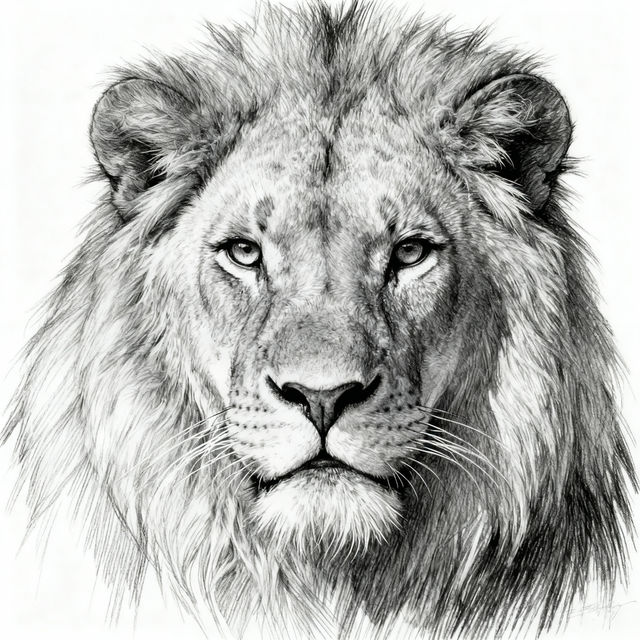
Pencil Animal Drawings - Made With AI
Discover a gallery of lifelike pencil animal drawings created with AI. Get inspired by detailed sketches and create your own unique animal art with NightCafe.
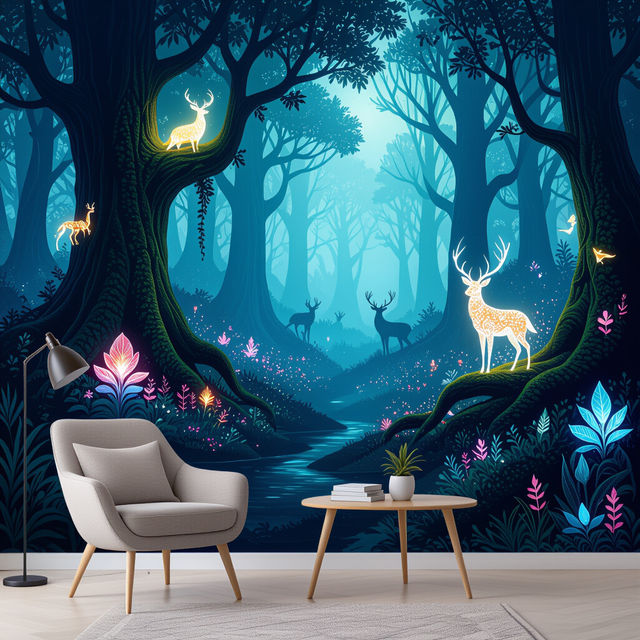
Wallpaper Murals - Made With AI
Explore a vast collection of AI-generated wallpaper murals. Perfect for transforming any room, these unique designs add a touch of artistry and personality to your walls. Create your own today!

Sunflower Images
Discover a vibrant collection of AI-generated sunflower images. Get inspired by unique artistic styles and create your own stunning sunflower art with NightCafe.
Frequently Asked Questions
Answers to Your Questions About AI Image Background Change
How does the AI Image Background Change feature work?
Our advanced AI analyzes your uploaded photo, intelligently identifies the subject, and seamlessly replaces the original background with a new scene you choose. This process creates stunning, contextually relevant visuals in seconds, perfect for various applications like product shots, portraits, and creative compositions.
What kind of photos can I use with the AI Photo Background Editor?
You can use a wide variety of photos! The AI Photo Background Editor is excellent for portraits, product photography, and any image where you want to isolate a subject and place it in a new environment. The AI is designed to handle complex subjects and refine edges for a professional look.
Can I choose the new background for my image?
Yes, you have the flexibility to choose the new background for your image. Our tools allow you to integrate your subject into entirely new environments, giving you creative control over the final visual.
How quickly can I transform my photos with this tool?
Our AI makes background changes a breeze and can transform your photos in seconds. You can achieve professional-grade background editing with unparalleled flexibility, allowing you to isolate subjects, refine edges, and integrate them into new scenes rapidly.