

- Galleries
- Color Edited Images Gallery
AI Image Color Editor
Explore our AI Image Color Editor to effortlessly adjust hues, saturation, and brightness. Enhance your visuals and bring your creative visions to life with powerful AI tools.

As seen in








Color Edited Images Gallery
A showcase of stunning images transformed by AI color editing, demonstrating vibrant adjustments, mood changes, and creative color manipulations.


Didn't find what you were looking for? Create your own below!
Create your own AI Image Color Editor images
Discover the magic of Text to Image AI by creating your own unique images. Edit the prompt below to customize your creation.
No payment or credit card required.

Effortless Color Correction
Edit Your Images With AI Color Tools
Transform ordinary photos into stunning visuals with our intuitive AI Image Color Editor. Easily adjust hues, saturation, and brightness to perfectly match your creative vision. Our advanced algorithms ensure professional-grade results, making it simple to enhance any image with just a few clicks.
Transform Your Photos Instantly
Step 1
Describe Your Desired Edits
Upload the photo you wish to edit and provide a detailed text prompt describing the desired color adjustments. For example, 'Make the sky more vibrant blue and add a warm, golden hour glow to the scene.' Be specific about colors, mood, and any particular effects you want to achieve.
Step 2
Generate Your Color-Transformed Image
Click the 'Generate Edits' button. Our AI will analyze your prompt and the uploaded image to apply the specified color transformations, creating a visually enhanced version of your photo.
Step 3
Download or Refine Your Image
Review the generated image. If you're happy with the result, you can download your newly color-edited masterpiece. Alternatively, you can refine your prompt and generate again, or share your stunning creation with others.

Bring Photos To Life
Enhance Your Photos With AI
Elevate your photography with our powerful AI Photo Enhancer. This tool goes beyond basic edits, intelligently analyzing your images to improve clarity, reduce noise, and boost overall quality. Enhance Your Photos with AI to unlock their full potential and captivate your audience with breathtaking detail and color.
More Galleries
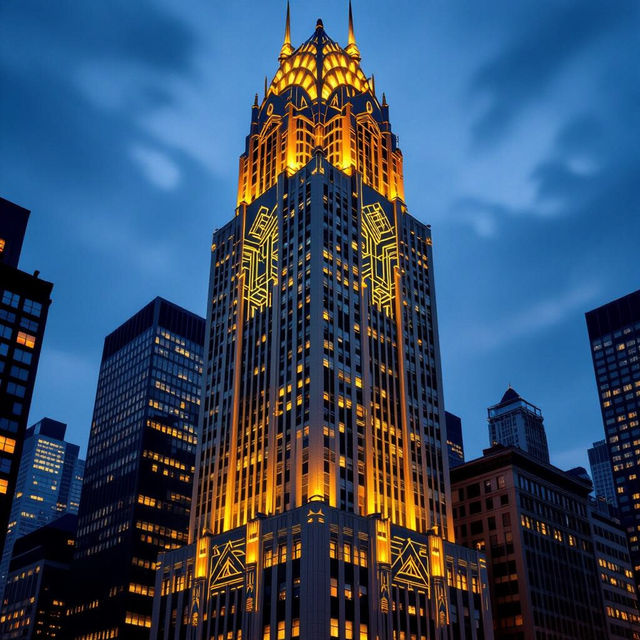
Art Deco Chicago
Discover stunning AI-generated images capturing the essence of Art Deco Chicago. Explore iconic architecture and vibrant cityscapes, then create your own unique visions.
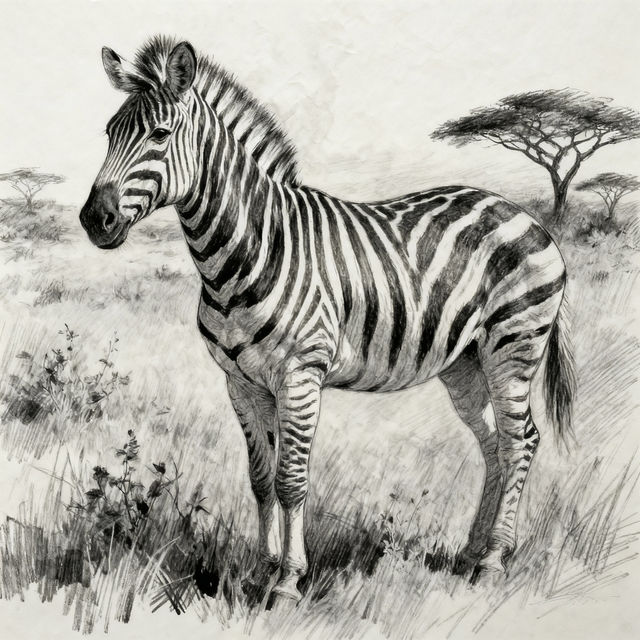
Zebra Drawings
Explore a captivating gallery of AI-generated zebra drawings. Get inspired by unique artistic styles and easily create your own stunning zebra illustrations with NightCafe.
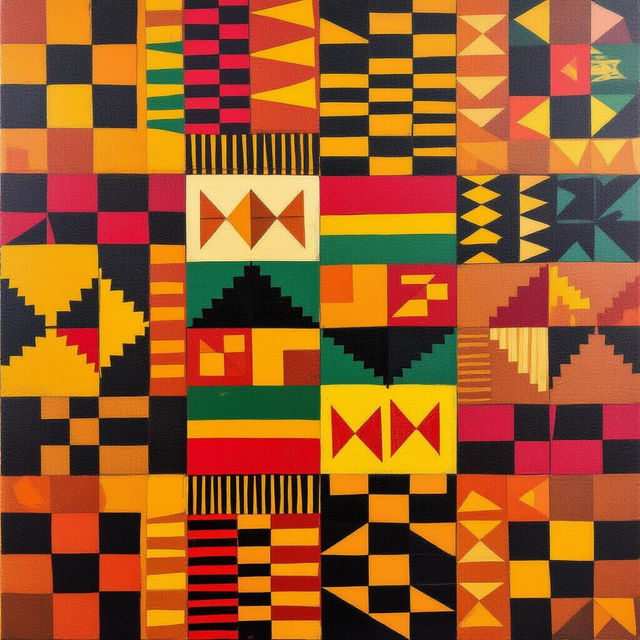
Ghana Art
Discover the rich cultural tapestry of Ghana through AI-generated art. Browse unique pieces inspired by Ghanaian traditions and create your own stunning artwork.
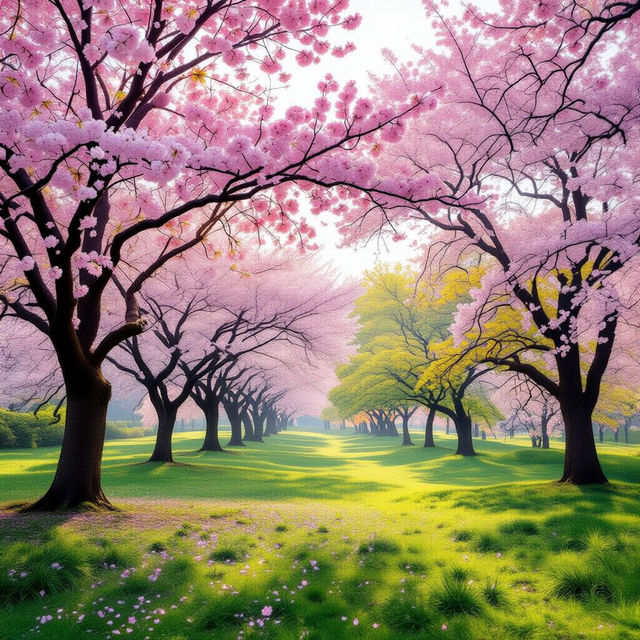
Types Of Cherry Trees With Pictures
Discover various types of cherry trees with stunning AI-generated pictures. Explore Yoshino, Kwanzan, and more. Get inspired to create your own cherry blossom art.
Frequently Asked Questions
Frequently Asked Questions About the AI Image Color Editor
How does the AI Image Color Editor work?
Our AI Image Color Editor uses advanced algorithms to analyze your photos and intelligently adjust hues, saturation, and brightness. You can guide the AI by selecting desired color profiles or making specific adjustments, allowing for professional-grade enhancements with ease.
What kind of images can I use with the AI Image Color Editor?
You can use a wide variety of images, including photographs, digital art, and graphic designs. The AI is designed to enhance different types of visuals, whether you need to correct colors, create a specific mood, or simply make your images more vibrant.
Can I control the level of color editing applied to my images?
Yes, while the AI provides intelligent suggestions, you have control over the editing process. You can fine-tune the adjustments for hue, saturation, and brightness, or choose from various presets to achieve your desired look. Our goal is to provide both powerful automation and granular control.
Will the AI Image Color Editor affect the original quality of my photo?
The AI Image Color Editor is designed to enhance, not degrade, your photo's quality. The AI analyzes your image to improve clarity, reduce noise, and boost overall visual appeal. We ensure that edits are applied in a way that preserves and elevates the original detail and color fidelity.