

- Galleries
- AI Image Masking Examples
AI Image Masking
Discover the power of AI image masking. Browse examples and learn how to create intricate masks for unique visual effects, perfect for artists and designers.

As seen in








AI Image Masking Examples
A curated collection of images demonstrating advanced AI masking techniques, offering inspiration for creative editing and digital art.


Didn't find what you were looking for? Create your own below!
Create your own AI Image Masking images
Discover the magic of Text to Image AI by creating your own unique images. Edit the prompt below to customize your creation.
No payment or credit card required.

Unlock Artistic Potential
Explore Creative Image Masking With AI
Dive into the world of AI image masking and discover how to isolate subjects, create intricate details, and blend elements seamlessly. Our advanced tools empower you to generate unique visual effects, perfect for adding a professional polish to your artistic creations and design projects.
Create Stunning Visuals With AI Image Masking
Step 1
Describe Your Vision & Masking Area
Begin by describing the image you want to create, focusing on the subject and the overall scene. For masking, specify the area or element you want to isolate or modify. The more detail you provide, the better the AI can understand your vision.
Step 2
Generate & Refine Your Image
Click the 'Generate' button to let the AI process your prompt and create the initial image. Once generated, you can refine the mask or make adjustments as needed. Don't hesitate to regenerate if the first attempt isn't quite right.
Step 3
Download & Share Your Masterpiece
Once you're happy with the masked image, you can download it in your desired format. Share your unique creation with the community or use it in your design projects to add a professional touch.

Transform Your Images
Explore AI Image Editing Techniques For Stunning Visuals
Master the art of AI image editing and elevate your visuals to new heights. Explore techniques for selective adjustments, background manipulation, and creative compositing. Whether you're a seasoned artist or a budding designer, our gallery provides inspiration and tools to achieve breathtaking results.
More Galleries
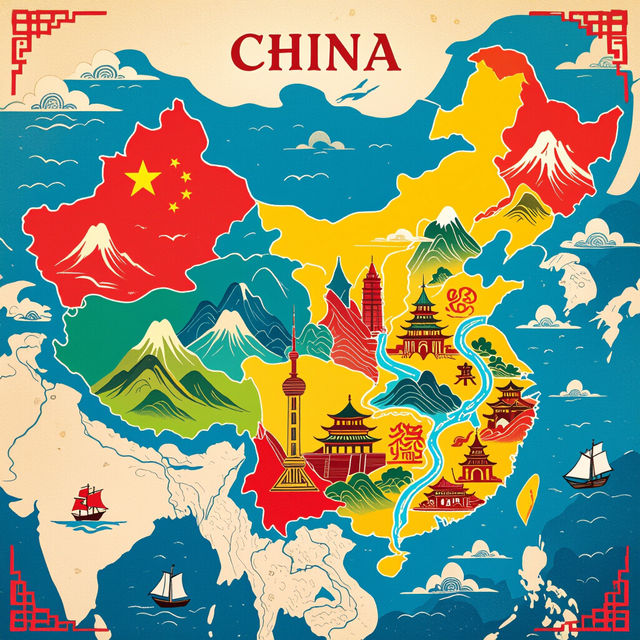
Map Of China Art - AI Generated
Discover stunning AI-generated Map Of China art. Browse unique artistic interpretations and create your own visually striking maps of China with NightCafe's AI.
January Art - Created With AI
Discover stunning AI-generated art perfect for January. Browse unique pieces and create your own winter-themed masterpieces with NightCafe's AI art generator.
Chromatin Pictures - Generated by AI
Discover intricate chromatin pictures created by AI. Explore detailed visualizations of DNA structures and their organization. Generate your own unique chromatin images with NightCafe.
Macbeth Drawing Easy
Explore our gallery of easy Macbeth drawings, perfect for inspiration. Learn how to create your own Shakespearean-themed art with NightCafe's AI drawing tools.
Frequently Asked Questions
Your Questions About AI Image Masking, Answered
What is AI Image Masking and how does it work on NightCafe?
AI Image Masking is a powerful technique that allows you to precisely select and isolate parts of an image. On NightCafe, our AI tools analyze your input to identify subjects, backgrounds, or specific elements, enabling you to apply edits, effects, or create composite images with incredible detail and control. This means you can easily separate a person from their background, modify specific areas, or blend multiple images together seamlessly.
What kind of visual effects can I create using AI Image Masking?
AI Image Masking opens up a world of creative possibilities. You can achieve stunning visual effects such as selective color changes, sophisticated background replacements, artistic blurring or sharpening of specific areas, and seamless integration of different image elements. It's ideal for creating surreal art, enhancing portraits, or producing unique graphic designs.
Is AI Image Masking suitable for both beginners and experienced designers?
Absolutely! Our AI Image Masking tools are designed to be intuitive and accessible. Beginners can leverage the AI's automatic detection to quickly create masks and experiment with effects. Experienced designers will appreciate the fine-tuned control and advanced options for complex compositing and intricate edits, allowing for professional-grade results.
Can I use the images created with AI Image Masking for my projects?
Yes, the images you create using NightCafe's AI Image Masking tools can be used for your personal and commercial projects. Please refer to our Terms of Service for specific details regarding usage rights and attribution requirements.