

- Galleries
- AI Generated Image Outlines
Image Outline Art - Created with AI
Discover the art of image outlines generated by AI. Perfect for graphic design, coloring pages, or unique art projects. Create your own AI image outlines today!

As seen in








AI Generated Image Outlines
A curated gallery showcasing the beauty and versatility of AI-generated image outlines, perfect for artists and designers seeking inspiration or unique graphic elements.


Didn't find what you were looking for? Create your own below!
Create your own Image Outline Art - Created with AI images
Discover the magic of Text to Image AI by creating your own unique images. Edit the prompt below to customize your creation.
No payment or credit card required.

Endless Artistic Possibilities
Explore Stunning AI Image Outlines
Dive into a world of intricate designs with our AI-generated Image Outline art. These clean, precise outlines are perfect for graphic designers, illustrators, and hobbyists looking for a foundation for their next masterpiece. Effortlessly create unique coloring pages, vector graphics, or even stencils.
Generate Your Unique AI Image Outlines
Step 1
Describe Your Outline
Start by describing the subject or scene you envision for your outline in the prompt box. Be specific about the style, complexity, and any key elements you want included. For example, 'a minimalist outline of a roaring lion' or 'a detailed outline of a fantasy castle with intricate turrets'. The more detail you provide, the better the AI can capture your vision.
Step 2
Create Your Outline
Once your prompt is ready, click the 'Generate' button. Our AI will process your description and create a unique image outline based on your input. This may take a few moments, so feel free to explore other options while you wait.
Step 3
Download & Use Your Outline
After the outline is generated, you can download it in a high-resolution format perfect for your projects. Share your unique creation with the community or use it as a base for your next graphic design, coloring page, or art piece!

Simplify Your Design Process
Generate AI Line Art For Creative Projects
Transform your ideas into striking AI Line Art with our advanced generation tools. Whether you need a simple logo element, a complex illustration base, or unique patterns, our platform helps you Generate AI Line Art for Creative Projects efficiently. Unlock new creative avenues for t-shirts, posters, and more.
More Galleries
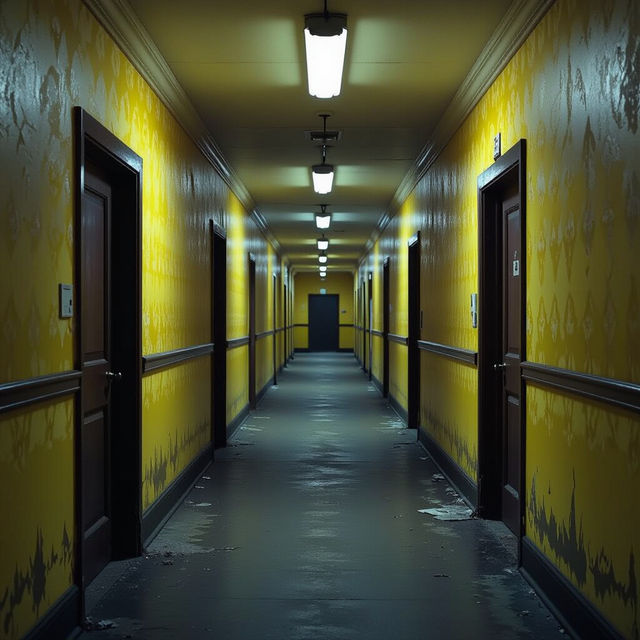
Backrooms Pictures - AI Generated
Discover unsettling and atmospheric Backrooms pictures generated by AI. Explore liminal spaces and find inspiration for your own unique, AI-created Backrooms scenes.
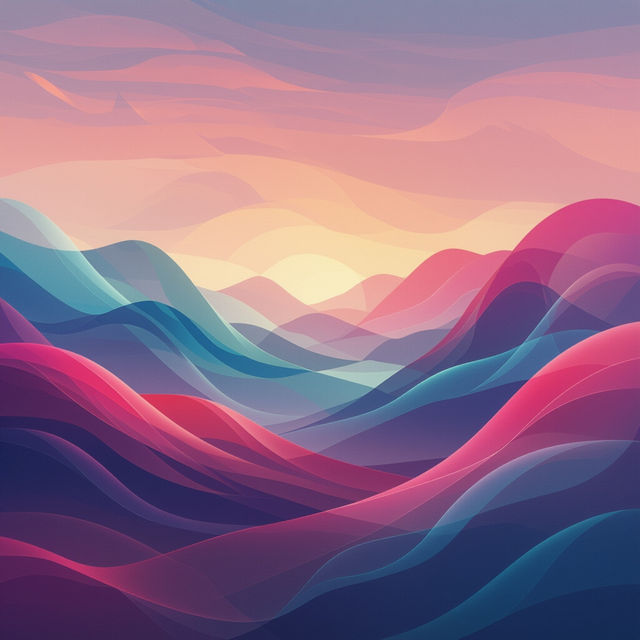
Moving Wallpaper 4k
Explore a breathtaking collection of moving wallpaper 4k. Discover dynamic, high-resolution animated backgrounds to personalize your devices and bring your screens to life.
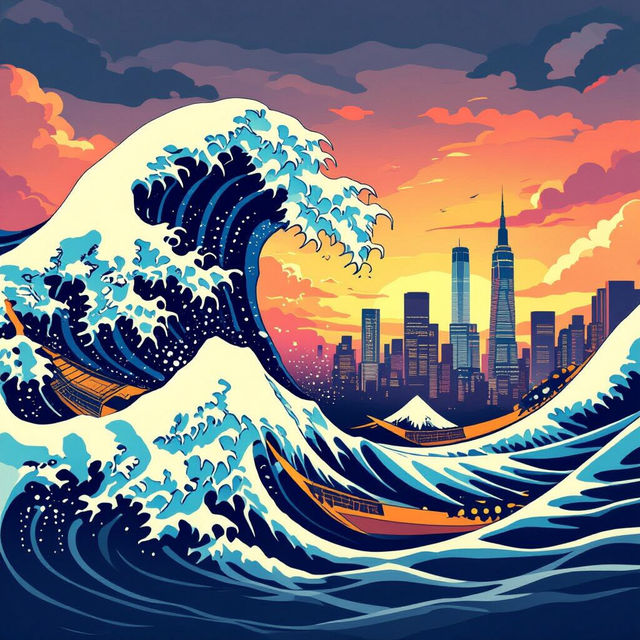
The Great Wave Off Kanagawa Wallpaper
Explore stunning AI-generated wallpapers inspired by The Great Wave Off Kanagawa. Transform your screen with this iconic artwork, reimagined by artificial intelligence.
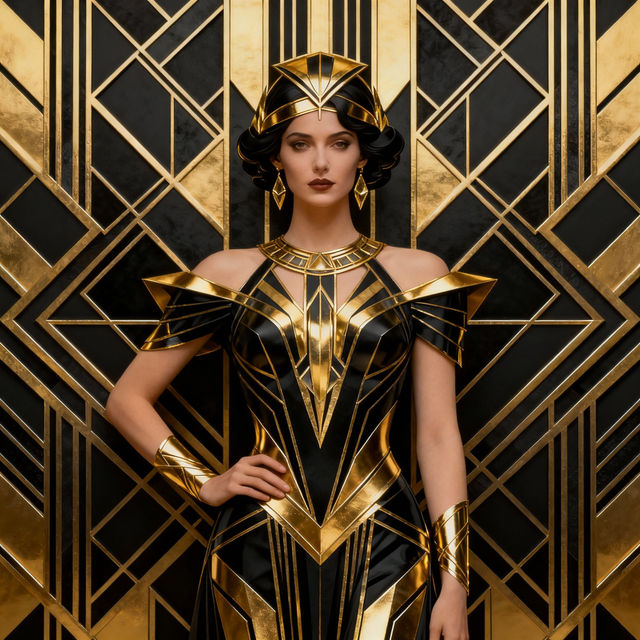
Art Deco Icon
Explore a stunning collection of AI-generated Art Deco icons. Perfect for inspiration or creating your own unique designs with a classic, elegant touch. Get started today!
Frequently Asked Questions
Your Questions About AI Image Outline Art, Answered
What kind of images can I generate outlines for?
You can generate outlines for virtually any subject! Whether you have a specific object, a landscape, an abstract concept, or even a person in mind, our AI can transform it into a clean, precise outline. Think of it as a starting point for your creativity, perfect for everything from simple icons to complex illustrations.
How can I best use these AI-generated outlines in my projects?
These AI image outlines are incredibly versatile. Graphic designers can use them as a base for vector art or logo creation. Illustrators can leverage them for coloring pages or as a foundation for detailed drawings. Hobbyists can experiment with them for stencils, unique patterns, t-shirt designs, poster art, and much more. The clean lines provide a perfect canvas for your artistic vision.
What makes NightCafe's AI Outline Art generator unique?
Our AI Outline Art generator is designed for precision and creativity. It excels at producing clean, well-defined lines that are ideal for a multitude of applications. Unlike basic outline tools, our advanced AI understands complex forms and can generate unique, artistic outlines that capture the essence of your prompt, opening up new avenues for creative projects.
Do I need any special software to use these generated outlines?
While the outlines are generated digitally, their clean format makes them compatible with most standard graphic design and illustration software, such as Adobe Photoshop, Illustrator, GIMP, or Inkscape. You can easily import them and start editing, coloring, or tracing to fit your specific project needs.