

- Galleries
- AI Image Ratio Showcase
AI Image Ratio Examples
Discover how different image ratios impact AI-generated art. Explore examples and learn to control aspect ratios for your creations on NightCafe.

As seen in








AI Image Ratio Showcase
A curated collection of AI-generated images demonstrating the creative possibilities and visual impact of different aspect ratios.


Didn't find what you were looking for? Create your own below!
Create your own AI Image Ratio Examples images
Discover the magic of Text to Image AI by creating your own unique images. Edit the prompt below to customize your creation.
No payment or credit card required.

Visualize Your Vision
Explore Different Aspect Ratios For AI Images
See how the same AI art concept transforms across various image ratio presets. From wide panoramas to classic squares, discover the impact of aspect ratio on composition and storytelling. This gallery showcases diverse examples, helping you choose the perfect frame for your creative ideas.
Create Stunning Images in Any Aspect Ratio
Step 1
Describe Your Vision
Begin by entering a detailed description of the image you envision in the prompt box. Be specific about the subject, style, and any key elements you want to include. For this gallery, experiment with prompts that lend themselves well to different compositions, such as landscapes, portraits, or abstract scenes.
Step 2
Choose Ratio & Generate
After crafting your prompt, select your desired aspect ratio from the available presets. Then, click the "Generate" button. The AI will create an image tailored to your prompt and the chosen ratio, showcasing how composition changes with different frames.
Step 3
Download & Share Your Masterpiece
Once your image is generated, explore the results. Download your favorite creations in high resolution, or share them with the community to inspire others. See how the same prompt looks dramatically different across various aspect ratios!

Control Your Canvas
AI Aspect Ratio Settings For Image Generation
Master the art of AI aspect ratio control. Our gallery demonstrates how specific AI aspect ratio settings for image generation can dramatically alter the final output, influencing focus and aesthetic. Learn to leverage these settings to achieve your desired artistic outcome, from social media posts to print-ready artwork.
More Galleries
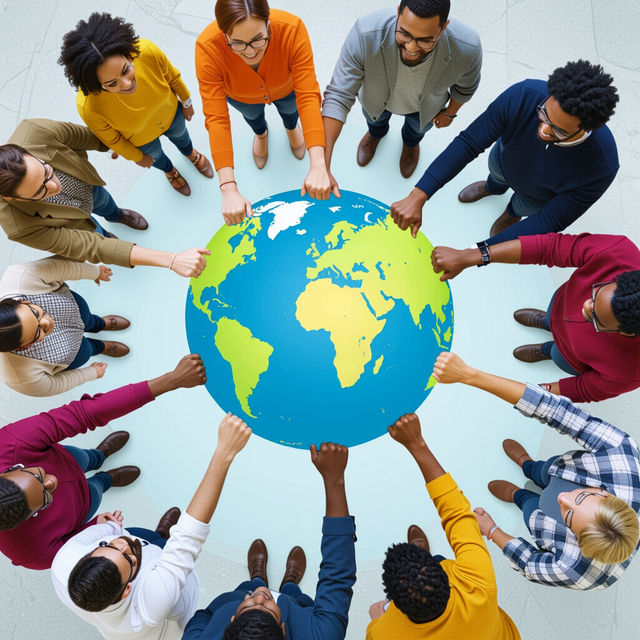
Citizenship Pictures
Explore a diverse collection of citizenship pictures generated by AI. Get inspired by visuals representing global citizenship and then create your own unique images on NightCafe.
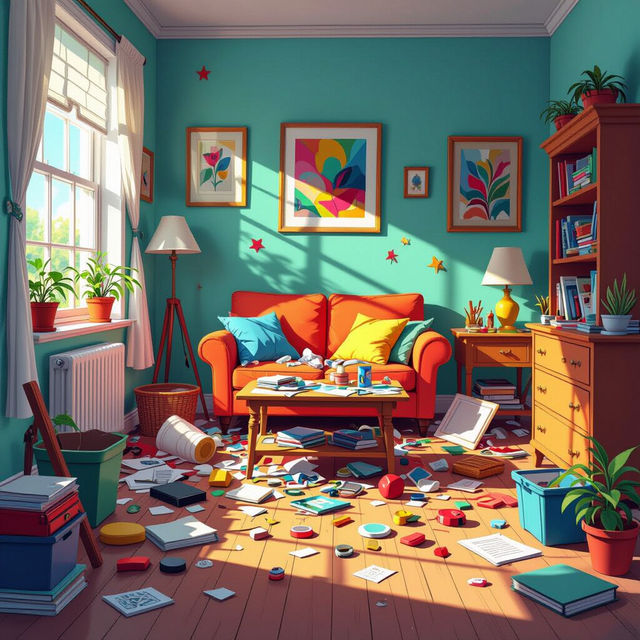
Junk Removal Pictures
Explore a gallery of AI-generated junk removal pictures. Get inspired by creative visuals for decluttering, cleanouts, and organizing your space. See how art can transform the idea of junk.
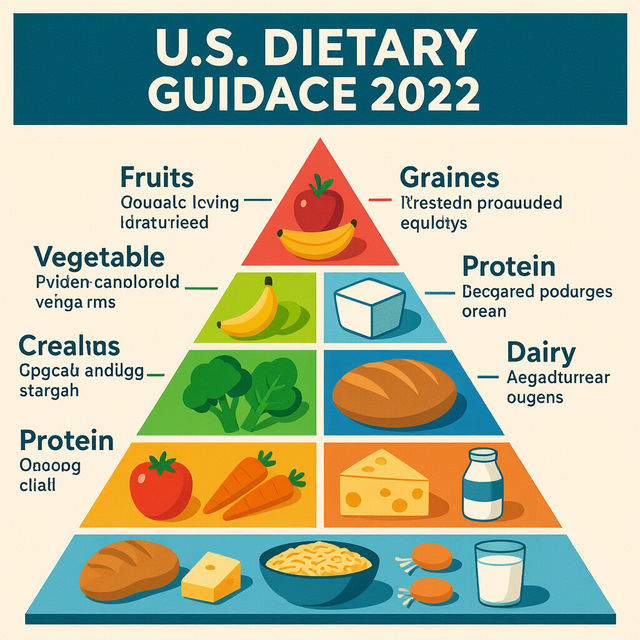
U.S. Dietary Guidance Pyramid 2022 High Quality Image
Explore high-quality AI-generated images of the U.S. Dietary Guidance Pyramid 2022. Understand nutritional guidelines and visualize healthy eating for a balanced lifestyle.
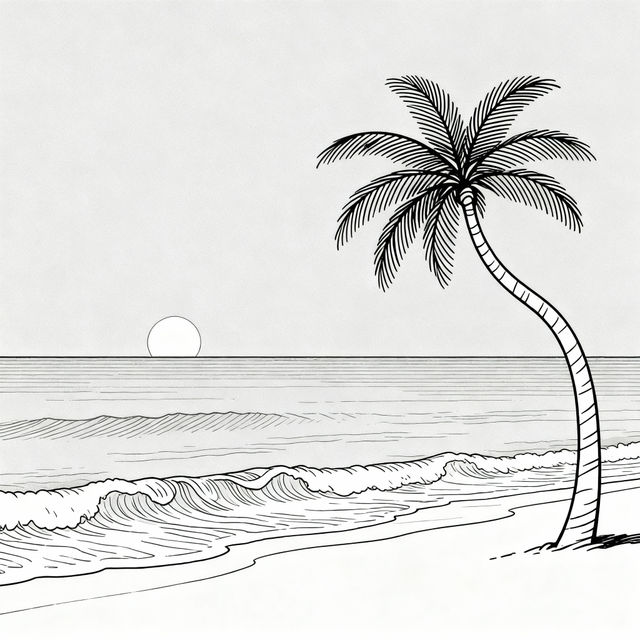
Easy Beach Drawings - Made With AI
Discover simple and beautiful beach drawings created with AI. Perfect for inspiration, learn how to draw easy beach scenes and bring your seaside visions to life.
Frequently Asked Questions
Your Questions About AI Image Ratios, Answered
What is an image ratio and why is it important for AI art?
An image ratio, or aspect ratio, is the proportional relationship between an image's width and its height. For AI art, it's crucial because it dictates the composition, framing, and overall feel of the generated image. Different ratios can emphasize different elements, making them ideal for various platforms or artistic intentions, such as wide landscapes needing a panoramic ratio or profile pictures requiring a square.
How does changing the aspect ratio affect the AI art generation?
Changing the aspect ratio can significantly alter how the AI interprets and renders your prompt. A wider ratio might encourage the AI to generate more expansive scenes or horizontal elements, while a taller ratio might focus on vertical subjects or create a sense of height. It influences how the AI distributes elements within the frame, impacting the composition and the story the image tells.
Can I generate images in custom aspect ratios, or only presets?
NightCafe offers a range of preset aspect ratios to make it easy to get started. You can also often specify custom dimensions or ratios within the generation settings, depending on the specific AI model and interface you are using. This allows for precise control to match your exact needs, whether for social media, print, or other applications.
How do I choose the best aspect ratio for my specific needs?
Consider where your image will be used. For social media feeds, square (1:1) or vertical (like 9:16 for Stories) ratios are common. For website banners or landscapes, wider ratios (like 16:9 or 21:9) work well. If you're unsure, experiment with different ratios using the same prompt to see how the composition changes and which best suits your artistic vision.