

- Galleries
- Memorial Day Image Gallery
Memorial Day Images - Made With AI
Explore a collection of AI-generated images for Memorial Day. Perfect for tributes, social media, or personal reflection. Create your own poignant imagery to honor fallen heroes.

As seen in








Memorial Day Image Gallery
A curated gallery of AI-generated images commemorating Memorial Day, offering visual tributes that honor sacrifice and remembrance with dignity and respect.


Didn't find what you were looking for? Create your own below!
Create your own Memorial Day Images - Made With AI images
Discover the magic of Text to Image AI by creating your own unique images. Edit the prompt below to customize your creation.
No payment or credit card required.

Poignant Tributes, Effortlessly Created
Honor And Remember With AI-generated Memorial Day Art
Create deeply meaningful Images For Memorial Day with our advanced AI. Generate evocative scenes that capture the spirit of remembrance and honor the sacrifices of fallen heroes. Our tools empower you to craft unique, respectful tributes perfect for social media, personal reflection, or memorial services, ensuring every image tells a story of gratitude.
Create Your Memorial Day Tribute in 3 Simple Steps
Step 1
Describe Your Vision
Begin by entering a detailed prompt that describes the Memorial Day tribute you envision. Think about the mood, colors, symbols, and any specific elements you want to include, such as poppies, flags, or scenes of remembrance. The more descriptive your prompt, the more accurately the AI can capture the spirit of your tribute.
Step 2
Generate Your Tribute
Once your prompt is ready, simply click the 'Generate' button. Our AI will process your input and create a unique, poignant image for Memorial Day. Watch as your ideas transform into a visual tribute.
Step 3
Download & Share Your Honor
After your image is generated, you can download it in high resolution to use for social media, personal reflection, or memorial services. Share your creation to honor fallen heroes and spread the message of remembrance.

Craft Unique Memorials Instantly
Generate Memorial Day Art For Tributes
Easily Generate Memorial Day Art for Tributes that resonate with emotion and respect. Our AI makes it simple to produce powerful visuals, from symbolic imagery to heartfelt portraits, allowing you to create unique pieces that honor veterans and fallen soldiers. Share your creations to spread awareness and foster a sense of collective remembrance.
More Galleries
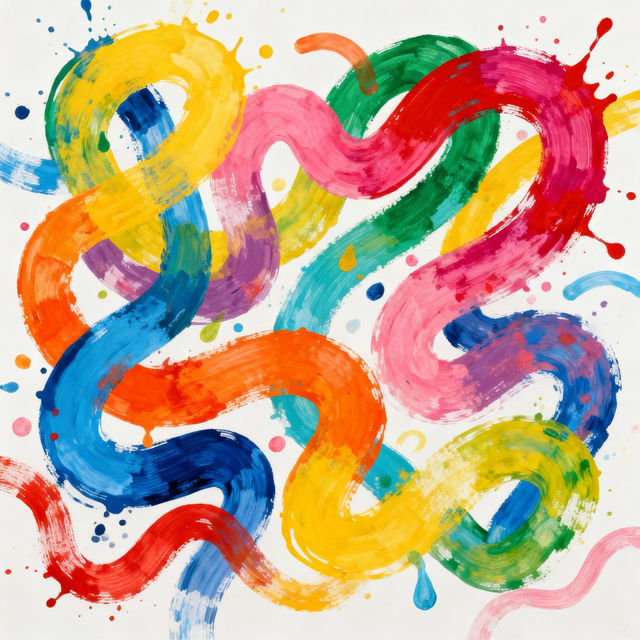
Squiggle Drawings - Made With AI
Discover the whimsical world of squiggle drawings. Browse unique AI-generated art and learn how to create your own playful squiggle designs with NightCafe.
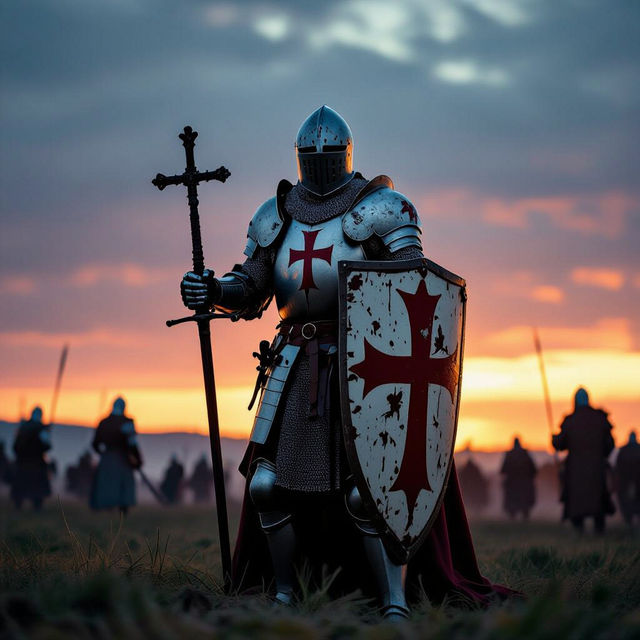
Templar Knight Art - AI Generated
Discover incredible AI-generated Templar Knight art. Browse a gallery of historical and fantasy depictions, then create your own unique Templar Knight artwork with NightCafe.
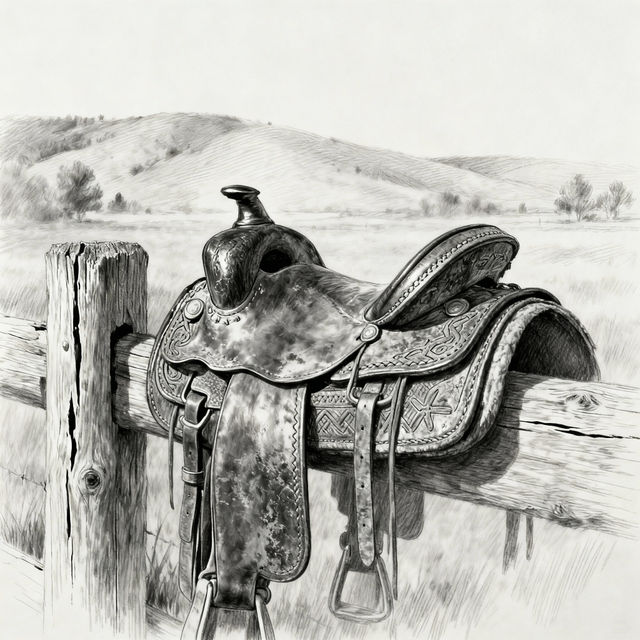
Saddle Drawings - AI Generated Art
Discover a unique collection of saddle drawings created with AI. Perfect for artists and equestrians seeking inspiration. Generate your own saddle art today!
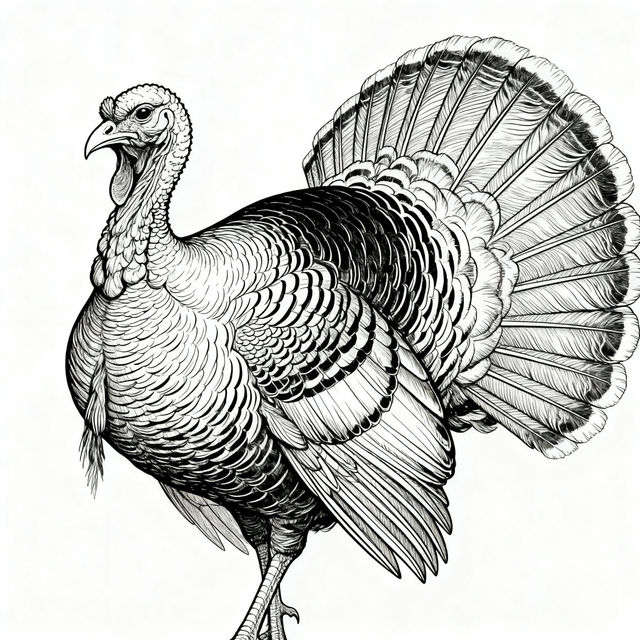
Turkey Line Drawings - AI Generated
Discover intricate turkey line drawings created by AI. Perfect for artists, designers, or anyone seeking unique avian-themed art. Generate your own turkey line art with NightCafe.
Frequently Asked Questions
Frequently Asked Questions about Creating Memorial Day Images
How can I create respectful and meaningful Memorial Day images with NightCafe's AI?
To create respectful Memorial Day images, focus your prompts on themes of remembrance, honor, sacrifice, and gratitude. Use descriptive words that evoke solemnity and respect, such as 'solemn tribute,' 'fallen heroes,' 'eternal flame,' 'poppy field,' or 'quiet reflection.' Avoid overly celebratory or casual language. Our AI models can generate powerful visuals when guided with sensitive and appropriate prompts.
What types of AI models are best suited for generating Memorial Day art?
NightCafe offers several AI models that can be used for generating Memorial Day art. Models like Stable Diffusion and Imagen are excellent for creating detailed and evocative scenes. For more symbolic or abstract representations, you might explore other models. Experimenting with different models and styles will help you find the best fit for the specific tone and message you wish to convey in your tribute.
Can I use the Memorial Day images I create for social media or personal tributes?
Yes, the AI-generated images you create on NightCafe can be used for social media posts, personal reflection, or to share as tributes. Ensure your creations are respectful and honor the spirit of Memorial Day. You can share these images to spread awareness, foster remembrance, and express gratitude for the sacrifices made.
What if I'm not getting the results I expect for my Memorial Day images?
If your generated images aren't quite right, try refining your prompts. Be more specific about the elements you want to include or exclude. Experiment with different artistic styles, aspect ratios, and negative prompts (things you *don't* want to see). Sometimes, adjusting the 'creativity' or 'guidance scale' settings can also yield better results. Reviewing the gallery for inspiration from other users' successful prompts can also be very helpful.