

- Galleries
- Cute iPad Wallpaper Gallery
Cute iPad Wallpapers
Discover and create the most adorable iPad wallpapers! Our AI generates charming and cute designs perfect for your device. Get inspired and personalize your iPad today.

As seen in








Cute iPad Wallpaper Gallery
Explore a delightful gallery of AI-generated cute iPad wallpapers. Find the perfect adorable background to personalize your device with charm and style.


Didn't find what you were looking for? Create your own below!
Create your own Cute iPad Wallpapers images
Discover the magic of Text to Image AI by creating your own unique images. Edit the prompt below to customize your creation.
No payment or credit card required.

Charm Your Screen Instantly
Adorable AI-generated Ipad Backgrounds
Transform your iPad into a delightful digital companion with our collection of adorable AI-generated backgrounds. Each design is crafted to bring a smile to your face, featuring charming characters and whimsical scenes. Find the perfect Cute Ipad Wallpaper to express your unique style and brighten your everyday device.
Create Your Dreamy iPad Wallpaper
Step 1
Describe Your Adorable Vision
Describe the cute and adorable iPad wallpaper you envision! Be specific about colors, characters, themes (like animals, fantasy, or nature), and the overall mood you're aiming for. For example, try 'fluffy cat wearing a tiny crown, surrounded by pastel stars, kawaii style' or 'whimsical forest scene with glowing mushrooms and friendly sprites'.
Step 2
Generate Your Cute Wallpaper
Once your prompt is ready, simply click the 'Generate' button. Our AI will work its magic to transform your words into a charming and unique iPad wallpaper.
Step 3
Download & Share Your Creation
Explore the adorable wallpapers created just for you! Download your favorite designs to adorn your iPad or share them with friends and our community to spread the cuteness.

Cute Designs, Effortlessly
Generate Kawaii Ipad Backgrounds With AI
Dive into a world of irresistible cuteness and Generate Kawaii iPad Backgrounds with AI. Our platform makes it simple to create charming, vibrant visuals that are perfect for personalizing your device. Express your love for all things kawaii with unique, eye-catching designs that stand out.
More Galleries

Macbeth Art - AI Generated
Discover a collection of AI-generated Macbeth art, bringing Shakespeare's tragic play to life with stunning visuals. Explore iconic scenes and characters, then create your own interpretations.

Neon Baseball Wallpaper
Explore a stunning gallery of neon baseball wallpapers, perfect for sports fans and art lovers. Generate your unique neon baseball designs with AI on NightCafe.
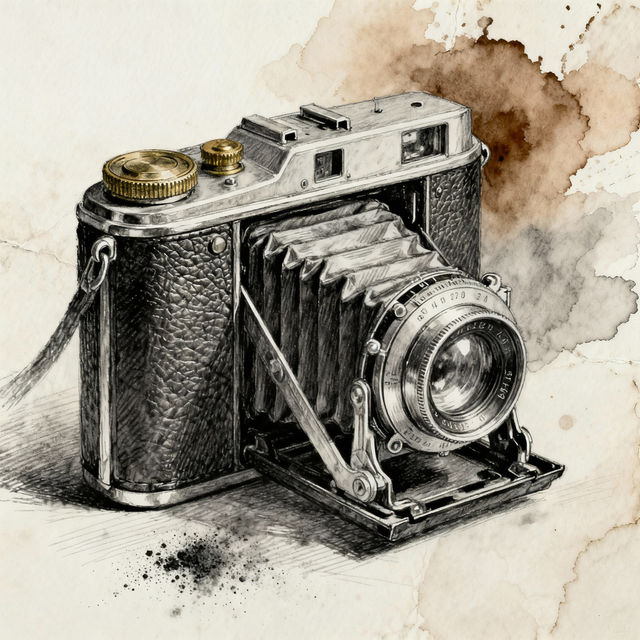
Camera Sketch Art - Made With AI
Discover unique camera sketch art created by AI. Browse inspiring examples and learn how to generate your own artistic camera sketches with NightCafe.
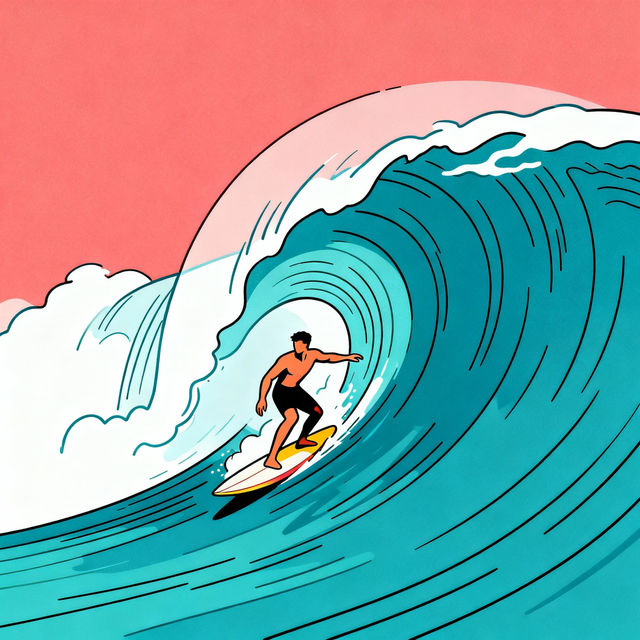
Surfing Drawings - AI Generated
Discover unique surfing drawings created by AI. Get inspired by dynamic wave art and beach scenes, then generate your own surfing masterpieces with NightCafe.
Frequently Asked Questions
Your Questions About Cute iPad Wallpapers, Answered!
How can I create the cutest iPad wallpaper with the AI?
To create the most adorable iPad wallpaper, start with a descriptive prompt. Think about the characters, objects, or scenes you find cute (e.g., 'fluffy kitten wearing a tiny hat,' 'pastel-colored magical forest,' 'kawaii sushi characters dancing'). You can also specify styles like 'chibi art,' 'cartoon,' 'watercolor,' or 'soft anime' to enhance the cuteness factor. Experiment with different keywords to see what delightful results you get!
What makes these wallpapers 'cute' or 'kawaii'?
Our AI is trained on a vast dataset that includes many examples of 'cute' and 'kawaii' aesthetics. This means it understands common visual elements associated with these styles, such as soft colors, rounded shapes, large eyes, charming characters, whimsical themes, and generally positive or endearing imagery. You can further guide the AI by using keywords like 'adorable,' 'charming,' 'sweet,' 'playful,' or specific cute character types in your prompts.
Can I use these AI-generated wallpapers on my iPad?
Absolutely! The wallpapers generated through our platform are designed to be used on your iPad. Once you create an image you love, you can typically download it and set it as your device's background through your iPad's settings. We recommend checking the resolution and aspect ratio to ensure a perfect fit for your specific iPad model.
How do I ensure the wallpaper fits my iPad screen perfectly?
While the AI aims to create visually appealing images, perfect screen fit can sometimes require minor adjustments. When generating, try to include terms related to aspect ratio if possible (though this is model-dependent). After downloading, your iPad's wallpaper settings usually offer options to 'fit,' 'fill,' or 'center' the image, allowing you to adjust it to your preference.