

- Galleries
- iPhone 14 Plus Wallpaper Gallery
iPhone 14 Plus Wallpapers
Discover and create breathtaking AI-generated wallpapers specifically designed for your iPhone 14 Plus. Elevate your device's look with custom art.

As seen in








iPhone 14 Plus Wallpaper Gallery
Explore a curated collection of AI-generated wallpapers perfect for the iPhone 14 Plus. Find unique designs to personalize your phone.


Didn't find what you were looking for? Create your own below!
Create your own iPhone 14 Plus Wallpapers images
Discover the magic of Text to Image AI by creating your own unique images. Edit the prompt below to customize your creation.
No payment or credit card required.

Elevate Your Device's Style
Stunning AI Art For Your Iphone 14 Plus
Transform your iPhone 14 Plus with unique, AI-generated art. Our collection offers a diverse range of styles, from abstract patterns to breathtaking landscapes, all optimized to be the perfect Iphone 14 Plus Wallpaper. Discover art that truly reflects your personality and makes your device stand out.
Create Your Perfect iPhone 14 Plus Wallpaper
Step 1
Describe Your Dream Wallpaper
Start by describing the wallpaper you envision in the prompt box. Be specific about colors, themes, styles (e.g., abstract, landscape, minimalist), and any elements you'd like to see. The more detail you provide, the better the AI can capture your idea for your iPhone 14 Plus.
Step 2
Generate Your Custom Wallpaper
Once your prompt is ready, click the 'Generate' button. Our AI will process your description and create a unique, high-resolution wallpaper tailored for your iPhone 14 Plus.
Step 3
Download & Share Your Creation
After generation, preview your new wallpaper. You can then download it directly to your device or share it with friends and the community to inspire others!

Your Vision, AI's Canvas
Generate Unique Iphone 14 Plus Backgrounds With AI
Unleash your creativity and Generate Unique iPhone 14 Plus Backgrounds with AI. Explore endless possibilities with our advanced AI models to craft personalized iPhone 14 Plus Backgrounds. Whether you seek minimalist designs or intricate illustrations, our platform empowers you to create the perfect backdrop for your digital life.
More Galleries

Pictures of Pollution - Created with AI
Explore powerful AI-generated pictures of pollution, highlighting environmental issues. Generate your own impactful visuals to raise awareness and inspire change on NightCafe.
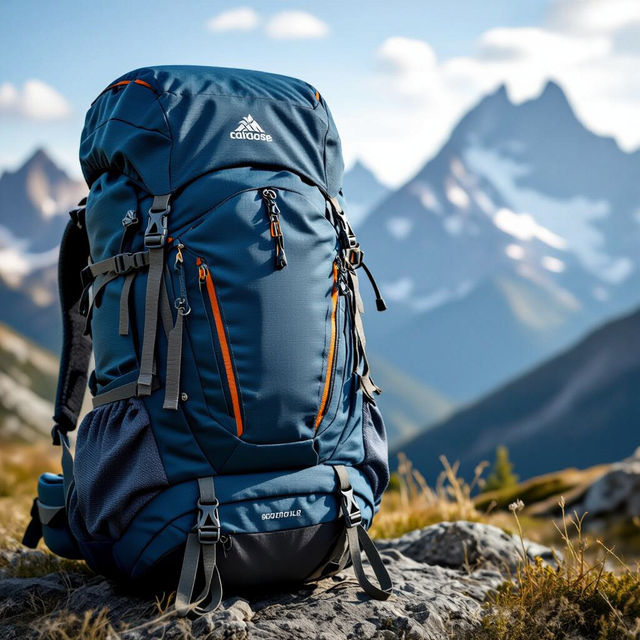
Backpack Images - Created With AI
Discover a diverse gallery of unique backpack images created with AI. Find inspiration for your next adventure or design your own custom backpack art on NightCafe.
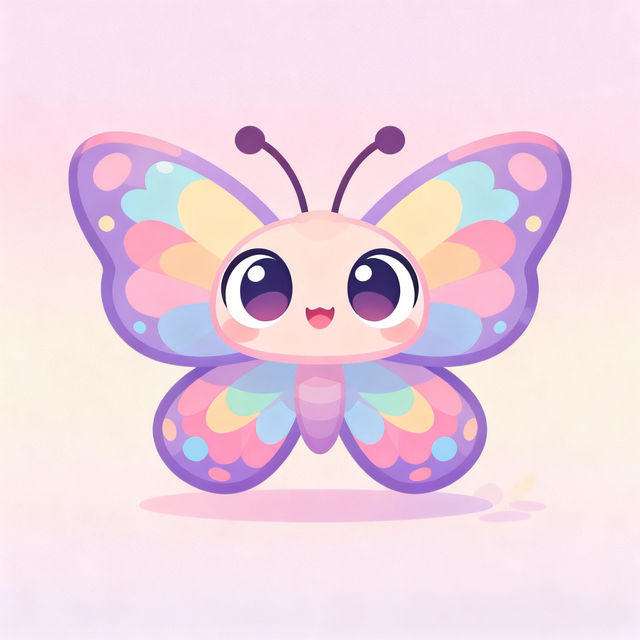
Butterfly Cartoon Drawings - Made With AI
Explore a vibrant gallery of AI-generated butterfly cartoon drawings. Get inspired by unique artistic styles and create your own charming butterfly cartoons with NightCafe.
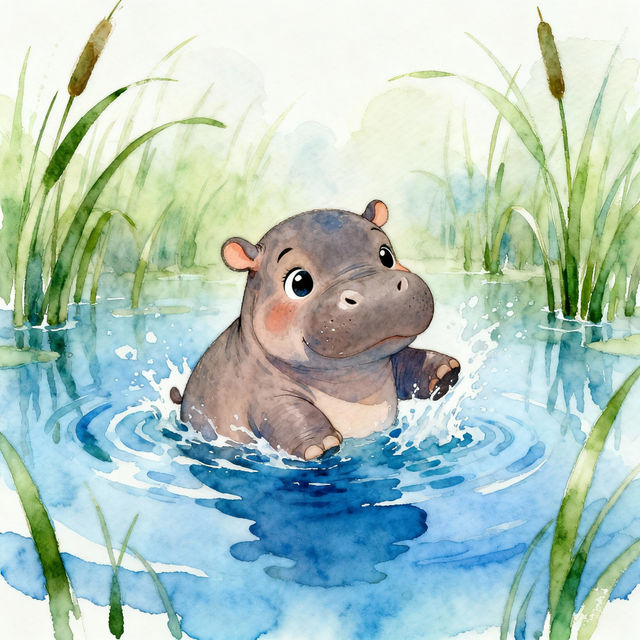
Baby Hippo Drawings - Made With AI
Explore a charming gallery of baby hippo drawings created by AI. Get inspired by these delightful illustrations and generate your own adorable baby hippo art on NightCafe.
Frequently Asked Questions
Your Questions About iPhone 14 Plus AI Wallpapers, Answered
How do I ensure the AI-generated wallpapers fit my iPhone 14 Plus perfectly?
Our AI models are trained to generate art that is optimized for common device screen resolutions, including the iPhone 14 Plus. When generating, you can often specify aspect ratios or even use prompts that hint at 'phone wallpaper' to guide the AI towards suitable dimensions. You can also crop and adjust the final image within your phone's settings to achieve the perfect fit.
What styles of wallpapers can I create for my iPhone 14 Plus?
You can create a vast array of styles! From abstract and geometric patterns to serene landscapes, vibrant illustrations, minimalist designs, and intricate artistic creations. Our AI models are versatile, allowing you to explore numerous aesthetic directions to find a wallpaper that truly matches your personal taste and your iPhone 14 Plus.
Can I generate custom iPhone 14 Plus wallpapers based on specific themes or ideas?
Absolutely! The power of AI art generation lies in its customizability. You can use descriptive prompts to guide the AI. For example, try prompts like 'serene blue ocean landscape, minimalist style, iPhone 14 Plus wallpaper' or 'abstract geometric pattern, vibrant neon colors, for phone background.' The more detail you provide, the closer the AI can get to your vision.
Are there any tips for writing prompts to get the best iPhone 14 Plus wallpaper results?
For the best results, be specific! Include keywords related to the subject matter (e.g., 'mountains,' 'cityscape,' 'galaxy'), the desired style (e.g., 'watercolor,' 'photorealistic,' 'cyberpunk'), mood (e.g., 'calm,' 'energetic,' 'mysterious'), and color palette. Explicitly mentioning 'phone wallpaper' or 'iPhone 14 Plus wallpaper' in your prompt can also help the AI understand the intended use and dimensions.