

- Galleries
- Blurry Top iPhone Wallpapers
iPhone Wallpaper Blurry At Top
Discover unique iPhone wallpapers with a blurry top effect. Perfect for creating a subtle, artistic look for your device. Generate your own custom blurry top wallpaper now!

As seen in








Blurry Top iPhone Wallpapers
Explore a curated collection of AI-generated iPhone wallpapers featuring a distinctive blurry effect at the top, adding a stylish and artistic touch to your mobile screen.


Didn't find what you were looking for? Create your own below!
Create your own iPhone Wallpaper Blurry At Top images
Discover the magic of Text to Image AI by creating your own unique images. Edit the prompt below to customize your creation.
No payment or credit card required.

Artistic And Subtle Effects
Blurry Top Iphone Wallpapers
Elevate your device's aesthetic with our collection of AI-generated iPhone wallpapers featuring a distinct blurry top effect. This subtle artistic touch ensures your icons and notifications remain clear while the background offers a soft, dreamlike quality. Explore unique designs perfect for a refined and personal look.
Create Your Custom Blurry Top Wallpaper
Step 1
Describe Your Ideal Wallpaper
To begin, enter a descriptive prompt in the text field. Think about the colors, themes, or moods you want for your wallpaper. For example, you could try "serene forest with a misty top," "vibrant city skyline at dusk, blurry top," or "abstract pastel swirls, soft focus above."
Step 2
Generate Your Wallpaper
After crafting your prompt, simply click the "Generate" button. Our AI will process your description and create a unique wallpaper with the desired blurry top effect.
Step 3
Download & Personalize
Once your wallpaper is ready, you can download it to your device. Feel free to share your creation with friends or use it to personalize your iPhone's look!

Personalize Your Phone's Look
Create Your Own Blurry Background Wallpaper
Take control of your device's style by generating your very own custom blurry background wallpaper. Our intuitive AI tools allow you to create unique visuals with a perfectly blended blurry effect, ensuring your home screen is as stylish and personal as you are. Create Your Own Blurry Background Wallpaper with ease.
More Galleries
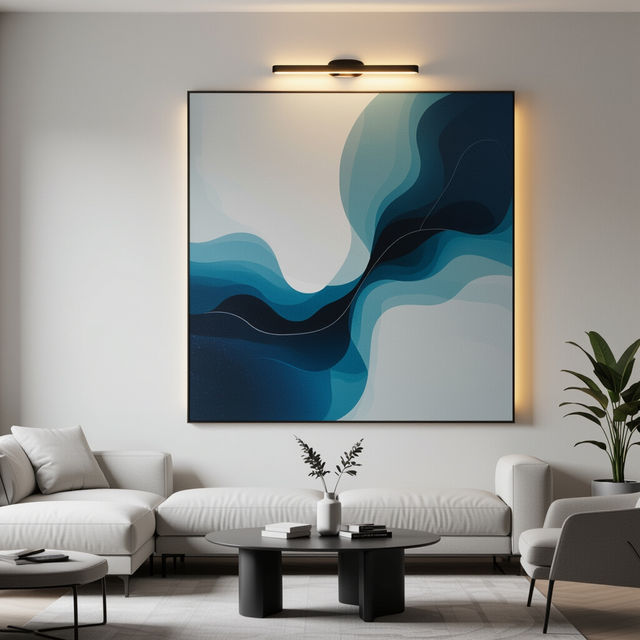
Wall Picture Lights - AI Generated
Discover AI-generated wall picture lights that add ambiance and style to any room. Browse unique designs and create your own perfect light for artwork.
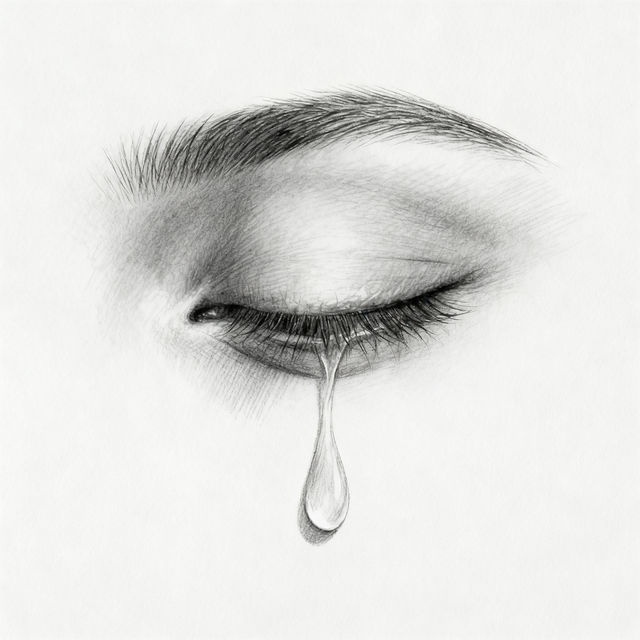
Easy Sad Drawings
Explore a gallery of easy sad drawings perfect for expressing complex emotions. Use our AI tools to create your own poignant and simple artwork, capturing melancholy with ease.
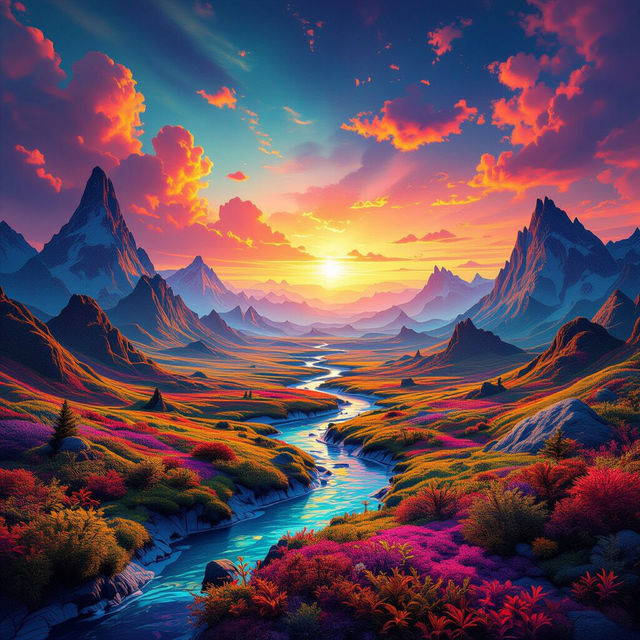
AI Wallpapers
Explore a vast collection of unique AI-generated wallpapers. Find the perfect background for your device and unleash your creativity with our AI wallpaper generator.
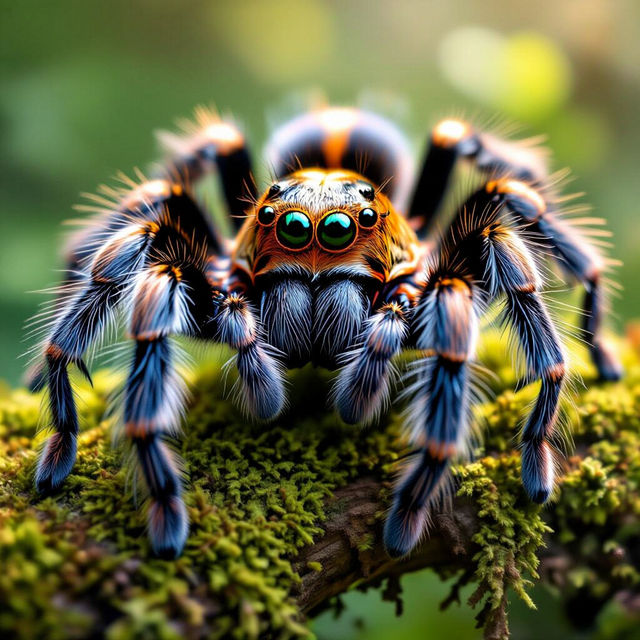
Spider Pictures - Made With AI
Discover a captivating gallery of AI-generated spider pictures. From realistic to fantastical, find inspiration for your next arachnid-themed creation. Create your own spider art on NightCafe.
Frequently Asked Questions
Frequently Asked Questions about Blurry Top iPhone Wallpapers
What makes these iPhone wallpapers unique?
These wallpapers are uniquely generated by AI and feature a distinct blurry effect at the top. This design choice ensures that your icons and notifications remain sharp and readable, while the background provides a soft, artistic aesthetic. It's a subtle yet impactful way to personalize your device.
How can I create my own custom blurry top wallpaper?
You can easily create your own custom blurry top wallpaper using our intuitive AI tools. Simply provide a description of the style, colors, and theme you desire, and our AI will generate a unique wallpaper with the perfect blurry effect at the top, tailored to your preferences.
Will the blurry top affect the clarity of my app icons and notifications?
No, the blurry effect is specifically designed to be at the very top of the wallpaper. This ensures that your icons, widgets, and notifications, which typically appear in the lower and middle sections of your screen, remain perfectly clear and legible.
Can I generate wallpapers with different types of blurry effects?
Our AI generation tools offer flexibility. While the gallery focuses on a 'blurry top' effect, you can experiment with different prompts to achieve various levels and styles of blur, or even explore other unique background effects to suit your taste.