

- Galleries
- Colorful Jelly Art Style Creations Gallery
Jelly Art Style & Inspiration
Explore the mesmerizing world of Jelly Art Style. Dive into our gallery of Colorful Jelly Art Style Creations, offering Jelly Art Style & Inspiration for your next artistic endeavor.

As seen in








Colorful Jelly Art Style Creations Gallery
A vibrant collection of AI-generated images in the colorful jelly art style. Explore a diverse range of themes and compositions, perfect for sparking your creativity and artistic vision.


Didn't find what you were looking for? Create your own below!
Create your own Jelly Art Style & Inspiration images
Discover the magic of Text to Image AI by creating your own unique images. Edit the prompt below to customize your creation.
No payment or credit card required.

Unique Artistic Inspiration
Jelly Art Style & Inspiration
Immerse yourself in the captivating world of Jelly Art Style. Our gallery showcases Colorful Jelly Art Style Creations, offering a diverse range of vibrant and translucent designs. Find the perfect inspiration to elevate your next project with the unique charm and delicate beauty of Jelly Art Style.
Create Your Colorful Jelly Art
Step 1
Describe Your Vision
Start by entering a detailed description of your desired jelly art in the prompt box. Specify the colors, shapes, and overall style you envision. The more details you provide, the better the AI can capture your artistic vision.
Step 2
Generate Your Art
Once you've crafted your perfect prompt, click the 'Generate' button. Our AI will then transform your words into a stunning jelly art creation, bringing your colorful vision to life.
Step 3
Download and Share
After your jelly art is generated, you can download it in high resolution. Feel free to share your unique creation with friends, family, or the NightCafe community to showcase your artistic flair!

Unlock Your Creativity
Generate Mesmerizing Gelatin Art
Unleash your creativity with our AI-powered Gelatin Art generator. Effortlessly Generate Mesmerizing Gelatin Art pieces that capture the imagination. From delicate floral arrangements to intricate abstract designs, explore the endless possibilities of this unique art form and create stunning visual masterpieces.
More Galleries
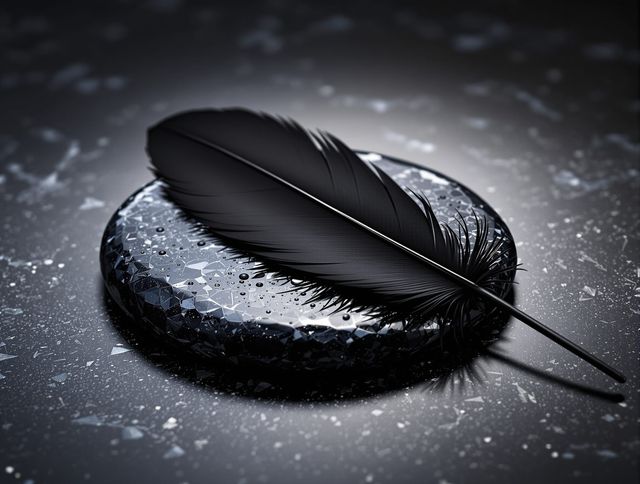
Black Picture & Backgrounds
Explore the elegance of minimalist design with our collection of Black Picture & Backgrounds. These striking visuals are perfect for adding a touch of sophistication to any project. Discover the beauty of a simple Black Picture.
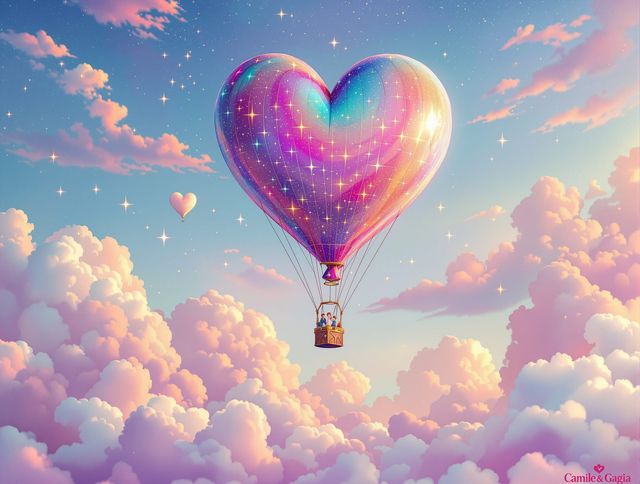
Heart Wallpaper & Backgrounds
Explore a world of romance with our Heart Wallpaper collection. Discover stunning Romantic Heart Wallpaper Designs and backgrounds to personalize your devices with love.
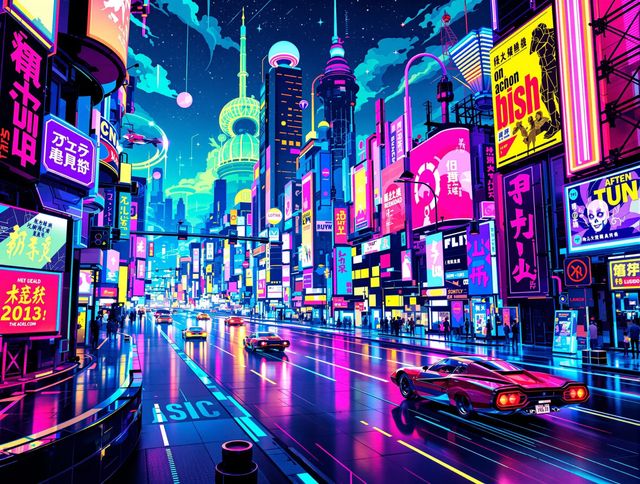
Y2k Drawings & Retro Art
Explore Retro Y2k Drawing Styles And Inspirations. Dive into the vibrant world of Y2k Drawings & Retro Art. Discover unique Y2k Drawings and learn how to create your own retro-inspired masterpieces.
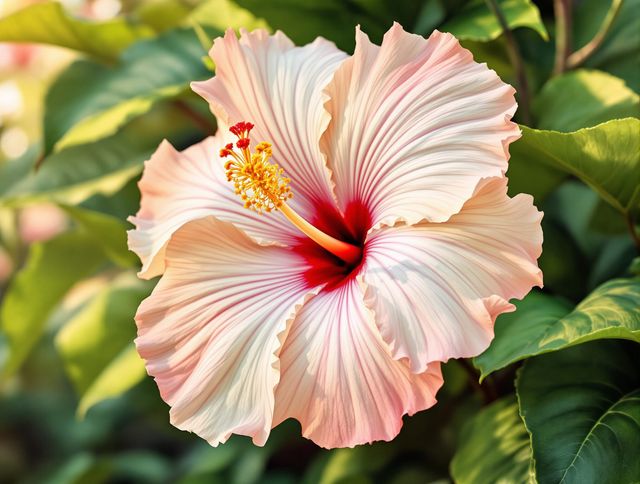
Hibiscus Drawing & Art
Explore Tropical Hibiscus Drawing Tutorials And Art. Unleash your creativity with stunning Hibiscus Drawing & Art. Perfect your Hibiscus Drawing skills with our AI-generated gallery.
Frequently Asked Questions
Everything You Need to Know About Colorful Jelly Art Style Creations
What exactly is Colorful Jelly Art Style?
Jelly Art Style uses layers of translucent colors to create depth and dimension, mimicking the appearance of objects suspended in gelatin. Our AI tools allow you to experiment with this unique style, generating vibrant and mesmerizing digital artworks.
How can I create the best Colorful Jelly Art Style images?
To get the best results, start with a clear concept. Use descriptive keywords in your prompt that specify the colors, shapes, and overall composition you envision. Experiment with different AI models and style settings within NightCafe to achieve the desired effect. The more you iterate, the closer you'll get to your perfect Jelly Art creation.
Can I customize the colors and patterns in the Jelly Art Style?
Yes, NightCafe's AI tools allow for a high degree of customization. You can control color palettes, the complexity of the design, and even the simulated 'density' of the gelatin. Experiment with different prompts and settings to achieve your desired look.
Can I combine Jelly Art Style with other art styles?
While the AI specializes in generating images in the Jelly Art Style, you can certainly introduce elements from other art forms. Try combining it with watercolor techniques, abstract expressionism, or even photorealistic elements for a truly unique and unexpected result. Just remember to clearly define your desired combination in your prompt.
What if I'm not happy with the AI-generated Jelly Art Style image?
If you're not satisfied with the initial results, try refining your prompt. Be more specific with your descriptions, adjust the style settings, or try a different AI model. You can also use the 'Evolve' feature to generate variations of your existing image, tweaking it until you achieve your vision.