

- Galleries
- AI Judicial Drawings
Judicial Drawings - AI Generated
Discover a gallery of unique judicial drawings created with AI. Get inspired by legal illustrations and generate your own courtroom art with NightCafe's advanced tools.

As seen in








AI Judicial Drawings
A curated collection of AI-generated judicial drawings, perfect for inspiration in legal art, courtroom sketches, and educational purposes.


Didn't find what you were looking for? Create your own below!
Create your own Judicial Drawings - AI Generated images
Discover the magic of Text to Image AI by creating your own unique images. Edit the prompt below to customize your creation.
No payment or credit card required.

Witness Legal Brilliance
Explore AI-generated Judicial Art
Dive into a curated collection of striking judicial drawings, all brought to life by cutting-edge AI. Our gallery showcases the intricate details and dramatic flair possible in legal illustrations, offering a unique glimpse into AI's creative potential within this specialized field. Get inspired by these AI-generated masterpieces.
Create Your Own Judicial Drawings
Step 1
Describe Your Legal Scene
Begin by describing the judicial scene or legal concept you envision in the prompt box. Be specific about the courtroom setting, the characters involved, the mood, and any symbolic elements you wish to include. The more detail you provide, the better the AI can capture your vision.
Step 2
Generate Your Drawing
After crafting your prompt, click the 'Generate' button. The AI will process your description and create a unique judicial drawing based on your specifications.
Step 3
Download or Share Your Artwork
Once your AI-generated judicial drawing is complete, you can download it in high resolution or share it with the NightCafe community. Showcase your legal art and inspire others!

Craft Your Courtroom Vision
Generate Legal Art With AI Tools
Empower your creativity with our intuitive AI tools designed for legal art generation. Transform your ideas into compelling visuals, whether for personal projects, educational purposes, or artistic exploration. Experience the ease and power of generating unique legal art that captures the essence of justice and law.
More Galleries
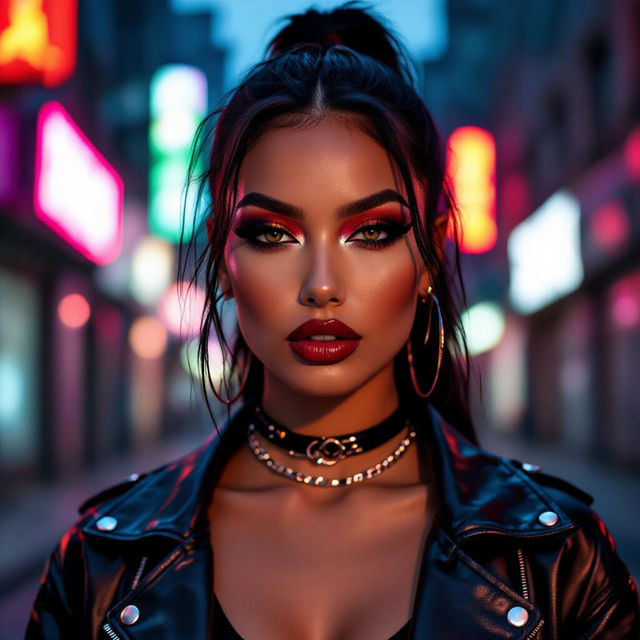
Baddie Wallpaper Aesthetic
Discover and create the ultimate baddie wallpaper aesthetic. Our AI generates edgy, stylish, and captivating wallpapers perfect for your device. Get inspired and design your unique look.
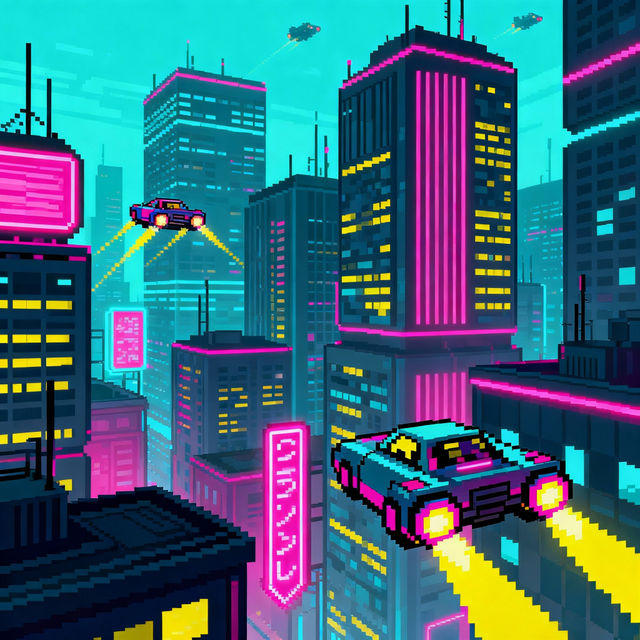
Reddit Pixel Art
Explore a vibrant gallery of Reddit pixel art, created with AI. Find inspiration for your next pixel art project or generate your own unique pieces with NightCafe.
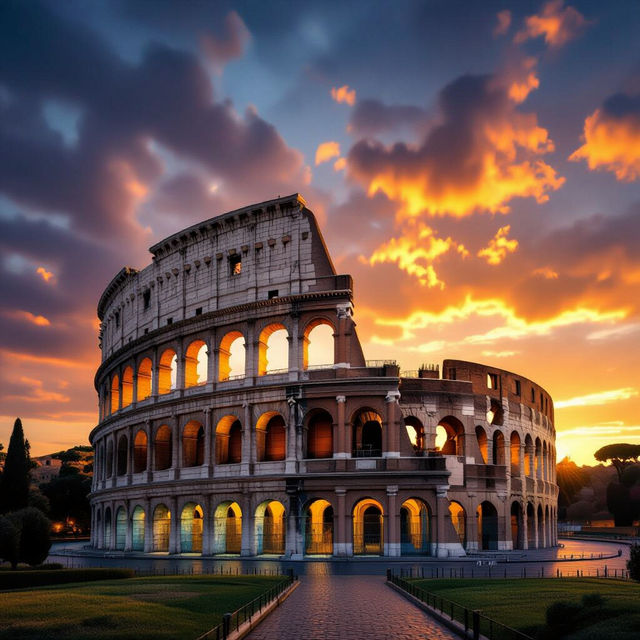
Rome Italy Pictures - AI Generated
Explore breathtaking AI-generated pictures of Rome, Italy. Discover iconic landmarks and vibrant street scenes, then create your own unique Rome images with NightCafe.
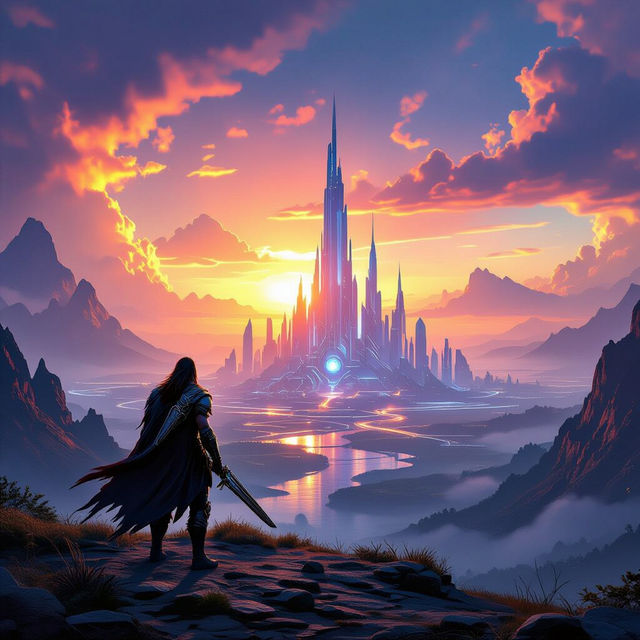
4K Gaming Wallpapers
Elevate your gaming setup with breathtaking 4K gaming wallpapers. Explore a gallery of high-resolution designs or create your own unique gaming backgrounds with AI.
Frequently Asked Questions
Your Questions About Judicial Drawings Answered
What kind of AI models are best for creating judicial drawings?
NightCafe offers a variety of AI models, each with unique strengths. For judicial drawings, models like Stable Diffusion or Imagen can excel at rendering detailed scenes and specific legal iconography. Experiment with different models to see which one best captures the style and mood you're aiming for in your legal illustrations.
How can I make my AI-generated judicial drawings look more realistic or stylized?
To achieve a specific look for your judicial drawings, refine your text prompts with descriptive keywords. For realism, include terms like 'photorealistic,' 'detailed,' 'chiaroscuro,' or specific camera angles. For a stylized look, try 'etching,' 'woodcut,' 'ink sketch,' 'dramatic lighting,' or 'minimalist illustration.' Adding details about the courtroom setting, attire, and expressions will also enhance the final output.
Can I use these AI-generated judicial drawings for my projects?
Yes, you can use the AI-generated judicial drawings you create with NightCafe for your personal projects, educational purposes, or artistic exploration. Please refer to our Terms of Service for specific details regarding usage rights and any required attributions.
What if my judicial drawing doesn't turn out as expected?
If your generated judicial drawing isn't quite right, try adjusting your prompt. Be more specific about the elements you want to include or exclude. You can also experiment with different aspect ratios, styles, or even try generating variations of an image you like. If you encounter persistent issues, our community forums are a great place to get advice from other users and find troubleshooting tips.