

- Galleries
- Knife Drawing Gallery
Create a Knife Drawing With AI
Unleash your creativity with our AI Knife Drawing Generator. Transform simple ideas into stunning visual representations of knives. Explore the knife drawing examples or create your own.

As seen in








Knife Drawing Gallery
Explore a diverse collection of AI-generated knife drawings showcasing various styles, from realistic to abstract. Perfect for artists, designers, and knife enthusiasts seeking inspiration.


Didn't find what you were looking for? Create your own below!
Create your own Create a Knife Drawing With AI images
Discover the magic of Text to Image AI by creating your own unique images. Edit the prompt below to customize your creation.
No payment or credit card required.

Unique Artistic Expressions
Generate Knife Art
Explore the artistic potential of our AI Knife Drawing generator. Craft visually stunning representations of knives in diverse styles, from realistic to abstract. Whether you're a seasoned artist or a beginner, unlock new creative possibilities with AI-generated knife art.
Create Your Unique Knife Drawing
Step 1
Describe Your Ideal Knife
Start by entering a detailed description of the knife you envision in the prompt box. Include specifics about the knife type, blade shape, handle material, and overall style. The more detailed your description, the better the AI can capture your vision!
Step 2
Generate Your Knife Art
After crafting your perfect prompt, click the 'Generate' button to bring your knife drawing to life! Our AI will process your input and create a unique image based on your specifications.
Step 3
Download and Share Your Creation
Once your knife drawing is generated, you can download it in high quality. Feel free to share your creation with friends, use it as inspiration, or showcase it within the NightCafe community!

Everyday Carry, Elevated
Generate A Pocket Knife Image With AI
Effortlessly Generate a Pocket Knife Image with AI. Visualize your ideal everyday carry with our AI-powered tool. From classic designs to modern innovations, create realistic and artistic renderings of pocket knives with ease, exploring different materials and styles.
More Galleries
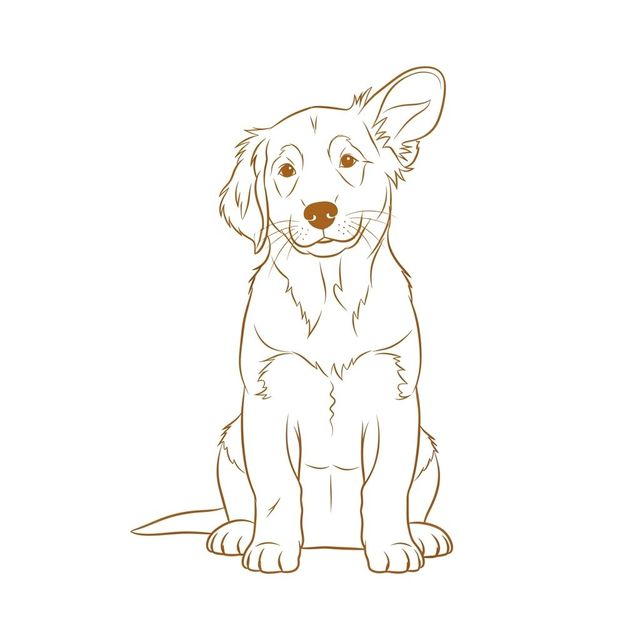
Create an Easy Dog Drawing with AI
Create charming and Easy Dog Drawing using AI. Whether you're an amateur artist or just looking for some fun, our AI tool makes it simple to generate beautiful dog drawings. Explore the gallery or create your own!
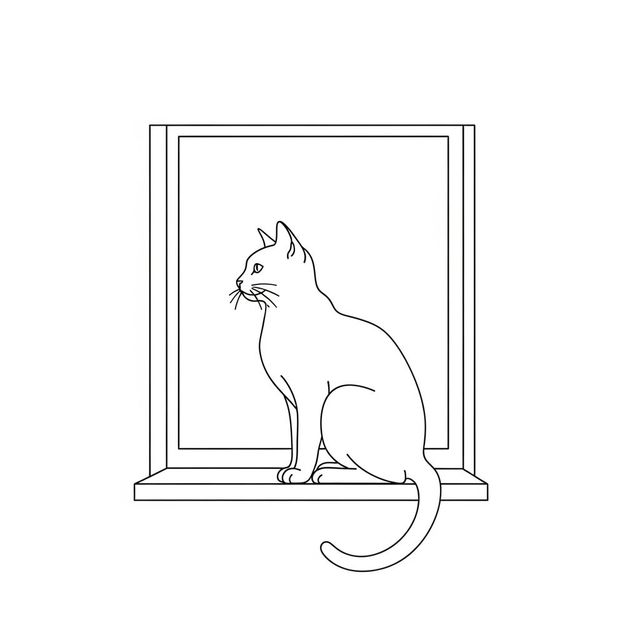
Create a Simple Drawing with AI
Explore the beauty of simplicity with AI-generated simple drawings. Use NightCafe to transform basic ideas into elegant sketches and minimalist artwork. Browse or create your own simple drawing today.

Create Stunning 1440p Wallpaper With AI
Transform your screen with stunning 1440p wallpapers generated by AI. Browse our gallery of AI-created 1440p wallpapers or create your own unique designs. Perfect for high-resolution displays.
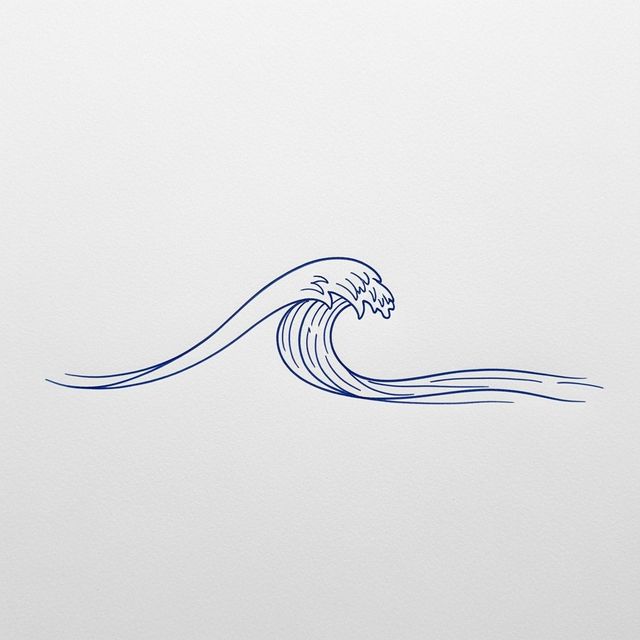
Create a Wave Drawing With AI
Create beautiful wave drawings with the power of AI. Use our AI Wave Drawing Generator to transform your ideas into stunning visuals. Browse wave drawing examples or create your own.
Frequently Asked Questions
Everything You Need to Know About Creating Knife Drawings with AI
What types of knives can I create with the AI Knife Drawing Generator?
You can generate a wide variety of knife styles, from realistic pocket knives and hunting knives to more abstract and artistic interpretations. Experiment with different prompts to explore various blade shapes, handle materials, and overall designs.
How detailed can the AI Knife Drawing Generator get? Can I specify materials and finishes?
The level of detail depends on the prompt you provide. The more specific you are about materials (e.g., stainless steel blade, wooden handle), finishes (e.g., polished, matte), and design elements, the better the AI can render your vision. Experiment with descriptive language to achieve the desired level of realism.
Can I use the AI Knife Drawing Generator to create images for commercial purposes, such as product design or illustration?
Yes, you can use the AI-generated knife drawings for commercial purposes. However, you must credit NightCafe as the creator of the image.
What are some tips for writing effective prompts for the AI Knife Drawing Generator?
Be descriptive and specific. Include details about the knife type, blade shape, handle material, style (realistic, cartoonish, abstract), and desired background. Experiment with different keywords and phrases to see what results you get. Using reference images in your prompt can also guide the AI toward your vision.
Are there any restrictions on the types of knife images I can generate?
While the AI can generate a wide range of knife images, we ask that you use the tool responsibly and avoid creating images that promote violence or harm. Our content filters are in place to prevent the generation of inappropriate content, and we encourage you to use the tool in a creative and ethical manner.