

- Galleries
- AI Lamb Images Gallery
Lamb Images - Made With AI
Explore a charming collection of AI-generated lamb images. Perfect for inspiration or creating your own adorable farm animal art on NightCafe.

As seen in








AI Lamb Images Gallery
Discover a delightful gallery of AI-generated lamb images, showcasing cute and cuddly scenes perfect for animal lovers and artists.


Didn't find what you were looking for? Create your own below!
Create your own Lamb Images - Made With AI images
Discover the magic of Text to Image AI by creating your own unique images. Edit the prompt below to customize your creation.
No payment or credit card required.

Cute And Charming Art
Adorable AI-generated Lamb Pictures
Discover a delightful array of AI-generated lamb images, perfect for bringing a touch of pastoral charm to your projects. These charming lamb images are ideal for storybooks, social media, or simply brightening your day. Explore the cuteness and find inspiration for your own farm animal creations.
Create Your Own Adorable Lambs
Step 1
Describe Your Perfect Lamb
Begin by entering a detailed description in the prompt box, outlining the kind of lamb art you envision. Think about the setting, the lamb's pose, the overall mood, and any specific artistic styles you'd like the AI to emulate. The more descriptive you are, the closer the AI can get to your vision!
Step 2
Generate Your Lamb Artwork
After refining your prompt, simply click the 'Generate' button. Our AI will then work its magic, transforming your text description into a unique and charming lamb image.
Step 3
Download or Share Your Creation
Once your lamb image is ready, you can download it in high resolution for your personal use or share it with the NightCafe community. Get inspired by others and showcase your adorable creations!

Creative Sheep Art
Generate Sheep Art With AI
Unleash your creativity and generate unique sheep art with our advanced AI models. Whether you need whimsical illustrations or realistic portrayals, our tools make it easy to create stunning sheep art. Transform your ideas into captivating visuals and explore the endless possibilities of AI-driven art generation.
More Galleries
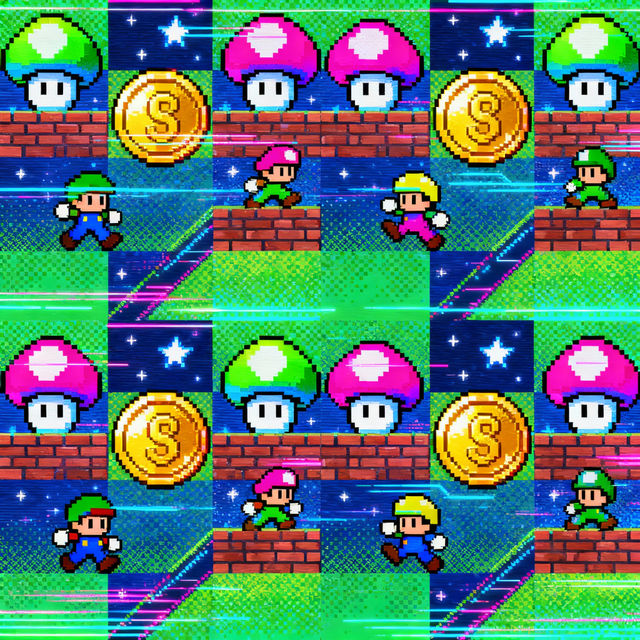
Pixel Art Patterns
Explore a vibrant collection of AI-generated pixel art patterns. Perfect for game developers, designers, and hobbyists looking for unique retro-style assets.
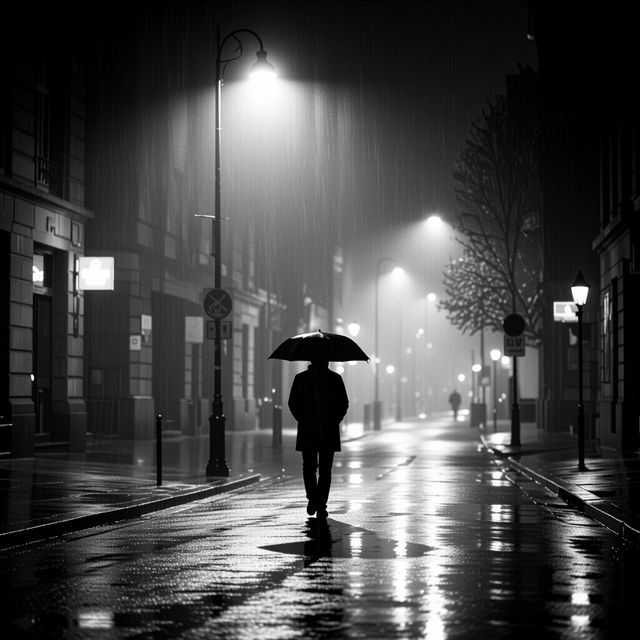
Black And White High Contrast Images
Explore a gallery of dramatic black and white high contrast images. Discover unique artistic styles and create your own striking monochrome visuals with AI.
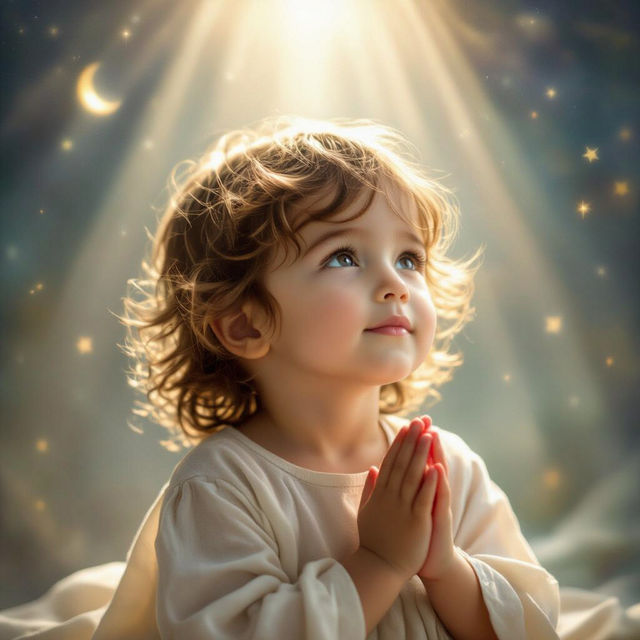
Child of God Wallpapers
Discover beautiful 'Child of God' wallpapers. Find inspiring AI-generated art that reflects faith and spirituality, perfect for personalizing your devices.
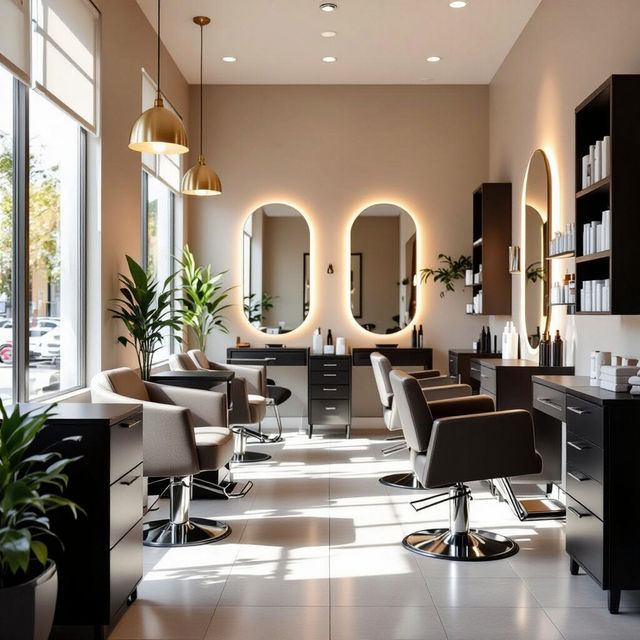
Small Salon Design Ideas Pictures
Discover creative and practical small salon design ideas with our gallery of pictures. Perfect for optimizing compact spaces and creating a stylish, functional salon environment.
Frequently Asked Questions
Your Questions About Cute Lamb Art, Answered
How can I create my own unique lamb art on NightCafe?
NightCafe offers powerful AI art generation tools that make creating your own lamb art simple and fun. Visit our 'Create' page, choose your preferred AI model (like Stable Diffusion or DALL-E 3), and enter a descriptive prompt. For example, try 'a fluffy baby lamb in a field of wildflowers, digital art' or 'cute cartoon lamb wearing a flower crown, Pixar style'. Experiment with different keywords for styles, colors, and moods to achieve your desired result.
What kind of styles can I generate for my lamb images?
You can generate lamb images in a vast array of styles using NightCafe's AI models. Whether you envision photorealistic portraits, whimsical storybook illustrations, vibrant cartoon characters, watercolor paintings, or even abstract interpretations, our tools can bring your ideas to life. Simply include style keywords in your prompts, such as 'oil painting', 'vector art', 'fantasy art', or 'minimalist'.
Can I use these AI-generated lamb images for my projects?
Yes, you can use the AI-generated lamb images you create on NightCafe for various personal and commercial projects. This includes using them for social media posts, blog illustrations, personal websites, storybooks, and more. For specific details on usage rights and attribution, please refer to our Terms of Service.
I'm not getting the exact lamb image I envisioned. How can I improve my results?
Improving your AI art often comes down to refining your prompts. Be specific with your descriptions: detail the lamb's appearance (e.g., 'woolly', 'black-faced'), its environment (e.g., 'sunny meadow', 'misty morning'), and the overall mood (e.g., 'peaceful', 'playful'). You can also experiment with different AI models, as each has unique strengths. Adjusting settings like aspect ratio or using negative prompts (to exclude elements you don't want) can also significantly enhance your results.