

- Galleries
- AI-Powered Laser Engraving Creations
Laser Engraving Images
Discover a gallery of intricate laser engraving images. Use AI to generate unique designs and visualize your next laser-etched project with stunning detail and precision.

As seen in








AI-Powered Laser Engraving Creations
A curated collection of AI-generated images designed for laser engraving, perfect for inspiration or direct use in your next project.


Didn't find what you were looking for? Create your own below!
Create your own Laser Engraving Images images
Discover the magic of Text to Image AI by creating your own unique images. Edit the prompt below to customize your creation.
No payment or credit card required.

Intricate Designs, Effortlessly
Explore AI-generated Laser Engraving Art
Dive into a world of detailed artistry with our AI-powered laser engraving image generator. Create breathtaking patterns and intricate designs that capture the essence of precision engraving. Whether for artistic expression or product visualization, these laser engraving images offer unparalleled detail and creative freedom.
Create Stunning Laser Engraving Designs with AI
Step 1
Describe Your Engraving Vision
Begin by entering a detailed description of the laser engraving design you envision in the prompt box. Be specific about the subject, style (e.g., intricate patterns, geometric, illustrative), materials it might be engraved on (wood, metal, glass), and any desired mood or aesthetic. The more detail you provide, the better the AI can capture your idea.
Step 2
Generate Your Laser Engraving
Once your prompt is ready, click the 'Generate' button. The AI will process your input and create a unique laser engraving image based on your specifications. You can then review the generated design.
Step 3
Download or Share Your Design
After the image is generated, you have the option to download it in high resolution for your projects or share it with the community. Use your new design for custom gifts, signage, artistic pieces, or product visualization.

Visualize Your Next Project
Generate AI Laser Etching Art For Custom Projects
Bring your custom project ideas to life with our advanced AI Laser Etching Art tools. Generate unique etchings for wood, metal, or glass, and preview your designs with stunning clarity. Perfect for personalized gifts, custom signage, or unique artistic creations, our AI helps you generate AI laser etching art that stands out.
More Galleries
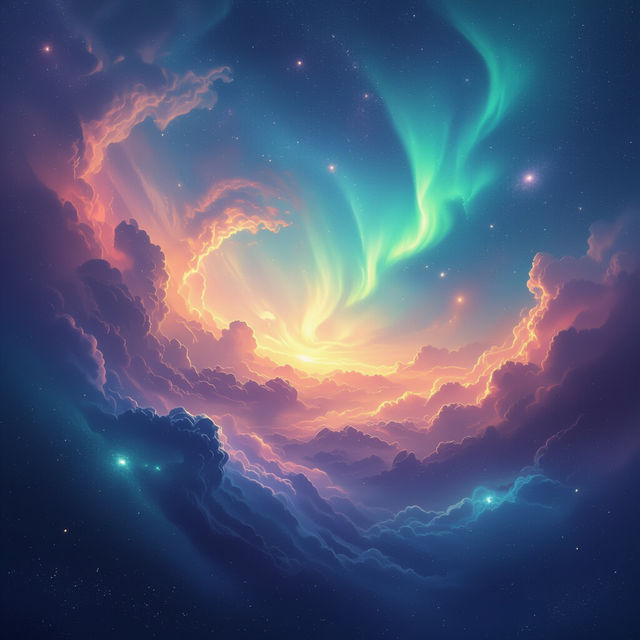
Images Of The Sky
Explore breathtaking images of the sky, from serene sunsets to dynamic cloudscapes. Discover and create your own celestial art with NightCafe's AI.

Friends Art - Created with AI
Explore a vibrant gallery of AI-generated friends art. Discover unique styles and get inspired to create your own personalized artwork celebrating friendship on NightCafe.
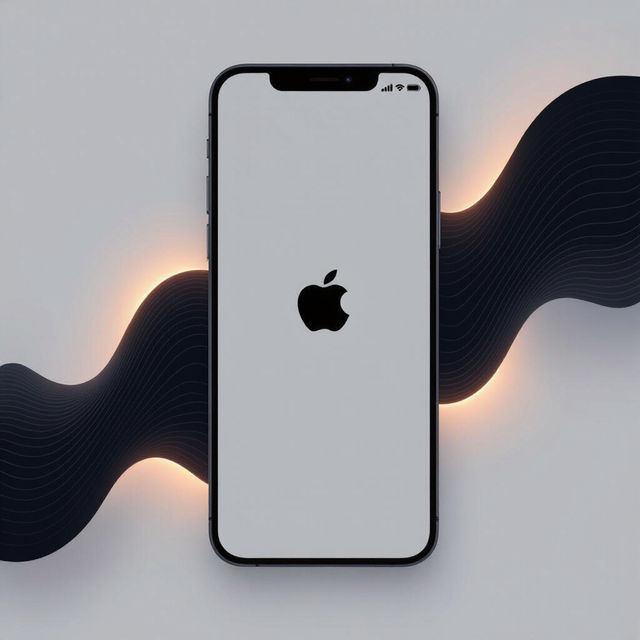
iPhone Black Wallpapers - Made With AI
Discover a curated collection of AI-generated black wallpapers perfect for your iPhone. Explore minimalist designs, abstract art, and more to personalize your device.
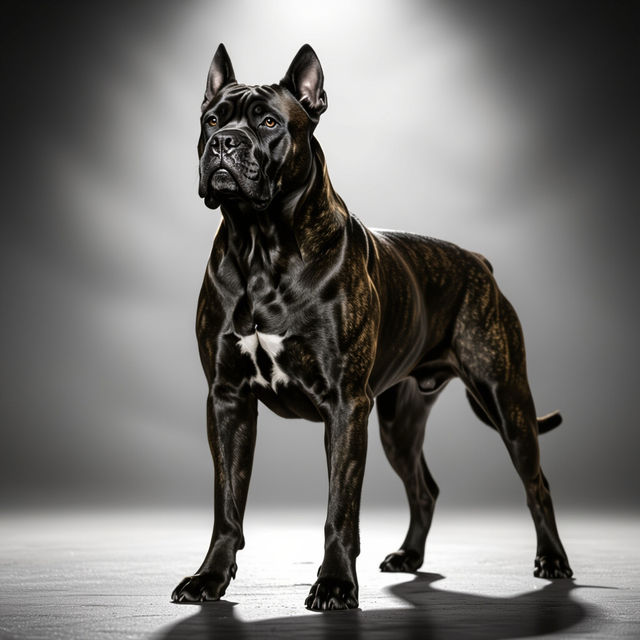
Images Of Cane Corsos
Explore a gallery of striking AI-generated images of Cane Corsos. Discover realistic and artistic portrayals of this powerful breed, perfect for enthusiasts and creators.
Frequently Asked Questions
Answers to Your Laser Engraving AI Art Questions
How can I create effective prompts for laser engraving AI art?
To generate compelling laser engraving designs, focus on describing the desired pattern, texture, and level of detail. Mention the material you intend to engrave (e.g., wood, metal, glass) and any specific stylistic elements like geometric patterns, floral motifs, or abstract designs. Clearly stating 'laser engraving style' or 'etching style' in your prompt will help the AI understand the desired output.
What types of materials can these AI laser engraving images be used for?
Our AI is designed to generate designs suitable for a wide range of materials commonly used in laser engraving. This includes wood, metal (like aluminum, brass, or stainless steel), acrylic, glass, leather, and even stone. The generated images capture the precision and detail required for effective etching on these surfaces.
Can I use the generated laser engraving images for commercial projects?
Yes, the AI-generated laser engraving images can be used for commercial projects, such as custom signage, personalized gifts, or product branding. Ensure you review our Terms of Service for specific usage rights and attribution requirements.
How detailed are the AI-generated laser engraving designs?
The AI-generated laser engraving designs are created with a high degree of detail and precision, mimicking the capabilities of professional laser engraving machines. You can expect intricate patterns, fine lines, and nuanced textures that translate well to physical etchings, allowing for stunning clarity and visual impact on your chosen material.