

- Galleries
- iPhone Live Photo Wallpaper Gallery
Live Photo Wallpaper for iPhone
Discover and create mesmerizing Live Photo Wallpapers for your iPhone. Bring your device to life with dynamic backgrounds. Get inspired and design your perfect animated wallpaper today.

As seen in








iPhone Live Photo Wallpaper Gallery
Explore a collection of captivating AI-generated Live Photo Wallpapers designed specifically for iPhones. See how dynamic art can transform your device's lock screen.


Didn't find what you were looking for? Create your own below!
Create your own Live Photo Wallpaper for iPhone images
Discover the magic of Text to Image AI by creating your own unique images. Edit the prompt below to customize your creation.
No payment or credit card required.

Dynamic Visuals For Your Device
Create Stunning Iphone Live Wallpapers
Transform your iPhone's static screen into a captivating experience. Our gallery empowers you to craft unique Live Photo Wallpapers, bringing your device to life with motion and artistry. Explore endless possibilities and design a wallpaper that truly reflects your style, making every glance a delight. Get inspired and create your perfect Live Photo Wallpaper for iPhone today.
Create Your iPhone Live Photo Wallpaper
Step 1
Describe Your Dream Wallpaper
Start by describing the scene or theme you envision for your iPhone Live Photo Wallpaper. Be specific about colors, mood, and any elements you'd like to see. For example, try "a serene forest with dappled sunlight" or "a vibrant cityscape at night with neon lights."
Step 2
Generate Your Animated Wallpaper
Once your prompt is ready, click the 'Generate' button. Our AI will then work its magic, creating a unique and dynamic Live Photo Wallpaper based on your description.
Step 3
Download and Share Your Creation
After generation, you can download your new Live Photo Wallpaper directly to your iPhone. You can also share it with friends or the community to inspire others!

AI-powered Animation Magic
Create Animated Wallpaper For Iphone With AI
Leverage the power of AI to become an Animated Wallpaper Maker. Our platform allows you to effortlessly create animated wallpaper for iPhone, turning your creative ideas into stunning, dynamic backgrounds. Say goodbye to static screens and hello to personalized motion. Use our tools to design your perfect animated wallpaper and make your iPhone stand out.
More Galleries

Logo Art - Created With AI
Explore a diverse gallery of AI-generated logo art. Get inspired by unique designs and create your own professional logo with NightCafe's AI tools.
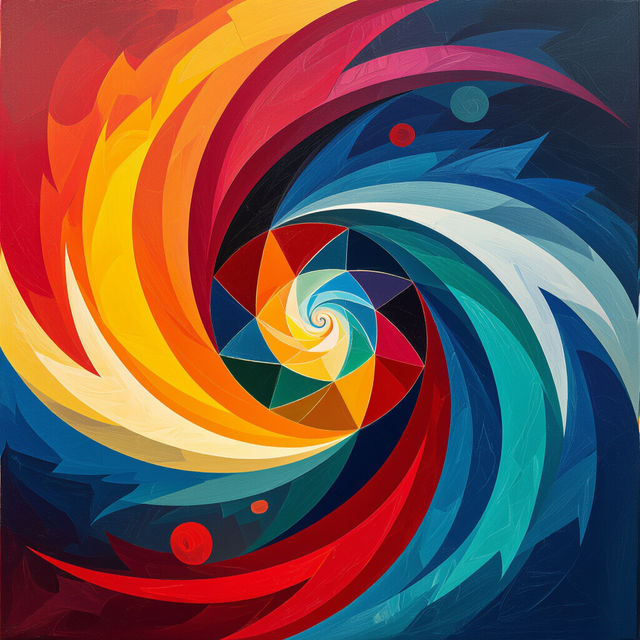
Easy Abstract Art - Made With AI
Explore a vibrant gallery of easy abstract art created by AI. Get inspired by unique styles and colors, and learn how to generate your own abstract masterpieces effortlessly.
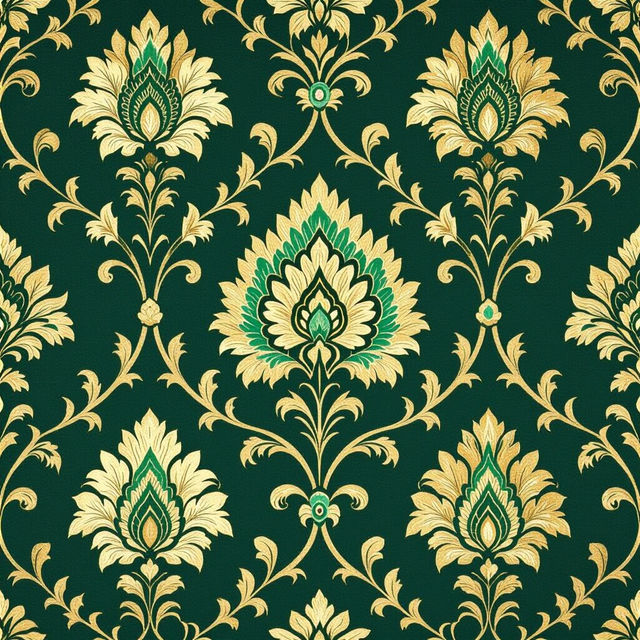
Anna French Wallpaper
Discover exquisite AI-generated wallpaper designs inspired by Anna French. Browse unique patterns and create your own stunning wall coverings with NightCafe.
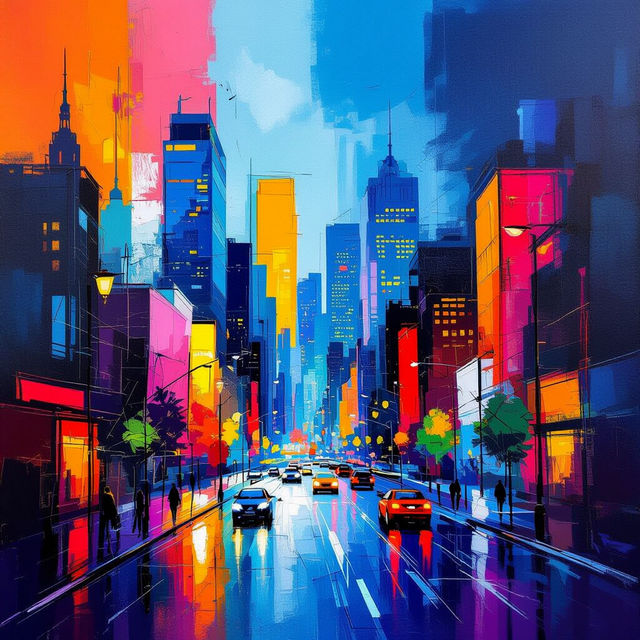
Uptown Art - Created With AI
Discover unique Uptown Art pieces generated by AI. Browse our gallery for inspiration and create your own stunning visuals with NightCafe's powerful AI art tools.
Frequently Asked Questions
Your Questions About iPhone Live Photo Wallpapers, Answered
How can I create a Live Photo Wallpaper for my iPhone using NightCafe?
To create a Live Photo Wallpaper, you'll use our AI generation tools to design a still image or a short animation. Once generated, you can follow standard iPhone procedures to set it as a Live Photo wallpaper from your Photos app. Our platform provides the creative assets; your iPhone handles the final application.
What makes these wallpapers 'Live Photos'?
The 'Live Photo' aspect comes from your iPhone's functionality. When you create an image with NightCafe, you can then set it as a Live Photo on your iPhone. This allows the image to animate briefly when you press and hold on your lock screen, bringing your AI-generated art to life.
Can I create custom animations for my iPhone wallpaper?
Absolutely! Our AI tools are capable of generating dynamic and animated elements. You can use descriptive prompts to guide the AI in creating moving visuals that will serve as the basis for your animated iPhone wallpaper. Experiment with prompts describing motion, flow, and change to achieve the best animated results.
What kind of styles can I generate for my iPhone Live Photo Wallpaper?
You have access to a wide range of artistic styles, from realistic to abstract, painterly, futuristic, and more. You can also specify color palettes, moods, and themes in your prompts to ensure your generated wallpaper perfectly matches your aesthetic preferences and brings a unique touch to your iPhone.