

- Galleries
- Lock Screen Wallpaper Gallery
AI Lock Screen Wallpaper Generator
Create stunning AI-generated lock screen wallpapers with NightCafe. Personalize your phone with unique, high-quality designs. Browse lock screen wallpaper examples or create your own.

As seen in








Lock Screen Wallpaper Gallery
Explore a diverse collection of AI-generated lock screen wallpapers, showcasing various styles and themes to customize your device. Find the perfect background to enhance your phone's aesthetic.


Didn't find what you were looking for? Create your own below!
Create your own AI Lock Screen Wallpaper Generator images
Discover the magic of Text to Image AI by creating your own unique images. Edit the prompt below to customize your creation.
No payment or credit card required.

Personalize Your Phone
Create A Lock Screen Wallpaper With AI
Transform your phone with unique, AI-generated lock screen wallpaper. Our platform makes it easy to create stunning visuals tailored to your style. Say goodbye to generic backgrounds and hello to personalized art that reflects you. Generate a lock screen wallpaper today!
Create Your Dream Lock Screen
Step 1
Describe Your Vision
Start by typing a detailed description of the lock screen wallpaper you envision in the prompt box. Include details about the style, colors, and any specific elements you'd like to see. The more descriptive, the better!
Step 2
Generate Your Wallpaper
After crafting your perfect prompt, click the 'Generate' button. Our AI will then transform your words into a unique lock screen wallpaper, ready to adorn your phone.
Step 3
Download and Share
Once generated, you can download your new lock screen wallpaper in high quality. Share your creation with friends or the NightCafe community to showcase your unique style!

Infinite Creative Possibilities
Design Dynamic Phone Backgrounds For Any Device
Explore endless design options with our AI-powered phone backgrounds generator. Design dynamic phone backgrounds that evolve and adapt to your device's theme. From minimalist patterns to intricate landscapes, create visuals that captivate and impress. Unleash your creativity and transform your phone's aesthetic.
More Galleries
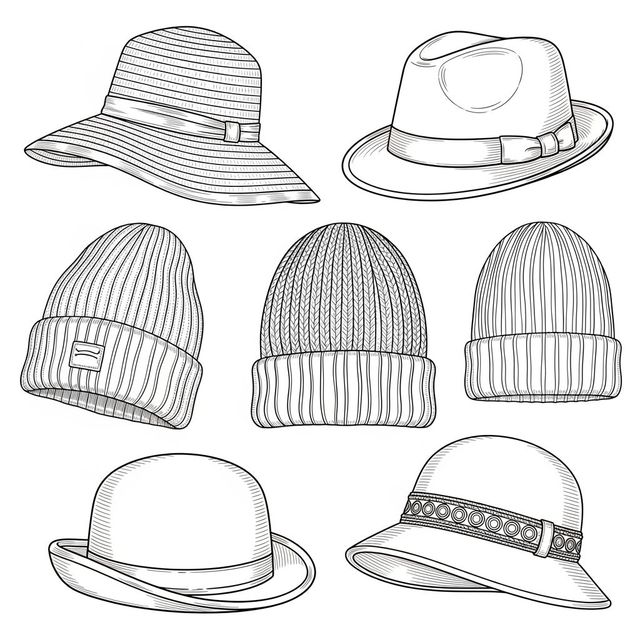
AI Hat Drawing Generator
Create unique hat drawings with our AI Hat Drawing Generator. Transform your ideas into stunning, personalized art with ease and creativity. Browse hat drawings or create your own.
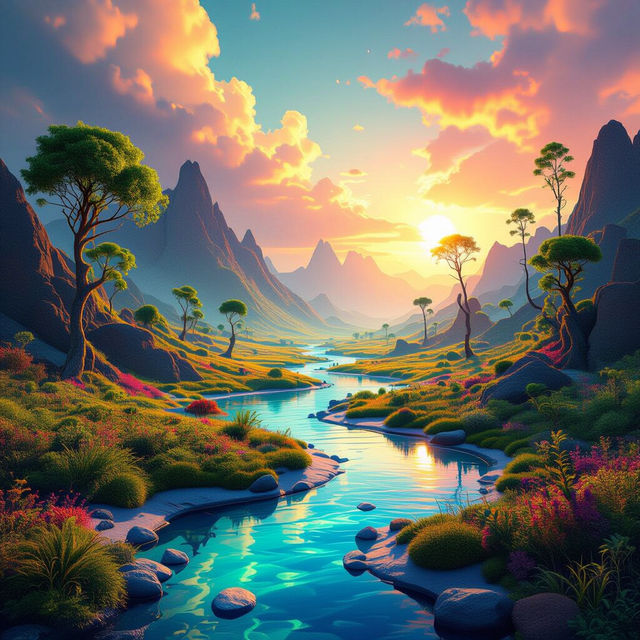
Picture AI Generator
Unleash your creative potential with NightCafe's Picture AI Generator. Transform ideas into stunning visual realities. Explore the possibilities of AI and create unique artwork effortlessly.
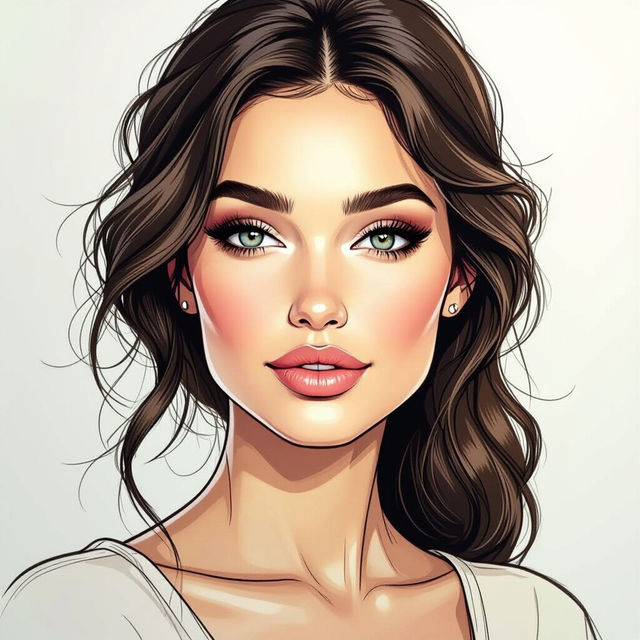
Explore the Art of Kylie Cox Sketch
Immerse yourself in the distinctive style of Kylie Cox Sketch art. This gallery showcases a range of stunning sketches, each capturing unique emotions and intricate details. Explore the collection and discover your favorites.
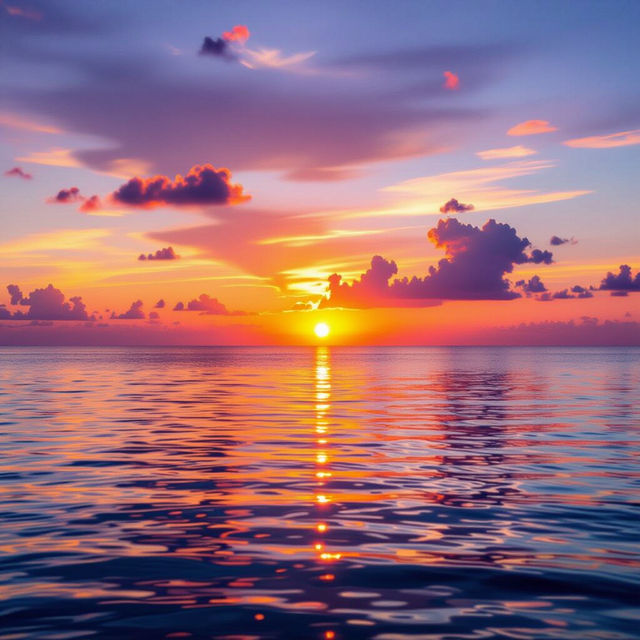
AI-Generated Sunset Photos
Explore our stunning collection of AI-generated Sunset Photos. Each image captures the serene beauty and vibrant colors of sunsets from around the world. Perfect for backgrounds, inspiration, or simply enjoying the view.
Frequently Asked Questions
Unlock the Answers to Your AI Lock Screen Wallpaper Questions
How do I create a lock screen wallpaper that perfectly fits my phone's screen?
When generating your lock screen wallpaper, specify the aspect ratio that matches your phone's display in the prompt or settings. Common aspect ratios are 9:16 or 9:19.5. Experiment with prompts that include phrases like 'lock screen wallpaper' or 'mobile wallpaper' to guide the AI. After generating the image, you can also use your phone's cropping tool to fine-tune the fit.
What kind of prompts work best for generating unique and personalized lock screen wallpapers?
The more specific you are with your prompts, the better the results. Include details about the style (e.g., abstract, minimalist, photorealistic), colors (e.g., pastel, vibrant, monochrome), subject matter (e.g., nature, cityscapes, portraits), and mood (e.g., calming, energetic, mysterious). For example, try prompts like 'Minimalist lock screen wallpaper, blue and gold geometric shapes' or 'Calming nature scene lock screen, misty mountains, pastel colors'.
Can I use my AI-generated lock screen wallpaper on multiple devices, or is it limited to my phone?
Yes, you can use your AI-generated lock screen wallpaper on multiple devices! Once you've created and downloaded your image, you're free to use it on any device you own, whether it's another phone, a tablet, or even your computer's lock screen. Keep in mind you may need to adjust the cropping or resolution for optimal display on different screens.
How can I ensure my AI-generated lock screen wallpaper is high quality and looks good on my phone's display?
When generating your lock screen wallpaper, select a higher resolution setting if available. Experiment with different AI models, as some are better at producing sharp, detailed images than others. After generating, review the image closely for any artifacts or blurring. If necessary, try refining your prompt or using an upscaling tool to enhance the image quality further.
Are there any restrictions on the type of content I can generate for my lock screen wallpaper?
While NightCafe encourages creativity, you must adhere to our community guidelines and terms of service. Avoid generating content that is offensive, harmful, or violates any copyright laws. Please be respectful and considerate when creating your AI-generated lock screen wallpapers.