

- Galleries
- Transparent Image Examples
Make A Image Transparent
Learn how to make a image transparent with AI. Our tool offers easy background removal for any image, perfect for logos, graphics, and creative projects.

As seen in








Transparent Image Examples
Explore a gallery of images with transparent backgrounds created by AI. See how easy it is to remove backgrounds for your design needs.


Didn't find what you were looking for? Create your own below!
Create your own Make A Image Transparent images
Discover the magic of Text to Image AI by creating your own unique images. Edit the prompt below to customize your creation.
No payment or credit card required.

Instant Background Removal
Effortlessly Make Images Transparent With AI
Transform your images in seconds with our intuitive AI tool. Easily make a image transparent, perfect for creating clean logos, professional graphics, or adding elements to designs without distracting backgrounds. Achieve polished results with just a few clicks.
Create Stunning Transparent Images in 3 Easy Steps
Step 1
Upload Your Image
Upload the image you want to make transparent. Provide a brief description in the prompt if you'd like to refine the subject or background for removal, though for simple background removal, the image itself is often sufficient.
Step 2
Generate Transparency
Click the 'Generate Transparent Image' button. Our AI will analyze your image and automatically remove the background, creating a transparent version.
Step 3
Download & Use Your Image
Once the transparent image is ready, you can download it in high resolution. Use it immediately for logos, graphics, or any project requiring a clean, background-free image.

Creative Freedom Unleashed
Use AI Background Remover For Easy Image Editing
Our advanced AI Background Remover empowers you to edit images with unprecedented ease. Use AI background remover for easy image editing, allowing you to isolate subjects, replace backgrounds, and create stunning visuals for marketing, social media, or personal projects.
More Galleries
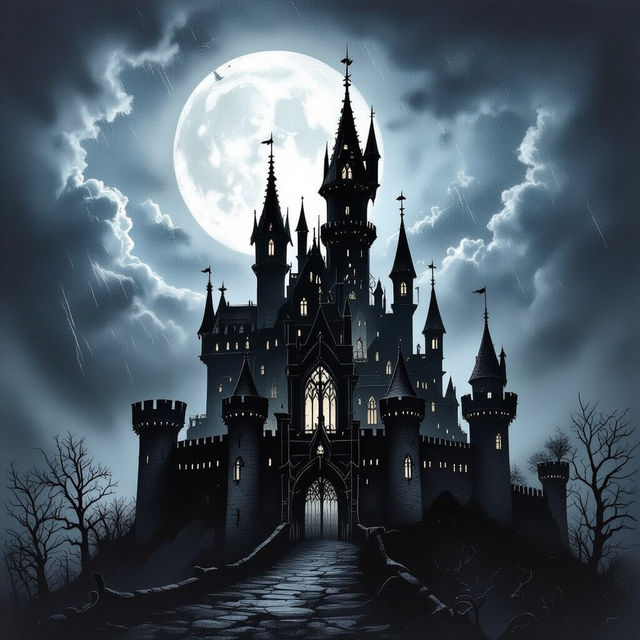
Dark Drawing Ideas
Discover a collection of dark drawing ideas to spark your creativity. Browse eerie and gothic art, then generate your own unique dark drawings with AI.
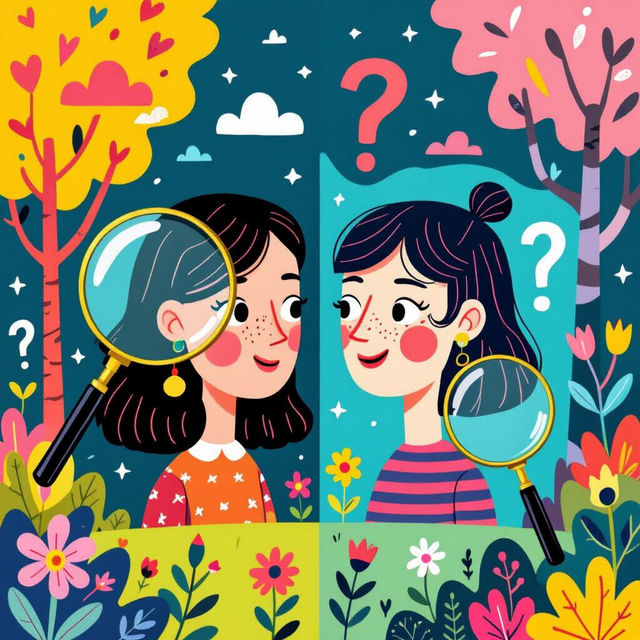
Find The Differences Pictures
Challenge your observation skills with our collection of Find The Differences Pictures. Explore unique images and test your ability to spot subtle variations. Create your own difference games!

Welcome Aboard Images - AI Generated
Explore a diverse collection of AI-generated 'Welcome Aboard' images. Perfect for invitations, announcements, or creative projects. Start creating your unique welcome aboard art today!
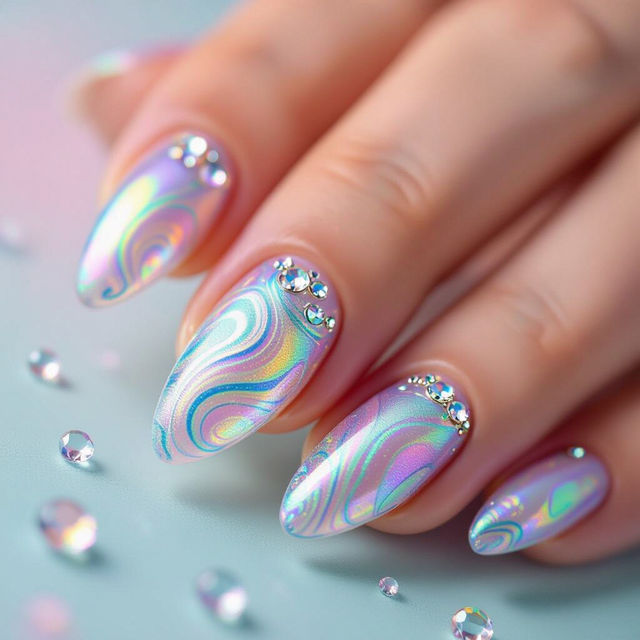
AI Nail Art Polish
Explore a vibrant gallery of AI-generated nail art polish designs. Get inspired by unique patterns and colors, then create your own stunning nail art with NightCafe.
Frequently Asked Questions
Your Questions About Making Images Transparent, Answered
How does the AI tool make an image transparent?
Our AI tool uses advanced algorithms to analyze your image and identify the subject from the background. It then intelligently removes the background, leaving your subject with a transparent layer. This process is automated and designed to be highly accurate, even with complex images.
What kind of images work best with the AI background remover?
The AI background remover works well with a wide variety of images. It's particularly effective for images with a clear subject that is distinct from the background, such as product photos, portraits, or graphic elements. For best results, ensure the image is reasonably well-lit and the subject is in focus.
Can I use the transparent images for commercial purposes?
Yes, you can use the images with transparent backgrounds generated by our tool for commercial purposes, including logos, marketing materials, and website design. Please refer to our Terms of Service for specific usage guidelines.
What file formats can I download my transparent image in?
You can download your transparent images in formats that support transparency, such as PNG. This ensures that the transparent areas of your image are preserved when you use it in other projects.