

- Galleries
- AI Clarity Enhanced Images
Make Images More Clear With AI
Struggling with blurry or unclear images? Explore our gallery showcasing how AI can make images more clear, sharpening details and improving overall visual quality effortlessly.

As seen in








AI Clarity Enhanced Images
A curated collection of AI-generated images demonstrating enhanced clarity and detail. See the transformative power of AI in making images sharper and more visually appealing.


Didn't find what you were looking for? Create your own below!
Create your own Make Images More Clear With AI images
Discover the magic of Text to Image AI by creating your own unique images. Edit the prompt below to customize your creation.
No payment or credit card required.

Crystal Clear Visuals
Enhance Image Clarity And Detail
Transform your photos from hazy to hyper-realistic. Our AI meticulously sharpens edges, refines textures, and brings out hidden details, ensuring every element is crisp and defined. Make images more clear and rediscover the true essence of your visuals with unparalleled precision.
How to Enhance Your Images with AI Clarity Enhancer
Step 1
Upload Your Image or Describe Your Vision
Upload the blurry or unclear image you wish to enhance. You can also provide a text description of the image if you're starting from scratch or want to guide the AI on specific details to focus on for clarity.
Step 2
Enhance Image Clarity
Click the 'Enhance Clarity' button to let our AI work its magic. The AI will analyze your image or description and apply advanced algorithms to sharpen details, reduce noise, and improve overall visual quality.
Step 3
Download & Share Your Enhanced Image
Once the enhancement is complete, you can download your newly sharpened and clear image. Share your stunning results with others or use them for your projects!

Magnify And Refine
AI Image Upscaling For Sharper Details
Leverage the power of AI Image Upscaling to breathe new life into your low-resolution images. Our advanced algorithms intelligently reconstruct and enhance detail, delivering stunningly sharp results. Experience the difference AI Image Upscaling for Sharper Details can make, perfect for print or digital display.
More Galleries
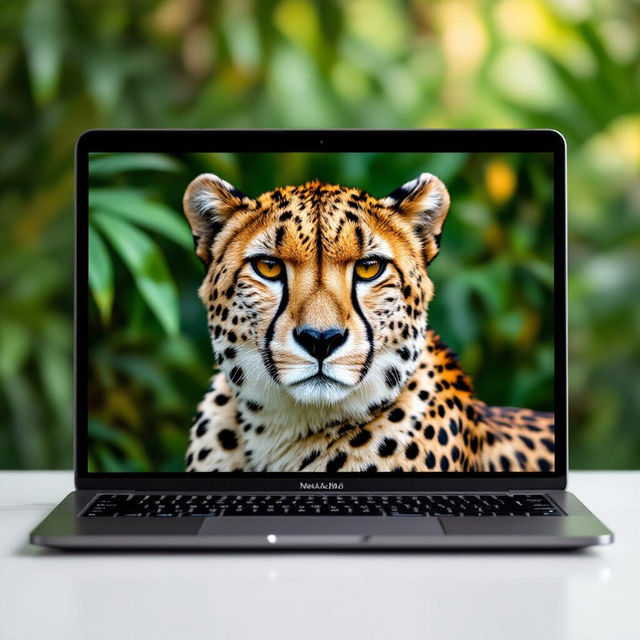
Cheetah Print Wallpaper Laptop
Explore a wild collection of cheetah print wallpaper for your laptop. Find the perfect design to add a touch of fierce style to your device. Create your own unique cheetah print.
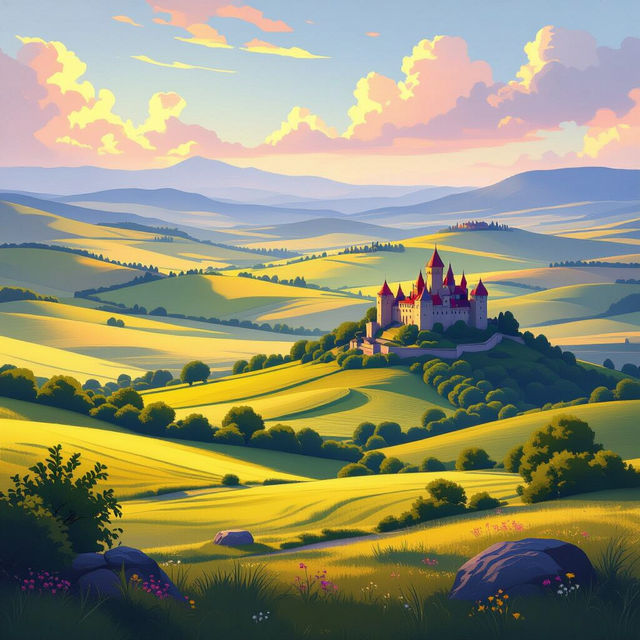
Semi Realistic Art - AI Generated
Discover stunning semi-realistic art created with AI. Browse diverse styles and get inspired to generate your own unique, semi-realistic masterpieces on NightCafe.
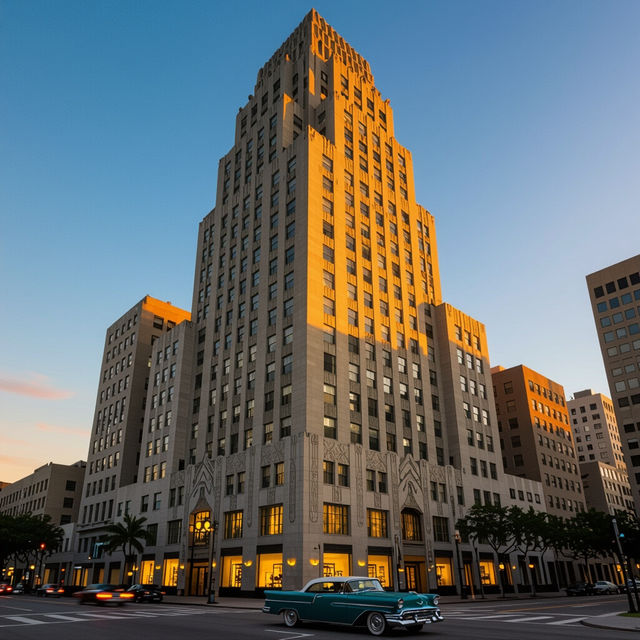
Art Deco Style Architecture
Discover the elegance of Art Deco style architecture. Browse a gallery of AI-generated buildings and designs, then create your own unique Art Deco masterpieces.
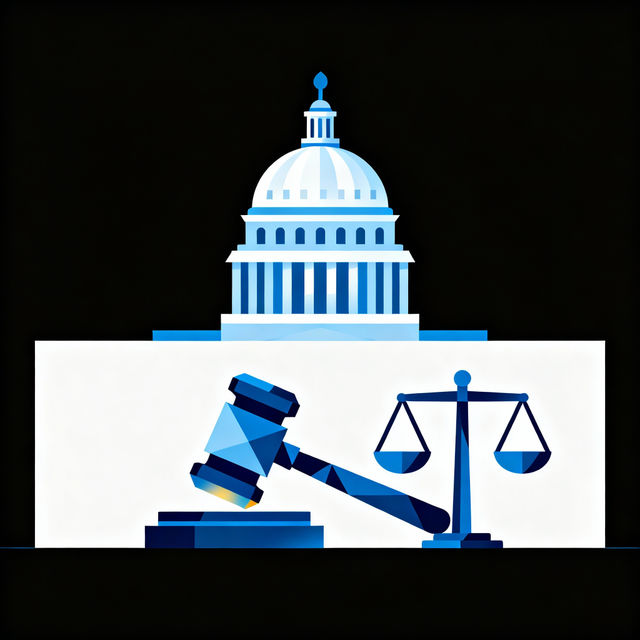
Government Clip Art - Made With AI
Explore a diverse collection of AI-generated government clip art. Perfect for official documents, presentations, or educational materials. Create your own unique government graphics easily.
Frequently Asked Questions
Your Questions About Enhancing Image Clarity, Answered
What is the AI Clarity Enhancer and how does it work?
The AI Clarity Enhancer is a tool that uses advanced artificial intelligence algorithms to sharpen blurry or unclear images. It works by analyzing the image, identifying areas that lack detail or sharpness, and intelligently reconstructing those areas to improve clarity, refine textures, and sharpen edges. This process helps to bring out hidden details and make your visuals crisp and defined.
What types of images can benefit from the AI Clarity Enhancer?
Almost any image that suffers from blurriness, low resolution, or a lack of fine detail can benefit. This includes old photographs, low-quality digital photos, images captured in challenging lighting conditions, or even AI-generated images that might need a final touch-up. The enhancer is particularly useful for making images more clear for both print and digital display.
Will the AI Clarity Enhancer alter the original content or colors of my image?
The primary goal of the AI Clarity Enhancer is to improve the sharpness and detail of your image without distorting the original content or colors. While the AI intelligently reconstructs details, it aims to preserve the integrity of the original visual elements. The focus is on enhancing what's already there, making images more clear and defined, rather than adding or changing artistic elements.
How can I get the best results when using the AI Clarity Enhancer?
For the best results, start with the highest quality version of your image that you have available. While the AI can significantly improve clarity, it works best when there's some underlying detail to enhance. Avoid using excessively compressed or heavily degraded images if possible. Experiment with the tool's settings if available, and always review the enhanced image to ensure it meets your expectations for sharpness and clarity.