

- Galleries
- Realistic AI Art Gallery
Make Image Realistic
Explore a gallery of stunningly realistic images. Learn how to make images realistic with our AI tools, transforming your concepts into lifelike visuals effortlessly.

As seen in








Realistic AI Art Gallery
A curated collection of AI-generated images designed to be as realistic as possible, showcasing the power of AI in visual creation.


Didn't find what you were looking for? Create your own below!
Create your own Make Image Realistic images
Discover the magic of Text to Image AI by creating your own unique images. Edit the prompt below to customize your creation.
No payment or credit card required.

Stunning Lifelike Visuals
Create Realistic Images With AI
Transform your creative visions into breathtakingly real images. Our advanced AI tools empower you to make images realistic, capturing intricate details and natural lighting. Whether for professional projects or personal expression, achieve photorealism effortlessly and bring your imagination to life with unparalleled clarity.
Create Your Realistic Masterpiece
Step 1
Describe Your Realistic Vision
Begin by describing the scene or subject you want to generate in the prompt box. For realistic images, focus on details like lighting, textures, camera angles, and specific objects. The more precise your prompt, the closer the AI can get to your vision.
Step 2
Generate Your Lifelike Image
After entering your detailed prompt, click the 'Generate' button. Our AI will process your request and create a photorealistic image based on your input. You can then review the generated image.
Step 3
Download & Share Your Creation
Once you're happy with the realistic image, you can download it in high resolution to use in your projects. Feel free to share your stunning creations with the community and inspire others!

Unlock Photorealism
Generate AI Realistic Photos With Advanced Tools
Dive into the future of digital art with our cutting-edge AI. Generate AI Realistic Photos using sophisticated models designed for maximum authenticity. Our advanced tools allow you to fine-tune every aspect, ensuring your generated images are indistinguishable from high-quality photographs, perfect for any application requiring true-to-life visuals.
More Galleries
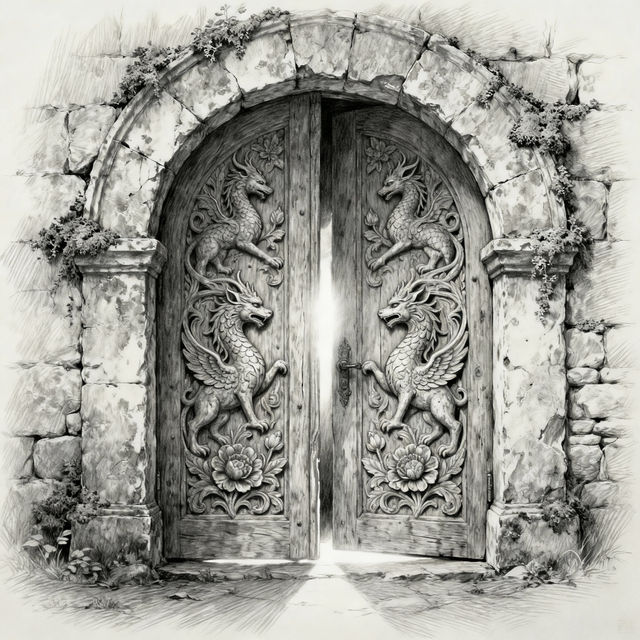
Drawing Of A Door
Discover a unique collection of AI-generated drawings of doors. Get inspired by creative interpretations and explore the possibilities of AI art for your projects.
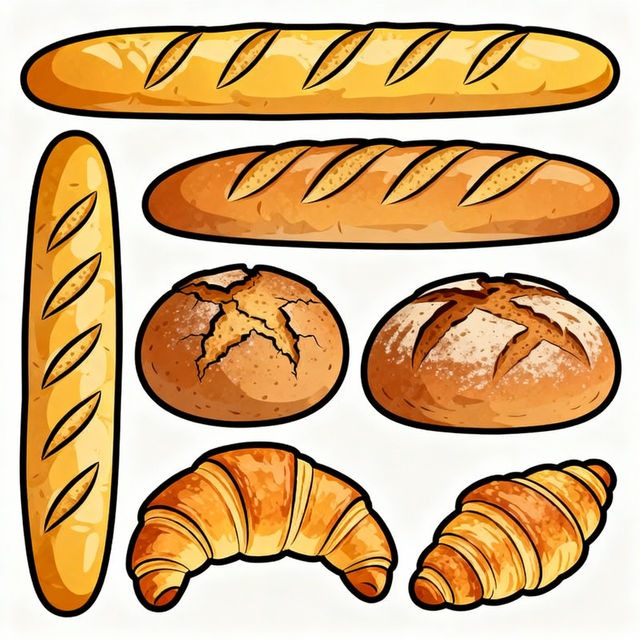
Clip Art Bread
Explore a delightful collection of AI-generated clip art featuring bread. Perfect for recipes, menus, or any creative project. Generate your own unique bread clip art with NightCafe.

Curly Hair Girl Drawing Cartoon
Explore a vibrant gallery of AI-generated curly hair girl drawings in cartoon style. Get inspired and easily create your own unique cartoon characters with beautiful curly hair.
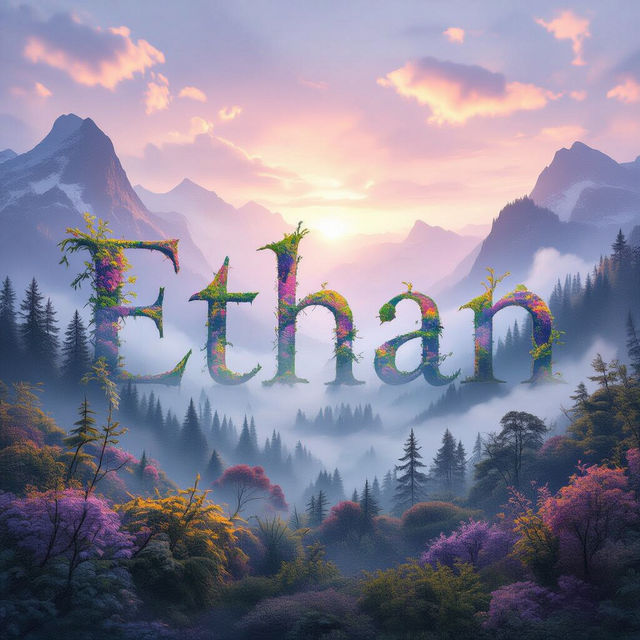
Ethan Wallpaper
Explore a stunning collection of AI-generated Ethan Wallpapers. Find the perfect backdrop for your device or get inspired to create your own unique Ethan wallpaper today.
Frequently Asked Questions
Your Questions About Realistic AI Image Generation, Answered
How do I prompt the AI to generate a realistic image?
To achieve realistic images, be specific with your prompts. Include details about lighting (e.g., 'golden hour lighting', 'studio lighting'), camera angles (e.g., 'close-up shot', 'wide-angle view'), and textures (e.g., 'detailed skin texture', 'rough concrete'). Mentioning photographic terms like 'photorealistic', 'high-resolution', or specific camera types can also guide the AI towards realism.
What makes these AI-generated images look so realistic?
Our AI models are trained on vast datasets of real-world photographs, allowing them to understand and replicate intricate details, natural lighting, shadows, and textures. We utilize advanced algorithms that focus on photorealism, ensuring that generated images possess the depth, clarity, and authenticity you'd expect from a high-quality photograph.
Can I use these realistic AI images for commercial projects?
Yes, the realistic images generated with our tools can be used for commercial projects. As per our Terms of Service, you are granted rights to use the images you create. We recommend reviewing our [Terms of Service](https://nightcafe.studio/terms) for full details on usage rights and any specific attribution requirements.
What if my generated image isn't realistic enough?
If your image isn't meeting your realism expectations, try refining your prompt. Add more descriptive terms about the desired lighting, camera perspective, and material properties. Experiment with different AI models available on NightCafe, as some are better suited for photorealism than others. Adjusting parameters like 'guidance scale' or 'steps' can also influence the final output's realism.