

- Galleries
- Transparent Background Image Gallery
Make Picture Background Transparent
Effortlessly make picture backgrounds transparent with our AI tool. Browse examples and create your own transparent PNGs for logos, designs, and more on NightCafe.

As seen in








Transparent Background Image Gallery
Explore a diverse gallery of images with transparent backgrounds, perfect for graphic design, web use, and creative projects. Generate your own unique transparent assets.


Didn't find what you were looking for? Create your own below!
Create your own Make Picture Background Transparent images
Discover the magic of Text to Image AI by creating your own unique images. Edit the prompt below to customize your creation.
No payment or credit card required.

Instant Background Removal
Create Transparent Backgrounds Easily
Our intuitive AI tool makes it simple to Make Picture Background Transparent. Upload your image and watch as our technology isolates the subject, preparing it for seamless integration into your designs, presentations, or web content. Achieve professional results in seconds.
Create Stunning Transparent Images in Minutes
Step 1
Upload Your Image
Upload the image you want to edit. Our AI will automatically detect the subject and prepare to remove the background.
Step 2
Remove the Background
With the background isolated, click the 'Remove Background' button. Watch as the AI instantly creates a transparent background, leaving only your subject.
Step 3
Download Your Transparent PNG
Download your newly created transparent PNG. It's now ready to be used in logos, designs, presentations, or any project where you need a clean, isolated subject.

Professional Transparent Pngs
Use AI Background Remover To Create Transparent Pngs
Leverage our powerful AI Background Remover to transform any image into a crisp, transparent PNG. Perfect for logos, e-commerce, and creative projects, this feature ensures your subject stands out without any distracting elements. Use AI Background Remover to Create Transparent PNGs and elevate your visual assets.
More Galleries
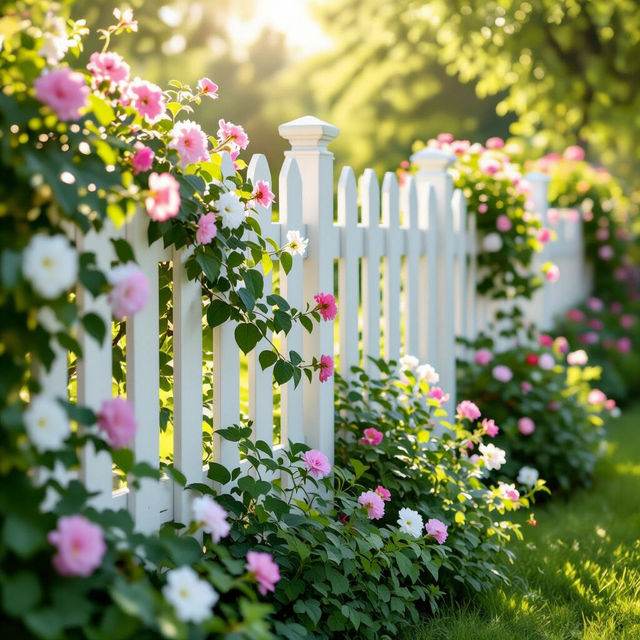
Pictures Of Fences
Discover a diverse collection of AI-generated pictures of fences. Get inspired by unique designs and styles, then create your own custom fence art with NightCafe.

Frankenstein Clip Art - AI Generated
Discover a unique collection of AI-generated Frankenstein clip art. Perfect for Halloween, spooky projects, or adding a touch of gothic charm. Create your own iconic monster art today!
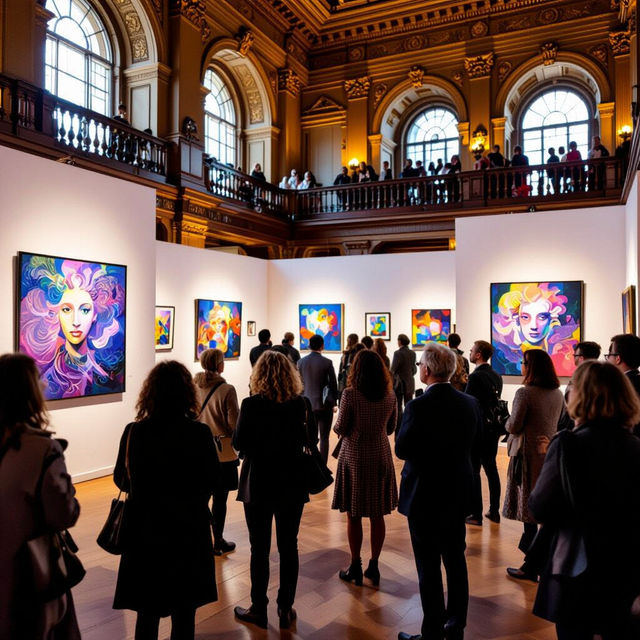
Picture Show At Merchant's Exchange
Immerse yourself in the visual spectacle of the Picture Show At Merchant's Exchange. Discover unique AI-generated art inspired by this iconic event.
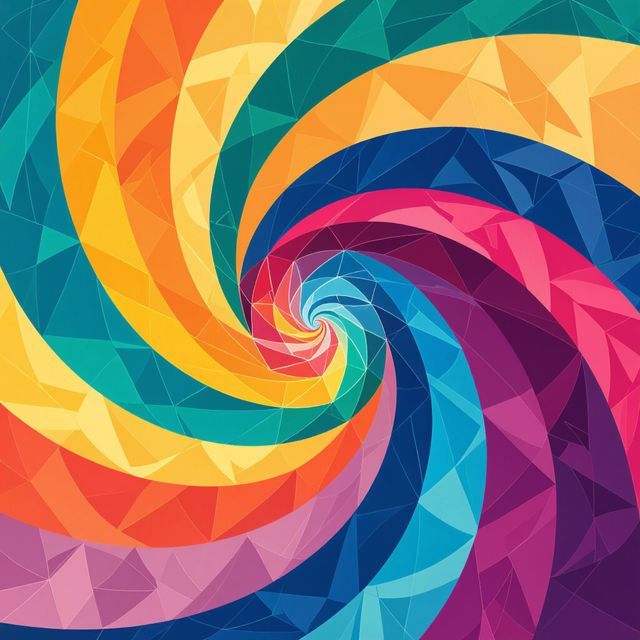
HD iPad Wallpapers
Discover a vast collection of HD iPad wallpapers. Perfect for enhancing your device's look, these AI-generated wallpapers offer unique styles. Create your own custom iPad wallpaper today!
Frequently Asked Questions
Learn How to Make Picture Backgrounds Transparent with AI
How does the AI tool make a picture background transparent?
Our AI tool uses advanced algorithms to analyze your image, identify the main subject, and intelligently remove the background. It then outputs a transparent PNG file, ensuring your subject is isolated and ready for use.
What file formats can I download my transparent images in?
You can download your images as PNG files, which natively support transparency. This format is ideal for logos, designs, and web use where a transparent background is essential.
Can I use the transparent images created with this tool for commercial purposes?
Yes, you can use the images you create with our AI Background Remover for commercial purposes, such as in your logos, e-commerce listings, or marketing materials. Please refer to our Terms of Service for full details on usage rights.
What kind of images work best for making the background transparent?
Images where the subject is clearly defined and has good contrast with the background tend to yield the best results. While our AI is powerful, complex backgrounds or subjects with very fine details (like wispy hair) might require minor touch-ups, which can be done using other editing tools.