

- Galleries
- AI Wallpaper Gallery
Make Your Own Wallpapers
Create unique, personalized wallpapers with AI. Explore a vast gallery of AI-generated wallpapers and learn how to make your own to perfectly match your style and device.

As seen in








AI Wallpaper Gallery
Discover a diverse collection of AI-generated wallpapers. Find inspiration or create your own unique designs for desktops and mobile devices.


Didn't find what you were looking for? Create your own below!
Create your own Make Your Own Wallpapers images
Discover the magic of Text to Image AI by creating your own unique images. Edit the prompt below to customize your creation.
No payment or credit card required.

Endless Artistic Possibilities
Stunning AI-generated Wallpapers
Dive into a universe of breathtaking visuals generated by cutting-edge AI. Our gallery showcases a vast array of styles, from abstract wonders to serene landscapes, ensuring you'll find the perfect backdrop. Explore these ready-to-use creations or use them as inspiration to Make Your Own Wallpapers that truly reflect your unique aesthetic and elevate your digital space.
Create Your Dream Wallpaper in 3 Easy Steps
Step 1
Describe Your Ideal Wallpaper
Start by describing the wallpaper you envision. Be as detailed as possible! Think about the style (e.g., abstract, minimalist, fantasy), colors, subjects (e.g., mountains, galaxies, geometric patterns), and overall mood you want to achieve. The more descriptive your prompt, the better the AI can capture your vision.
Step 2
Generate Your Wallpaper
Once you've crafted your perfect prompt, simply click the 'Generate' button. Our AI will work its magic, transforming your text into a unique, high-resolution wallpaper. You can generate multiple variations to explore different creative directions.
Step 3
Download or Share Your Creation
After your wallpaper is created, you have options! Download your favorite design to set it as your background, or share it with the community to inspire others. Show off your personalized creation!

Personalize Your Digital World
Use AI Wallpaper Creator To Design Your Dream Backgrounds
Transform your device's appearance with our intuitive AI Wallpaper Creator. Effortlessly bring your vision to life, crafting custom backgrounds that perfectly match your mood or style. Whether you seek minimalist elegance or bold, dynamic designs, you can Use AI Wallpaper Creator to Design Your Dream Backgrounds, making your screen a unique reflection of you.
More Galleries

Hot Dog Drawing Easy
Discover how to create an easy hot dog drawing with our AI generator. Browse simple, fun hot dog art and get inspired to draw your own delicious creations today.
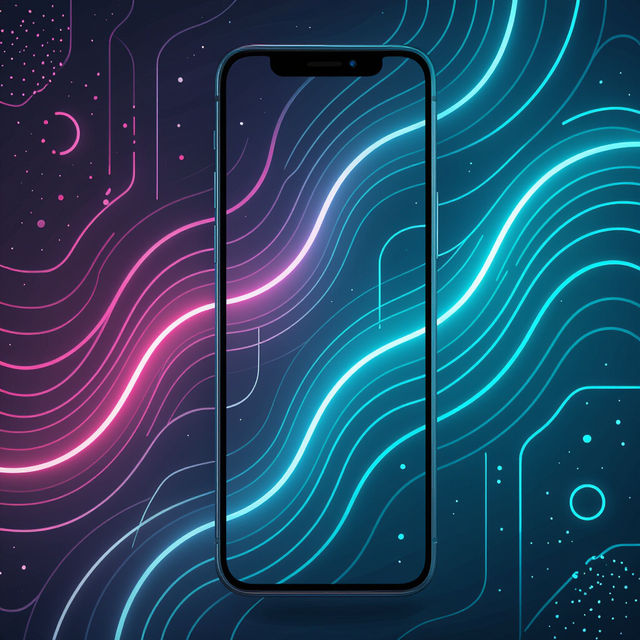
Best iPhone 16 Wallpapers
Discover the best iPhone 16 wallpapers created by AI. Browse unique designs, find inspiration, and generate your own custom wallpapers to personalize your new device.
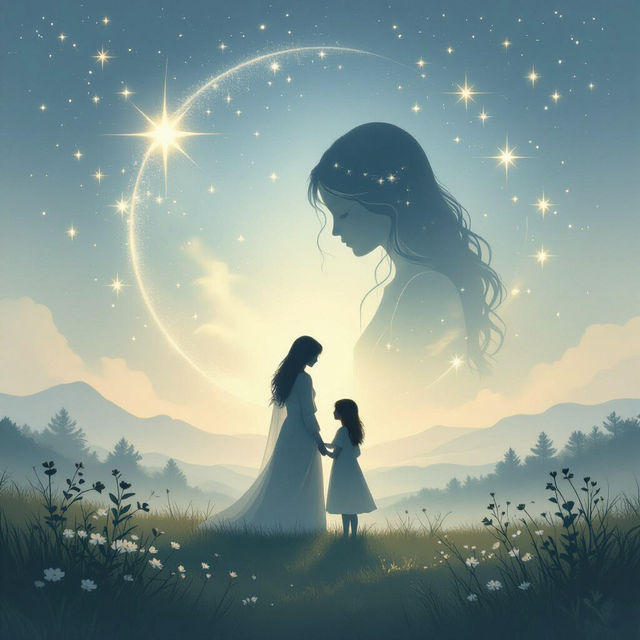
Happy Heavenly Birthday Sister Images
Find beautiful AI-generated images to wish your sister a happy heavenly birthday. Create touching tributes and heartfelt messages for your beloved sister's special day.
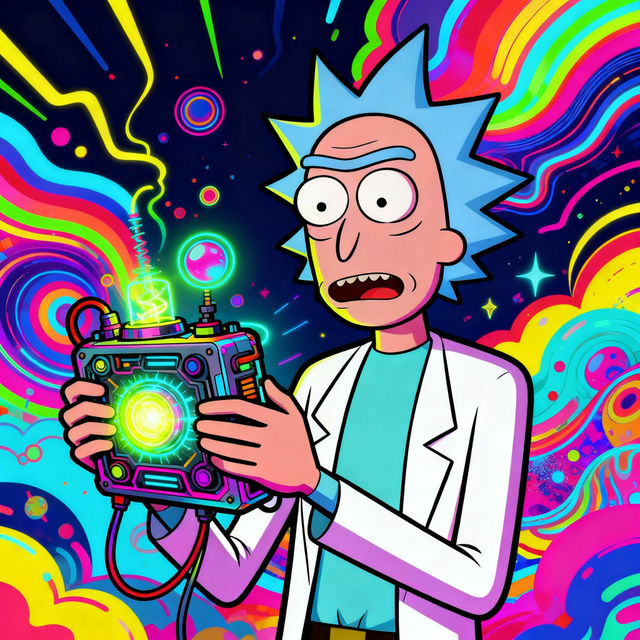
Rick Sanchez Drawings - Made With AI
Explore a gallery of AI-generated Rick Sanchez drawings. Get inspired by unique art styles and create your own Rick Sanchez fan art with NightCafe's AI tools.
Frequently Asked Questions
Frequently Asked Questions about the AI Wallpaper Generator
How can I create a custom wallpaper that perfectly matches my device?
To create a custom wallpaper, start by thinking about the dimensions and aspect ratio of your device's screen. Then, craft a descriptive prompt that includes the style, mood, colors, and any specific elements you envision. Our AI Wallpaper Generator will then bring your idea to life, ensuring a unique and personalized background.
What kind of styles can I generate for my wallpapers?
The AI Wallpaper Generator supports a vast range of styles. You can explore options from abstract art, serene landscapes, minimalist designs, bold and dynamic patterns, and much more. Experiment with different keywords in your prompts to discover unique aesthetic possibilities.
Can I use the wallpapers I create for commercial purposes?
Yes, wallpapers generated with our AI can generally be used for commercial purposes, such as on your website or in marketing materials. However, it's important to review our Terms of Service for specific guidelines regarding usage rights and attribution, especially when using them as part of a larger project or product.
What if I don't like the wallpaper generated? Can I get a refund?
We strive to ensure user satisfaction with every creation. If you're not happy with a generated wallpaper, please refer to our refund policy for detailed information on the process and any applicable conditions.
How do I ensure my generated wallpaper looks good on my specific device?
When creating your wallpaper, consider the resolution and aspect ratio of your device's screen. You can often find this information in your device's settings. Inputting these details into the generation parameters, or describing them in your prompt (e.g., '16:9 aspect ratio'), can help ensure a perfect fit.