

- Galleries
- AI Matching Wallpaper Gallery
Matching Wallpaper Sets - AI Generated
Discover unique matching wallpaper sets generated by AI. Perfect for dual monitors or coordinating devices, these designs offer stunning visuals to personalize your space.

As seen in








AI Matching Wallpaper Gallery
Explore a curated collection of AI-generated matching wallpaper sets, perfect for creating a cohesive and stylish look across your devices.


Didn't find what you were looking for? Create your own below!
Create your own Matching Wallpaper Sets - AI Generated images
Discover the magic of Text to Image AI by creating your own unique images. Edit the prompt below to customize your creation.
No payment or credit card required.

Seamless Dual-screen Aesthetics
Create Your Perfect Matching Wallpaper
Elevate your digital workspace with AI-generated matching wallpaper sets. Our advanced algorithms ensure perfect harmony between designs, ideal for creating a cohesive look across dual monitors or coordinating your devices. Discover unique patterns and themes that transform your setup into a personalized digital canvas.
Create Your Perfect Wallpaper Set
Step 1
Describe Your Dream Wallpaper
Start by entering a detailed description of the style, theme, colors, and elements you envision for your wallpaper set in the prompt box. Be specific about whether you want abstract, nature, or futuristic designs, and mention any particular mood or aesthetic you're aiming for to guide the AI.
Step 2
Generate Your Matching Designs
After crafting your prompt, click the 'Generate' button. The AI will then process your request and create a unique set of matching wallpapers designed to complement each other.
Step 3
Download and Apply Your New Look
Once your wallpaper set is generated, you can download the high-resolution images to your device. Use them to personalize your dual monitors or any other devices for a perfectly coordinated and visually stunning digital space.

Personalize Your Digital Space
Generate AI Wallpaper For Dual Monitors
Transform your dual monitor setup with the power of our AI Wallpaper Generator. Effortlessly generate AI wallpaper that complements each other, creating an immersive and stylish environment. Whether you prefer abstract art, nature scenes, or futuristic designs, our tool helps you generate unique visuals that perfectly match your aesthetic.
More Galleries
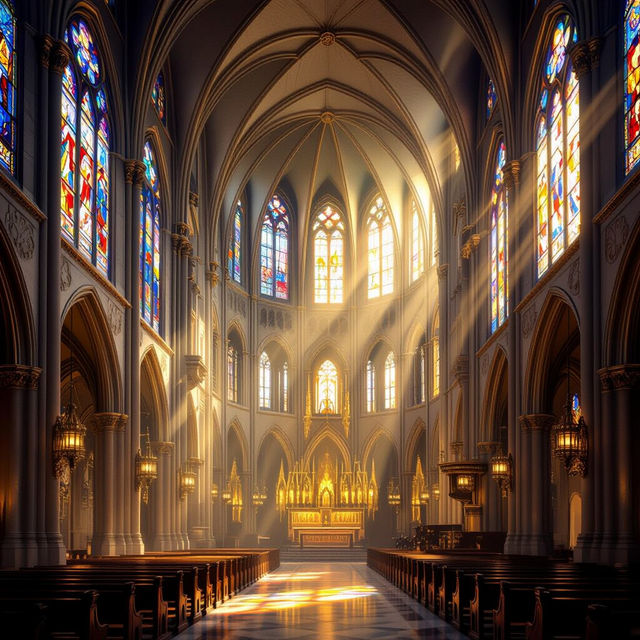
Church Art - Made With AI
Explore a curated collection of AI-generated church art. Find inspiration for religious scenes, architecture, and spiritual imagery. Create your own unique church art on NightCafe.
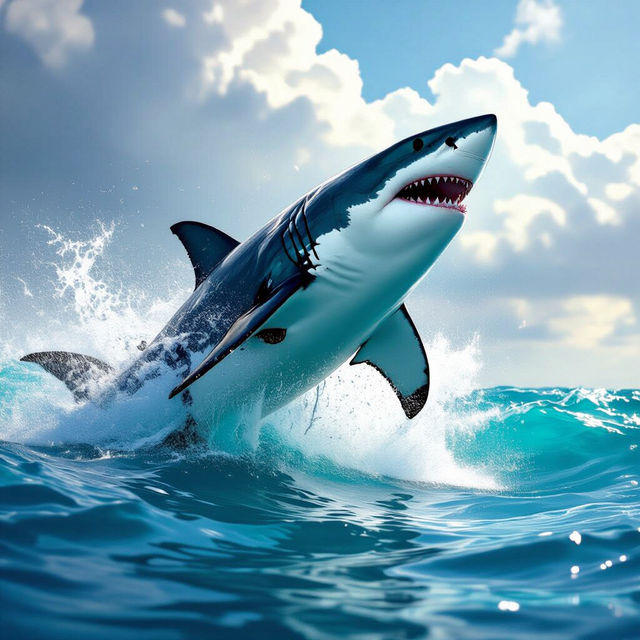
Shark Art - Made With AI
Dive into a captivating gallery of AI-generated shark art. Discover diverse styles and create your own unique shark-themed masterpieces with NightCafe's powerful tools.
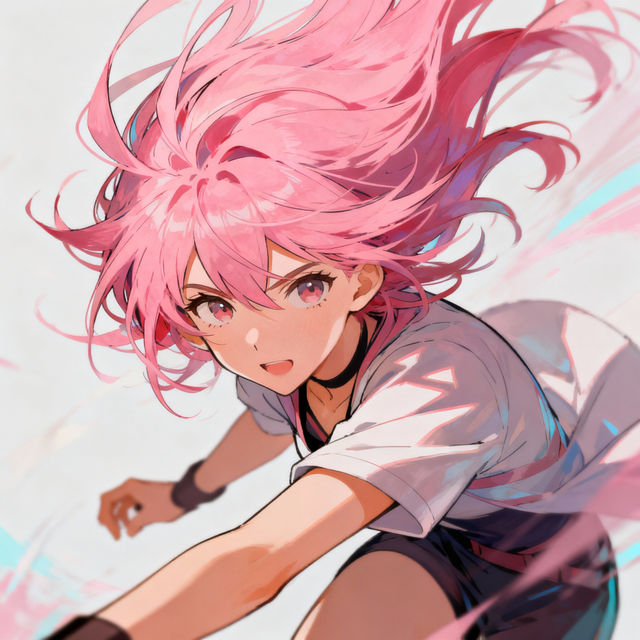
Anime Hair Drawings
Explore a gallery of unique anime hair drawings created with AI. Get inspired by various styles and colors, and learn how to generate your own distinctive anime hairstyles.
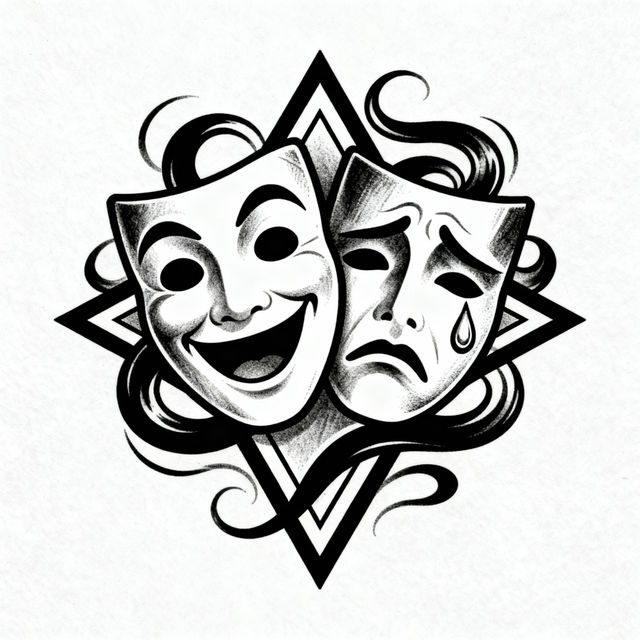
Smile Now Cry Later Drawings - Made With AI
Discover unique Smile Now Cry Later drawings created by AI. Get inspired by this iconic tattoo art style and generate your own custom designs on NightCafe.
Frequently Asked Questions
Frequently Asked Questions About Matching AI Wallpaper Sets
How are these matching wallpaper sets generated by AI?
Our AI uses advanced algorithms trained on vast datasets of art and design principles. For matching sets, the AI analyzes stylistic elements, color palettes, and thematic components of one design to generate a complementary counterpart, ensuring visual harmony across your screens.
Can I use these wallpapers on different screen resolutions or aspect ratios?
While the AI generates designs with popular resolutions in mind, we recommend checking the specific dimensions provided for each wallpaper set. You may be able to resize or crop them to fit your unique screen setup, though minor adjustments might be needed for optimal fit.
What makes these wallpaper sets ideal for dual monitors?
The AI is specifically guided to create designs that are visually cohesive. This means the colors, themes, and styles will intentionally complement each other, avoiding jarring transitions and creating a unified, immersive experience across two displays.
How do I download and set up my AI-generated wallpaper set?
After selecting your desired wallpaper set, you can typically download the individual images through provided links or buttons on the gallery page. Once downloaded, you can set each image as your wallpaper through your operating system's display settings, selecting one for each monitor.
Can I request specific themes or styles for future matching wallpaper sets?
While direct requests for specific themes aren't currently supported within this gallery, your engagement and feedback help us understand popular trends. We continuously update our AI models and gallery offerings based on user interest and emerging design aesthetics.