

- Galleries
- Microphone Drawing Gallery
Create a Microphone Drawing With AI
Explore the world of audio artistry with our AI Microphone Drawing generator. Whether you're designing a logo, creating digital art, or just experimenting, our AI brings your visions to life. Browse microphone drawing examples or create your own.

As seen in








Microphone Drawing Gallery
Explore a diverse collection of AI-generated microphone drawings, showcasing various styles from vintage to modern. Ideal for musicians, podcasters, and designers seeking inspiration.


Didn't find what you were looking for? Create your own below!
Create your own Create a Microphone Drawing With AI images
Discover the magic of Text to Image AI by creating your own unique images. Edit the prompt below to customize your creation.
No payment or credit card required.

Endless Design Possibilities
Microphone Drawing Designs
Explore a diverse range of Microphone Drawing designs with our AI generator. From sleek and modern to abstract and artistic, discover the perfect visual representation for your audio projects. Use these designs for logos, websites, or any creative endeavor that needs a touch of audio flair.
Create Your Microphone Drawing
Step 1
Describe Your Vision
Start by typing a detailed description of the microphone drawing you envision into the prompt box. Be specific about the style (vintage, modern, cartoon), the type of microphone (condenser, dynamic, ribbon), and any additional elements or background you'd like to include. The more details you provide, the better the AI can capture your vision!
Step 2
Generate Your Drawing
After crafting your perfect prompt, click the 'Generate' button. Our AI will then process your request and create a unique microphone drawing based on your input. This may take a few moments, so sit back and watch the magic happen!
Step 3
Download and Share
Once your microphone drawing is generated, you can download it in high resolution for your projects. Feel free to share your creation with the NightCafe community or on your favorite social platforms. Let the world see your unique audio-inspired art!

Timeless Audio Aesthetics
Create Vintage Microphones With AI
Create Vintage Microphones with AI. Recreate the iconic look of classic broadcasting and recording equipment. Perfect for adding a retro touch to your designs or generating unique artwork that celebrates the history of audio technology. Our AI brings the past to life with stunning detail.
More Galleries
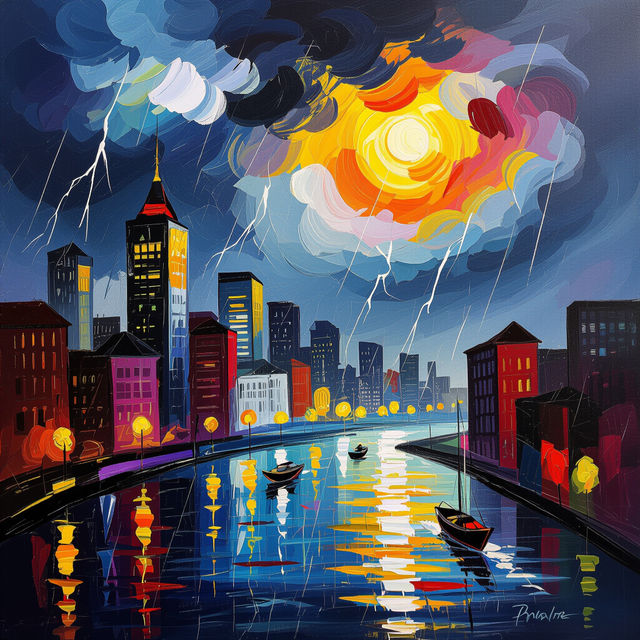
Generate Expressionism Art with AI
Explore the emotional depths of Expressionism Art using AI. Create striking, evocative pieces that capture the essence of human feeling. Browse inspiring examples or generate your own Expressionism Art.
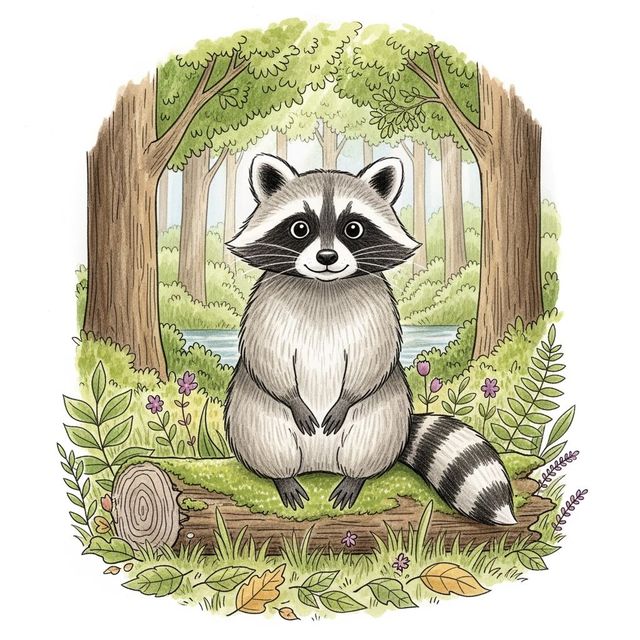
Generate a Raccoon Drawing
Create charming raccoon drawings with our AI-powered tool. Perfect for artists, storytellers, and anyone who loves these masked critters. Browse raccoon drawing examples or create your own.

Explore Classical Art with AI
Explore the timeless beauty of Classical Art. View our gallery of AI-generated classical art. Reimagine historical masterpieces and create your own classical art pieces.

AI-Generated Japanese Wallpaper
Transform your space with AI-generated Japanese wallpaper. Our gallery features stunning designs inspired by Japanese art, nature, and culture. Explore our collection and create your own unique wallpaper today.
Frequently Asked Questions
Everything You Need to Know About Creating AI Microphone Drawings
What types of microphone drawings can I create with AI?
Our AI Microphone Drawing generator can produce a wide range of styles, from sleek and modern designs to vintage and retro illustrations. You can also explore abstract and artistic interpretations, allowing you to find the perfect visual representation for your audio projects.
Can I use the AI-generated microphone drawings for commercial purposes, such as logos or branding?
Yes, you can use the AI-generated microphone drawings for commercial purposes. These drawings can be incorporated into logos, websites, marketing materials, and other creative endeavors requiring an audio-related visual. Please adhere to our terms of service regarding commercial use.
How do I create a vintage-style microphone drawing using the AI generator?
To create a vintage microphone drawing, include keywords like "vintage," "retro," "classic," or specific microphone types from the past (e.g., "ribbon microphone," "tube microphone") in your prompt. Experiment with styles like "art deco" or "engraving" to further enhance the vintage aesthetic.
What are some good prompts for getting the best results when creating microphone drawings?
To get the best results, be specific in your prompts. Include details about the microphone style (e.g., "studio microphone," "wireless microphone"), the desired art style (e.g., "photorealistic," "cartoon," "abstract"), and any specific visual elements you want to incorporate (e.g., "on a stage," "with a singer," "glowing").
What if I'm not happy with the initial AI-generated microphone drawing?
If you're not satisfied with the initial result, try refining your prompt with more specific details or adjusting the style settings. You can also use the variations feature to explore similar images based on your initial creation. Experimentation is key to achieving the desired outcome.