

- Galleries
- Free Microsoft Teams Backgrounds
Microsoft Teams Background Images Free
Discover and create stunning, free Microsoft Teams background images. Elevate your virtual meetings with unique AI-generated designs, perfect for any professional setting.

As seen in








Free Microsoft Teams Backgrounds
Explore a curated collection of AI-generated background images perfect for Microsoft Teams. Enhance your virtual presence with professional and creative designs, all free to use.


Didn't find what you were looking for? Create your own below!
Create your own Microsoft Teams Background Images Free images
Discover the magic of Text to Image AI by creating your own unique images. Edit the prompt below to customize your creation.
No payment or credit card required.

Elevate Your Virtual Presence
AI-generated Backgrounds For Microsoft Teams
Transform your online meetings with unique, AI-generated Microsoft Teams Background Images Free. Our gallery offers a diverse collection of professional and creative designs, ensuring you make a lasting impression. Effortlessly find the perfect backdrop to enhance your virtual workspace and professionalism.
Create Your Perfect Teams Background
Step 1
Describe Your Desired Background
Describe the ideal Microsoft Teams background for your virtual meetings. Be specific about the style, colors, and any elements you'd like to see. For instance, try 'minimalist office with a view of a cityscape' or 'abstract geometric pattern in calming blue tones'. The more detail you provide, the better the AI can match your vision.
Step 2
Generate Your Backgrounds
After entering your prompt, click the 'Generate' button. Our AI will process your description and create a selection of unique background images tailored to your specifications. This is where the magic happens!
Step 3
Download & Use Your New Background
Once your backgrounds are generated, browse through the options. Select your favorite and click 'Download' to save it. You can then easily upload this image to Microsoft Teams to enhance your next virtual meeting.

Your Vision, Realized Instantly
Generate Custom Teams Virtual Backgrounds For Meetings
Take control and Generate Custom Teams Virtual Backgrounds for Meetings with our intuitive AI tools. Whether you need a minimalist office, a vibrant cityscape, or an abstract design, our platform empowers you to create unique visuals that perfectly match your style and professional needs.
More Galleries
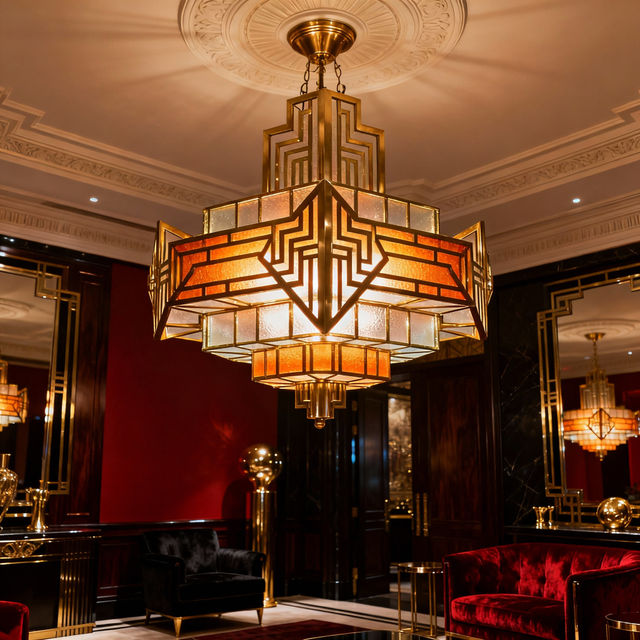
Art Deco Ceiling Lights - AI Generated
Explore a stunning gallery of AI-generated Art Deco ceiling lights. Get inspired by unique designs and create your own perfect Art Deco lighting for any space.
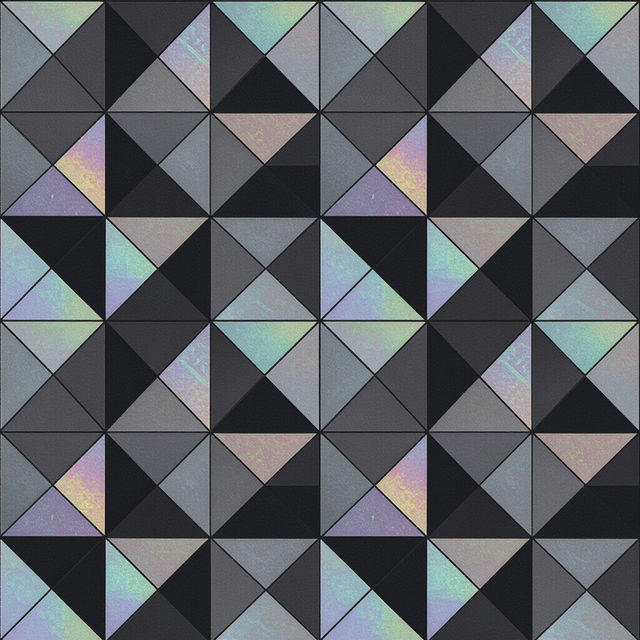
Black Wallpaper - AI Generated
Discover a curated collection of AI-generated black wallpapers. Perfect for adding a sleek, dark aesthetic to your devices. Create your own unique black wallpaper today!
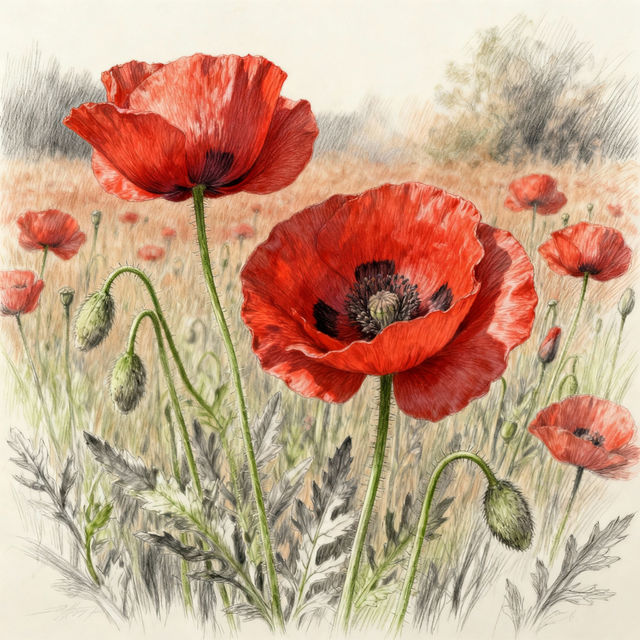
Poppies Drawing
Explore a vibrant gallery of poppies drawings created with AI. Get inspired by the beauty of AI-generated art and create your own stunning poppy illustrations.

Kitty Drawing Easy
Explore our collection of easy kitty drawings, perfect for aspiring artists. Learn to draw cute cats with AI and create your own adorable feline masterpieces today.
Frequently Asked Questions
Your Questions About Free Microsoft Teams Background Images, Answered
How can I create a custom Microsoft Teams background image?
You can easily create custom Teams background images using our intuitive AI tools. Simply describe the style, theme, or elements you envision for your background, and our AI will generate unique designs for you. Experiment with keywords related to professional settings, abstract art, or specific aesthetics to find the perfect fit.
Are the Microsoft Teams background images generated by NightCafe free to use?
Yes, the Microsoft Teams background images created and available through this gallery are free to use. You can enhance your virtual meetings without any cost, making your online presence more professional and engaging.
What kind of styles can I create for my Teams virtual background?
Our AI tools allow for a wide variety of styles. You can generate minimalist office scenes, dynamic cityscapes, sophisticated abstract patterns, nature-inspired backdrops, and much more. Simply adjust your prompts to explore different aesthetic directions and find a style that suits your professional needs and personal taste.
Can I use these AI-generated images for commercial purposes in my meetings?
You are welcome to use these AI-generated images as virtual backgrounds for your Microsoft Teams meetings, including those that may be considered professional or business-related. For specific commercial use cases beyond virtual backgrounds, please refer to our Terms of Service for detailed guidelines.