

- Galleries
- Minimalist Wallpaper Gallery
Generate Minimalist Wallpapers
Explore a curated gallery of minimalist wallpapers. Perfect for desktops and phones, these designs offer clean aesthetics. Create your own unique minimalist wallpaper with NightCafe.

As seen in








Minimalist Wallpaper Gallery
A collection of elegant and simple AI-generated minimalist wallpapers, perfect for adding a touch of modern sophistication to any device.


Didn't find what you were looking for? Create your own below!
Create your own Generate Minimalist Wallpapers images
Discover the magic of Text to Image AI by creating your own unique images. Edit the prompt below to customize your creation.
No payment or credit card required.

Clean Aesthetics, Endless Possibilities
Discover Minimalist Wallpaper Designs
Dive into a world of refined simplicity with our curated collection of minimalist wallpapers. Each design is crafted to bring a sense of calm and order to your digital space. Find the perfect Minimal Wallpaper that speaks to your style, or use our AI to generate a unique piece.
Create Your Own Minimalist Masterpiece
Step 1
Describe Your Minimalist Vision
Start by entering a detailed description of the minimalist wallpaper you envision. Think about colors, shapes, and the overall feeling you want to convey. For example, try prompts like "subtle geometric patterns in pastel colors" or "a single abstract brushstroke on a white background."
Step 2
Generate Your Wallpaper
Once your prompt is ready, click the 'Generate' button. Our AI will process your request and create a unique minimalist wallpaper tailored to your description.
Step 3
Download or Share Your Creation
After generation, preview your new wallpaper. If you love it, download it to use on your desktop or phone. You can also share it with the NightCafe community!

Effortless Style, Instant Creation
Generate Simple Backgrounds With AI
Transform your devices with effortlessly chic backgrounds. Our AI makes it easy to Generate Simple Backgrounds with AI, perfect for anyone seeking a clean and uncluttered look. Whether for your phone or desktop, create a visually pleasing atmosphere that enhances your workflow and personal style.
More Galleries

Create Your Own Cartoon Characters with AI
Discover a vibrant gallery of AI-generated cartoon characters. Use our tools to bring your unique cartoon character drawings to life, perfect for animation, comics, or games.
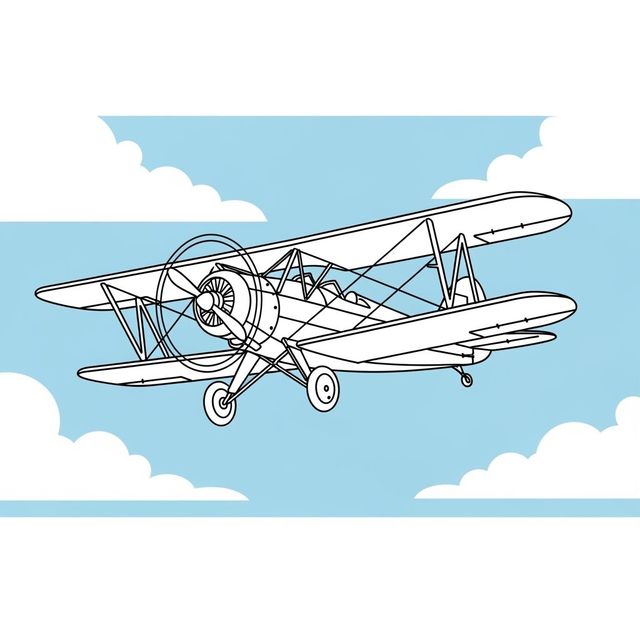
Discover Easy Plane Drawings with AI
Explore a collection of easy plane drawings created with AI. Find inspiration for your next drawing or easily generate your own airplane art with NightCafe.
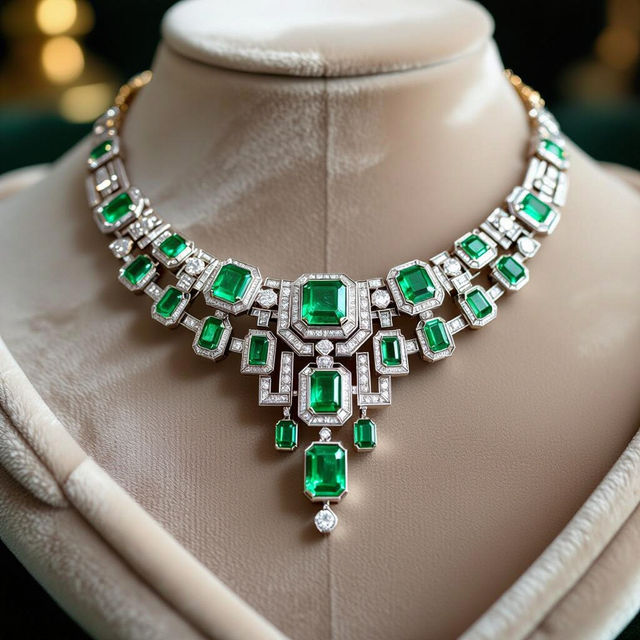
Explore Stunning Art Deco Jewelry Designs
Browse our collection of exquisite Art Deco jewelry. Get inspired by the geometric patterns and luxurious feel, then create your own unique Art Deco jewelry designs with NightCafe.
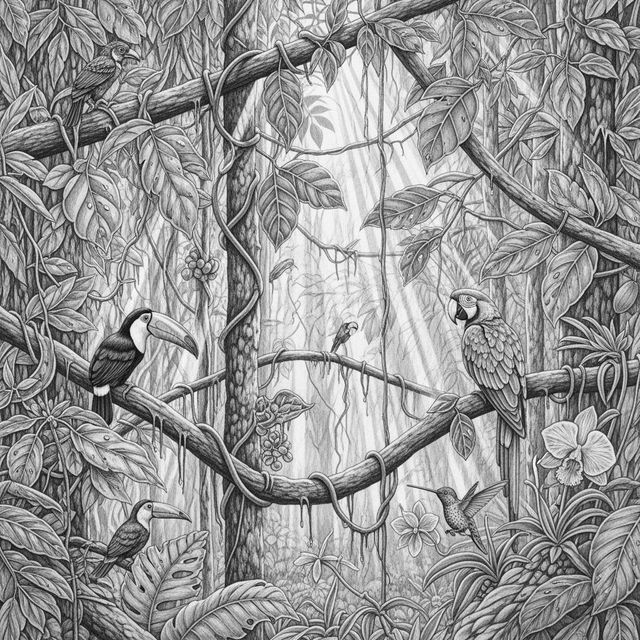
Explore AI-Generated Rainforest Drawings
Discover stunning AI-generated rainforest drawings. Get inspired by lush jungle scenes, unique flora, and fauna, then create your own vibrant rainforest art with NightCafe.
Frequently Asked Questions
Your Questions About Creating Minimalist Wallpapers Answered
What makes a wallpaper 'minimalist' when generated by AI?
Minimalist wallpapers typically feature clean lines, simple color palettes, and uncluttered compositions. Our AI focuses on generating designs with these characteristics, often using geometric shapes, subtle gradients, or abstract forms to achieve a refined and calming aesthetic.
Can I use the AI to create minimalist wallpapers for both my desktop and phone?
Absolutely! Our AI is designed to generate wallpapers suitable for various screen resolutions and aspect ratios. When creating your wallpaper, you can often specify dimensions or aspect ratios to ensure a perfect fit for your desktop or mobile device.
What kind of prompts work best for generating minimalist wallpapers?
For minimalist designs, try prompts that focus on simplicity, specific color schemes, and abstract or geometric elements. For example, 'soft pastel gradient wallpaper,' 'geometric abstract with clean lines,' or 'minimalist landscape with muted colors' can yield excellent results.
How can I ensure the generated wallpaper has a clean and uncluttered look?
When prompting the AI, use terms like 'simple,' 'clean,' 'uncluttered,' 'minimal,' 'geometric,' 'flat design,' or specify a limited color palette. Avoiding overly complex descriptions will help the AI focus on creating a streamlined aesthetic.