

- Galleries
- Minimalist iPhone Wallpaper Gallery
Minimalist iPhone Wallpapers
Explore a stunning collection of minimalist iPhone wallpapers. Get inspired by clean designs and simple aesthetics, perfect for your device.

As seen in








Minimalist iPhone Wallpaper Gallery
A curated gallery of minimalist wallpapers designed for iPhones, offering a clean and stylish look for your mobile screen.


Didn't find what you were looking for? Create your own below!
Create your own Minimalist iPhone Wallpapers images
Discover the magic of Text to Image AI by creating your own unique images. Edit the prompt below to customize your creation.
No payment or credit card required.

Effortless Style, Simple Design
Discover Minimalist Wallpaper For Iphone
Elevate your iPhone's look with our curated collection of minimalist wallpapers. Each design offers a clean aesthetic, ensuring your device reflects a sense of calm and sophistication. Find the perfect Minimalist Wallpaper Iphone to complement your style and bring a touch of elegance to your everyday.
Craft Your Perfect Minimalist iPhone Wallpaper
Step 1
Describe Your Vision
Begin by entering a detailed description of the minimalist iPhone wallpaper you envision. Think about colors, shapes, and the overall mood you want to convey. For example, 'soft pastel gradient with a single delicate line' or 'monochromatic abstract geometric pattern'. The more specific you are, the closer the AI will get to your ideal design.
Step 2
Generate Your Wallpaper
After refining your prompt, click the 'Generate' button. Our AI will process your description and create a unique minimalist wallpaper tailored to your specifications. Watch as your ideas come to life on screen!
Step 3
Download & Share
Once your wallpaper is ready, you can download it in high resolution to adorn your iPhone. Feel free to share your beautiful creation with friends or the community, and inspire others with your minimalist aesthetic!

Your Vision, AI's Canvas
Generate Aesthetic Phone Backgrounds With AI
Transform your creative ideas into stunning Aesthetic Phone Backgrounds with our advanced AI. Effortlessly Generate Aesthetic Phone Backgrounds with AI, exploring endless possibilities of color, form, and texture. Our tools empower you to craft unique, personalized backgrounds that perfectly capture your desired mood and style.
More Galleries
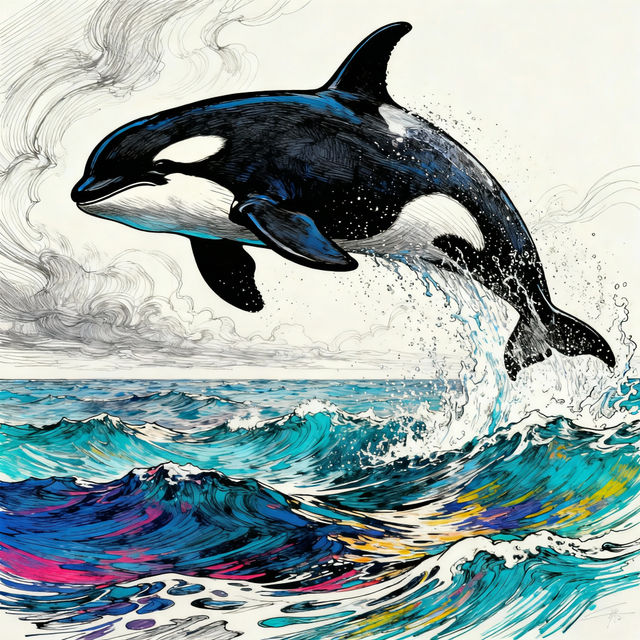
Orca Whale Drawings
Explore a gallery of breathtaking Orca Whale drawings. Get inspired by AI-generated art and create your own unique orca whale artwork today.
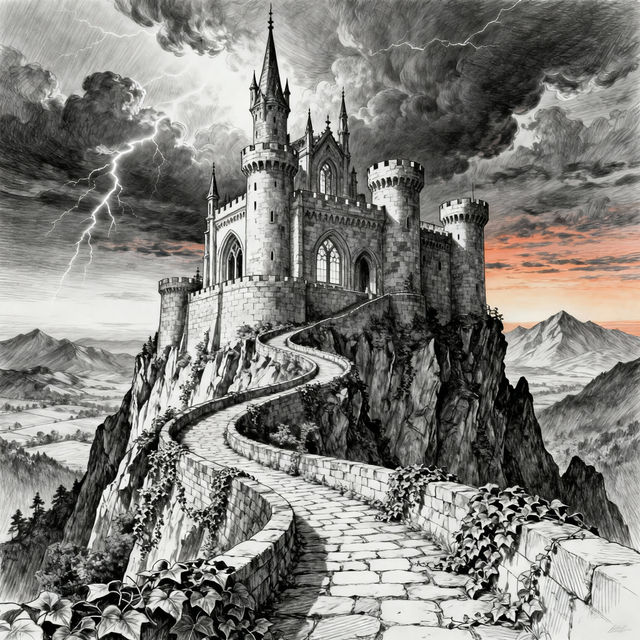
Drawing Of A Castle
Explore a captivating gallery of AI-generated castle drawings. Get inspired by fantastical fortresses and unique architectural designs. Create your own castle drawing with NightCafe.
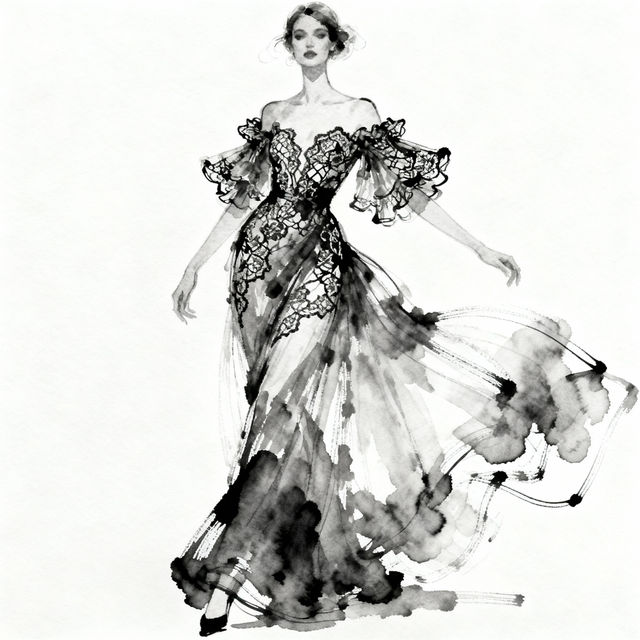
Fashion Dress Drawing
Explore a stunning gallery of AI-generated fashion dress drawings. Get inspired by unique designs and create your own fashion illustrations with NightCafe's AI.
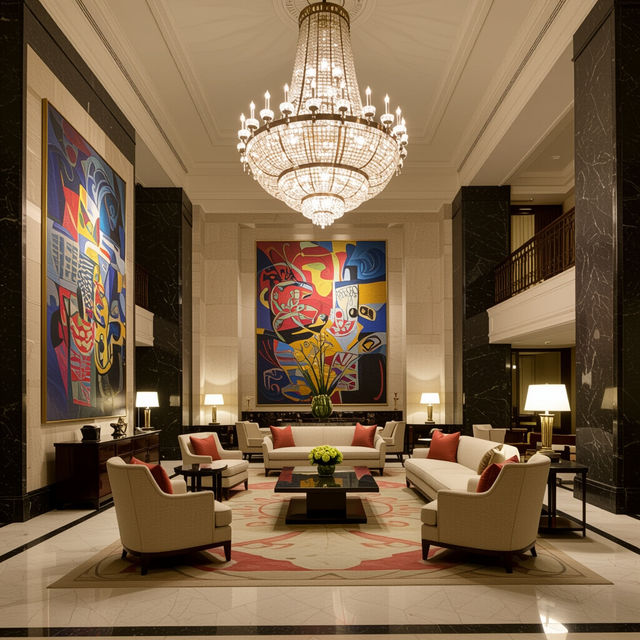
Alvear Art Hotel Inspired Art
Explore unique AI art inspired by the luxurious Alvear Art Hotel. Get inspired by its elegance and create your own stunning visuals with NightCafe.
Frequently Asked Questions
Your Questions About Minimalist iPhone Wallpapers, Answered
How can I create my own minimalist iPhone wallpaper?
To create your own minimalist iPhone wallpaper, start by thinking about the core elements of minimalism: simplicity, clean lines, and a focus on negative space. Use descriptive keywords in your prompt, such as 'minimalist landscape,' 'abstract geometric pattern,' 'single object silhouette,' or 'soft gradient background.' Specify colors, moods (e.g., 'calm,' 'serene,' 'modern'), and desired styles. Experiment with different AI art generation models available on NightCafe to see which best captures your vision for a clean and elegant aesthetic.
What makes a wallpaper 'minimalist' for an iPhone?
A minimalist wallpaper for an iPhone typically features a clean aesthetic with limited visual elements. This often includes simple shapes, solid colors or subtle gradients, uncluttered compositions, and a focus on negative space. The goal is to create a background that is visually pleasing without being distracting, allowing your app icons and home screen to stand out. Our AI tools can help you achieve this by generating designs that adhere to these principles.
Can I generate wallpapers with specific color palettes or moods?
Absolutely! When creating your prompt, you can specify desired color palettes (e.g., 'pastel colors,' 'monochromatic blue,' 'earth tones') and moods (e.g., 'peaceful,' 'energetic,' 'sophisticated'). The AI will interpret these keywords to generate wallpapers that match your aesthetic preferences and the overall vibe you want for your iPhone.
Are the generated wallpapers optimized for iPhone screens?
Our AI art generation tools allow you to create images with various aspect ratios and resolutions. While the AI generates the artwork, you can often select settings or refine your prompts to aim for dimensions suitable for iPhone screens. We recommend generating at a high resolution and then cropping or adjusting the final image on your device to ensure a perfect fit for your specific iPhone model.