

- Galleries
- Moe Art Style Creations
Explore the Moe Art Style with AI
Explore the captivating world of Moe Art Style through our AI-generated gallery. Discover cute and charming characters brought to life with advanced AI technology. Start creating your own Moe art today!

As seen in








Moe Art Style Creations
Browse our curated collection of AI-generated Moe Art Style images. Each piece showcases the unique characteristics and charm of this beloved style. Get inspired and create your own adorable characters!


Didn't find what you were looking for? Create your own below!
Create your own Explore the Moe Art Style with AI images
Discover the magic of Text to Image AI by creating your own unique images. Edit the prompt below to customize your creation.
No payment or credit card required.

Endless Creative Possibilities
Discover AI-generated Moe Art
Explore the enchanting world of 'Moe Art Style' with our AI-powered generator. Create adorable characters and scenes with ease. Whether you're a seasoned artist or just starting, our gallery opens up a universe of creative possibilities. Dive in and bring your imagination to life!
Create Your Own Moe Art
Step 1
Input Your Creative Vision
Describe the Moe character or scene you envision in the prompt box. Specify details like hair color, eye shape, outfit, and background. The more details you provide, the closer the AI will get to your desired result!
Step 2
Generate Your Adorable Artwork
After crafting your perfect prompt, click the "Generate" button. Our AI will then work its magic, transforming your words into a unique and charming Moe artwork.
Step 3
Share Your Masterpiece
Once your Moe art is generated, download it in high-quality and share it with your friends, family, or the NightCafe community! Let others admire your creation and get inspired!

Customize Your Character
Design An Anime Girl With Various Outfits
Design an Anime Girl with Various Outfits using our intuitive AI tools. Experiment with different styles, from casual wear to fantasy costumes. Our platform lets you easily customize every aspect of your character, ensuring she perfectly reflects your vision. Start designing today!
More Galleries
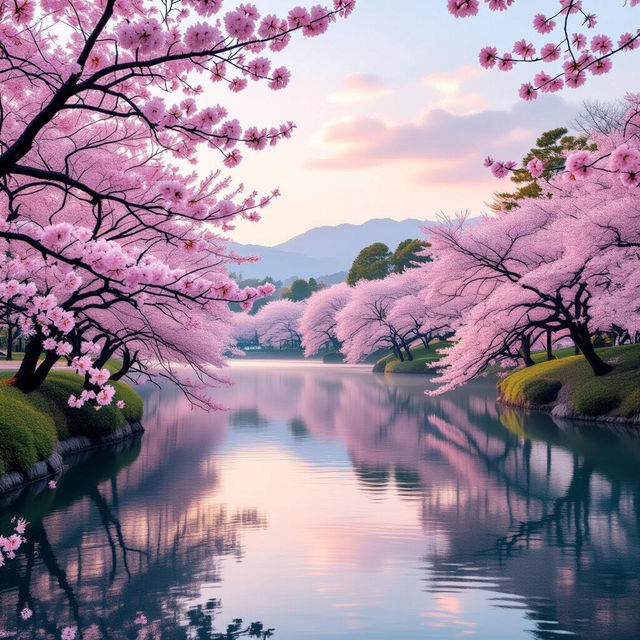
Generate Stunning Aesthetic Images
Create Stunning Aesthetic Images with NightCafe's AI Image Generator. Transform your imagination into beautiful artworks. Browse aesthetic image examples or create your own.
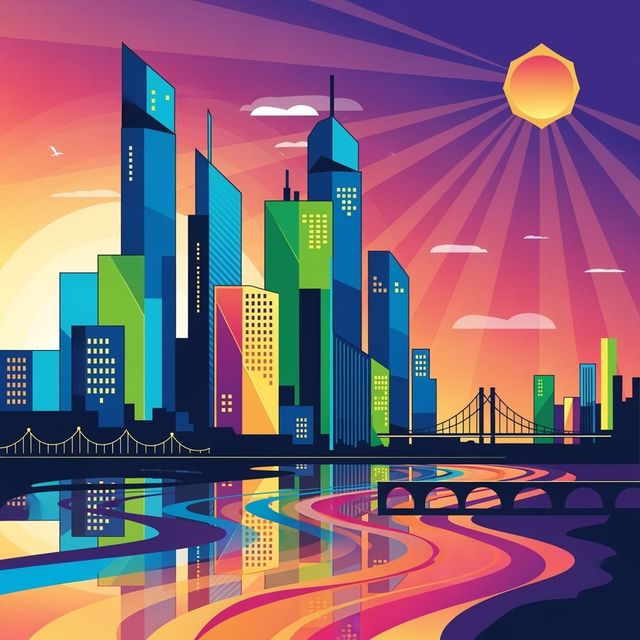
AI Vector Images
Create high-quality vector images with AI. Explore the versatility of AI-generated vectors for your design needs. Browse or create your own.
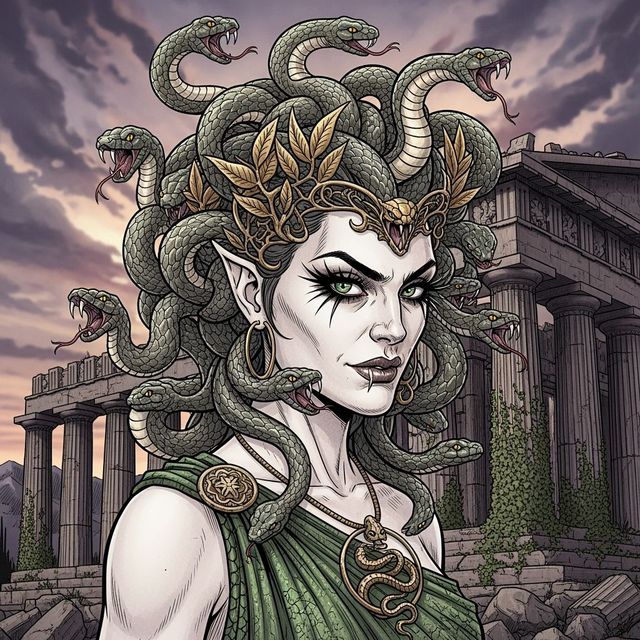
AI Medusa Drawing Generator
Unleash the power of AI to create striking Medusa drawings. Explore a gallery of AI-generated Medusa art or craft your own unique portrayal of the mythical Gorgon.
AI Black Screen Wallpaper Generator
Discover the beauty of simplicity with our Black Screen Wallpaper generator. Create stunning, high-resolution wallpapers that perfectly complement your device. Browse our collection or generate your own minimalist masterpiece.
Frequently Asked Questions
Everything You Need to Know About Creating Moe Art with AI
What is 'Moe Art Style' and how can AI help me create it?
Moe Art Style is a Japanese aesthetic characterized by cute, endearing characters with large eyes and charming features. Our AI-powered generator simplifies the process, allowing you to create adorable characters and scenes effortlessly. Simply input your desired features and let the AI bring your vision to life.
What kind of customization options are available for my Moe AI creations?
Our AI tools provide extensive customization. You can adjust character features like hair style and color, eye shape, clothing, and background details. Experiment with different prompts and settings to achieve your desired look and create unique Moe characters.
Can I use the AI to design different outfits for my Moe characters?
Absolutely! Our platform allows you to design various outfits, from casual wear to elaborate fantasy costumes. Describe the desired clothing in your prompt, specifying details like style, color, and accessories, and watch the AI generate diverse and stylish outfits for your characters.
What AI models are best suited for generating Moe Art?
While you can experiment with various models, some AI models on NightCafe are particularly well-suited for generating Moe art. Models that excel at character generation and anime styles are a great starting point. Explore the different models available and see which one best captures the aesthetic you're aiming for. Remember to experiment with your prompts to get the best results.
How can I improve the quality of my AI-generated Moe artwork?
Experiment with detailed and descriptive prompts. The more information you provide the AI, the better it can understand your vision. Try specifying art styles, color palettes, and even the desired emotion of the character. Also, try different AI models and adjust the settings to fine-tune the output and achieve the best possible result. You can also use the 'Evolve' feature to refine existing generations.