

- Galleries
- Gallery of Realistic Drawings
Most Realistic Drawing In The World
Discover the most realistic drawings created by AI. Browse hyperrealistic art and learn how to generate your own incredibly lifelike creations with NightCafe.

As seen in








Gallery of Realistic Drawings
A curated collection of AI-generated drawings that push the boundaries of realism, showcasing stunning detail and lifelike quality.


Didn't find what you were looking for? Create your own below!
Create your own Most Realistic Drawing In The World images
Discover the magic of Text to Image AI by creating your own unique images. Edit the prompt below to customize your creation.
No payment or credit card required.

Lifelike Detail, Artfully Crafted
Explore Hyperrealistic AI Art
Dive into a curated collection showcasing the pinnacle of AI-generated realism. Our gallery features the Most Realistic Drawing In The World, demonstrating the incredible detail and texture achievable through advanced algorithms. Witness art that blurs the line between digital creation and photographic accuracy, offering endless inspiration.
Create Your Own Hyperrealistic Art
Step 1
Describe Your Vision
To begin, enter a detailed description of the realistic drawing you envision in the prompt box. Be specific about the subject, setting, lighting, and any particular artistic style you're aiming for. The more detail you provide, the closer the AI can get to generating your desired lifelike image.
Step 2
Generate Your Realistic Drawing
After crafting your prompt, click the 'Generate' button. The AI will process your request and create a unique, hyperrealistic drawing based on your input. Watch as your ideas transform into incredibly lifelike visuals.
Step 3
Download & Share Your Masterpiece
Once your hyperrealistic artwork is ready, you can download it in high resolution. Feel free to share your creation with the community or use it as inspiration for your next AI art masterpiece!

Your Vision, Realized Instantly
Generate Hyperrealistic Art And Drawings With AI
Unlock your creative potential with our intuitive AI tools. Experience seamless Hyperrealistic Art Generation and learn to Generate Hyperrealistic Art and Drawings with AI that rival traditional mediums. Transform your ideas into stunningly lifelike visuals, from portraits to landscapes, with just a few simple prompts.
More Galleries

Data Center Pictures
Discover a vast collection of AI-generated data center pictures. Get inspiration for your projects and visualize the future of technology with unique and creative imagery.
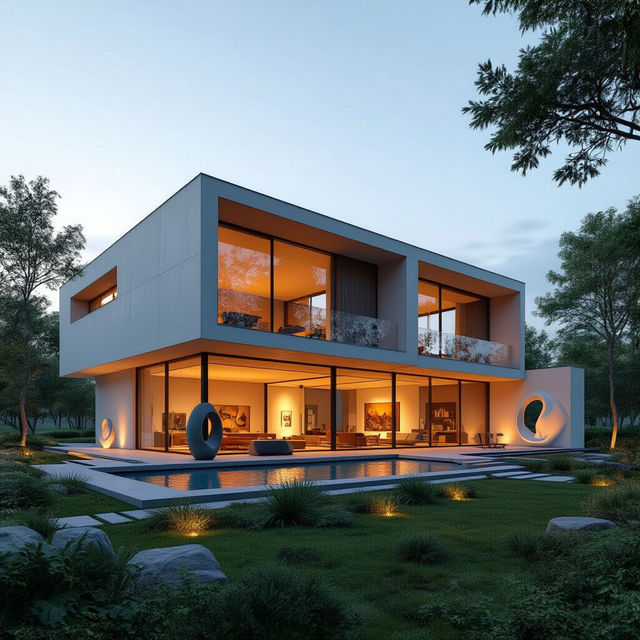
House For An Art Lover
Explore a unique gallery of AI-generated 'House for an Art Lover' designs. Discover architectural marvels blending art and living spaces, perfect for inspiration or your next creative project.
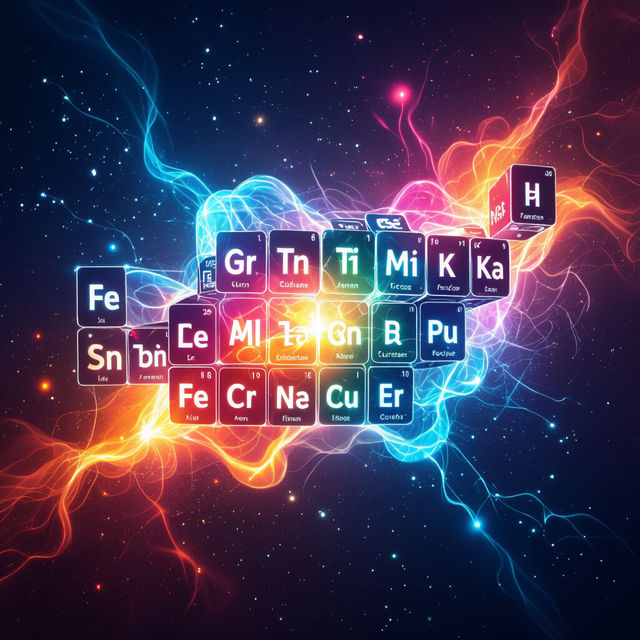
Pictures Of Elements - Created With AI
Discover breathtaking pictures of elements, from abstract concepts to scientific representations. Generate your own unique element images with our powerful AI tools on NightCafe.
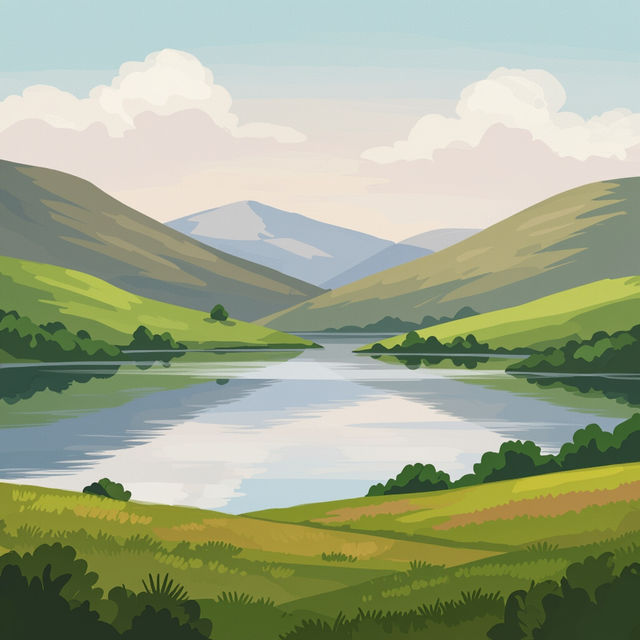
Pictures To Paint Easy
Discover simple, easy-to-paint pictures perfect for beginners. Get inspired by AI-generated art and create your own masterpiece with NightCafe.
Frequently Asked Questions
Your Questions About Hyperrealistic AI Art, Answered
What makes these drawings look so realistic?
These drawings achieve a high level of realism through advanced AI models trained on vast datasets of real-world images. Techniques like detailed texture generation, accurate lighting simulation, and precise anatomical or structural rendering contribute to their lifelike appearance. Our platform allows you to leverage these powerful models to create your own hyperrealistic art.
How can I generate my own hyperrealistic drawings?
To generate your own hyperrealistic drawings, start with a descriptive prompt that details the subject, lighting, textures, and desired mood. Experiment with different AI models available on NightCafe, as some are better suited for realism than others. Pay attention to details like camera angles and artistic styles that mimic traditional mediums such as photography or fine art.
Can I achieve specific artistic styles within hyperrealism, like photorealism or surreal realism?
Yes, you can guide the AI towards specific styles within hyperrealism. By including terms like 'photorealistic,' 'ultra-detailed,' 'sharp focus,' or even 'surreal photorealism' in your prompt, you can influence the output. Experimenting with different keywords and AI models is key to achieving the exact aesthetic you envision.
What are the best prompts for creating realistic textures and details?
For realistic textures and details, be very specific in your prompts. Use keywords that describe the material (e.g., 'worn leather,' 'polished chrome,' 'dewy grass'), the lighting conditions (e.g., 'soft morning light,' 'harsh studio lighting,' 'rim lighting'), and the level of detail (e.g., 'intricate patterns,' 'fine pores,' 'individual strands of hair'). Referencing specific camera lenses or photographic terms like 'macro shot' or 'shallow depth of field' can also enhance realism.