

- Galleries
- Easy Music Drawing Gallery
Easy Music Drawings
Explore a gallery of easy music drawings, perfect for inspiration. Learn to create your own simple musical art with AI on NightCafe.

As seen in








Easy Music Drawing Gallery
A collection of simple and easy-to-replicate music drawings, featuring instruments, notes, and symbols for artistic inspiration.


Didn't find what you were looking for? Create your own below!
Create your own Easy Music Drawings images
Discover the magic of Text to Image AI by creating your own unique images. Edit the prompt below to customize your creation.
No payment or credit card required.

Inspiring Musical Visuals
Simple Drawings Of Musical Elements
Dive into a collection of easy music drawings, featuring beloved instruments and notes. This gallery offers a fantastic starting point for anyone looking to create simple, charming musical art. Let these visuals spark your imagination and guide your own creative journey with our AI tools.
Create Your Own Easy Music Drawings With AI
Step 1
Describe Your Music Drawing
Start by describing the music drawing you envision in the prompt box. Be specific about the instruments, notes, or musical scenes you want to create. For example, try "a simple, cute drawing of a guitar with musical notes floating around it" or "a minimalist illustration of a piano keyboard." The more detail you provide, the better the AI can match your vision.
Step 2
Generate Your Artwork
After entering your prompt, click the "Generate" button. Our AI will then process your description and create a unique music drawing based on your input. This may take a few moments, so feel free to look around the gallery while you wait!
Step 3
Download or Share Your Masterpiece
Once your drawing is ready, you can download it in a high-resolution format to use as you wish. If you're proud of your creation, share it with the NightCafe community to inspire others and get feedback!

Your AI Art Companion
Create Simple Music Art With AI
Transform your ideas into simple music art effortlessly. Our AI makes it easy to generate unique pieces, perfect for personal projects or sharing. Explore the possibilities of creating your own simple musical art with AI, turning everyday inspiration into delightful visual creations.
More Galleries
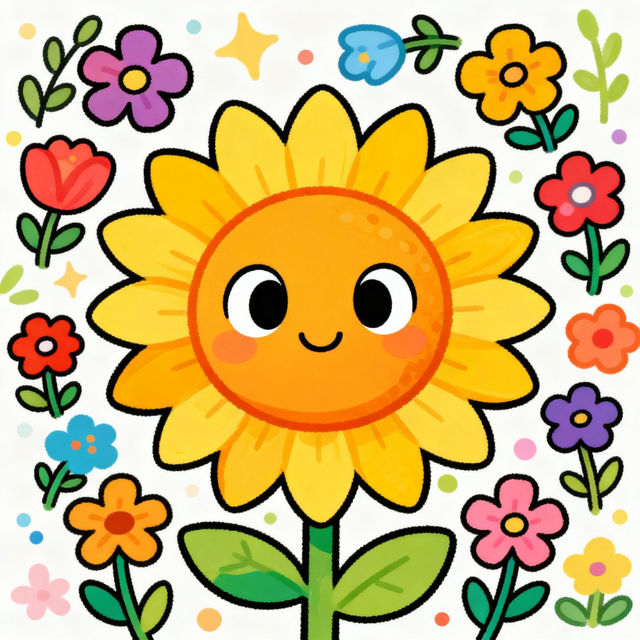
Flower Cartoon Drawings - Made With AI
Explore a delightful gallery of AI-generated flower cartoon drawings. Get inspired by unique styles and create your own charming floral artwork with NightCafe.
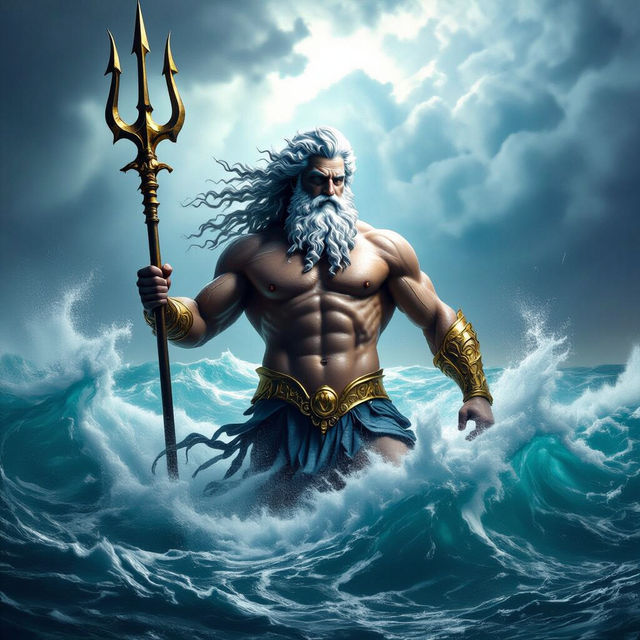
Poseidon Art - Made With AI
Discover breathtaking Poseidon art generated by AI. Explore mythical scenes and powerful depictions of the Greek god of the sea. Create your own unique Poseidon art on NightCafe.
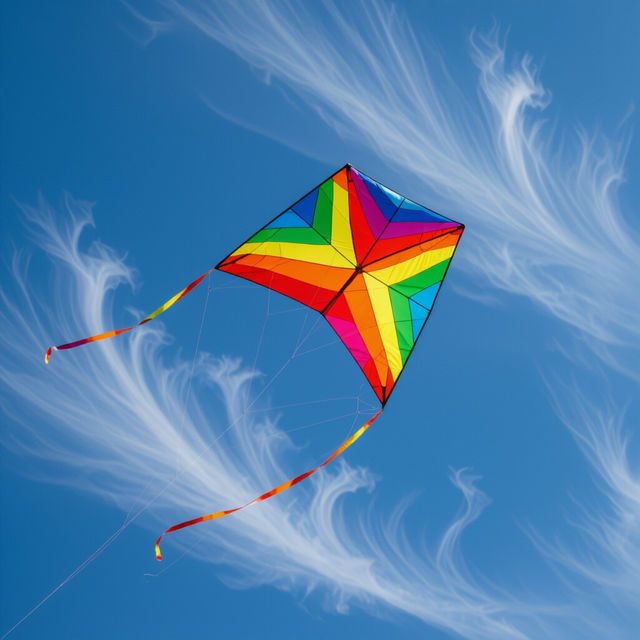
Kite Images - Made With AI
Discover a vibrant gallery of AI-generated kite images. Perfect for inspiration, find unique kite designs and artwork to spark your creativity. Create your own kite images with NightCafe.
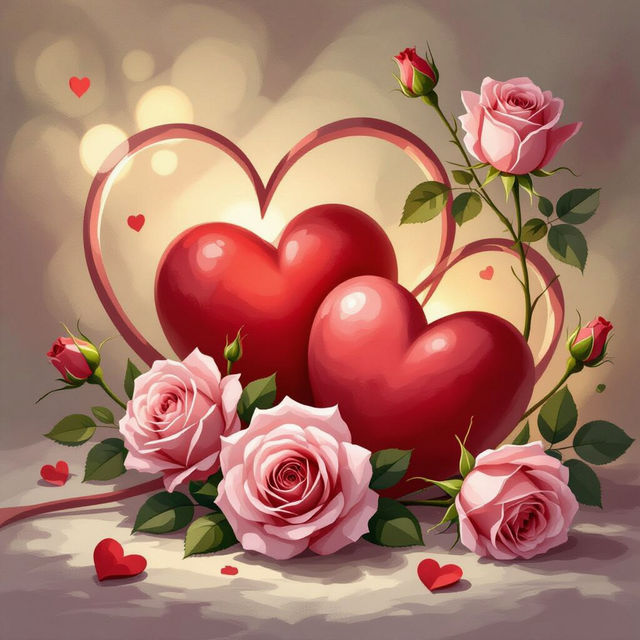
Valentine's Desktop Wallpaper
Discover stunning AI-generated Valentine's desktop wallpapers. Find the perfect romantic backdrop for your computer, or create your own unique design with NightCafe.
Frequently Asked Questions
Frequently Asked Questions About Easy Music Drawings
What kind of music drawings can I create with NightCafe's AI?
NightCafe's AI can help you create a wide variety of easy music drawings. This includes simple illustrations of musical instruments like guitars, pianos, and drums, as well as elements like musical notes, clefs, and abstract representations of sound and rhythm. You can guide the AI to generate charming and simple visuals perfect for personal projects, educational materials, or just for fun.
How can I make my music drawings look 'easy' or 'simple'?
To achieve an 'easy' or 'simple' style, focus your prompts on clean lines, minimal detail, and a clear subject. You can use keywords like 'minimalist', 'line art', 'flat design', 'cartoonish', 'sketch', or 'childlike drawing' in your prompt. Experiment with different art styles and models available on NightCafe to find the one that best captures the simplicity you're looking for.
Can I use these AI-generated music drawings for my personal projects or social media?
Yes, you are welcome to use the AI-generated music drawings for your personal projects, including sharing them on social media. We encourage you to use these creations to express your creativity and share your love for music and art. For specific commercial use cases, please refer to our Terms of Service.
I'm new to AI art. How do I start creating my own easy music drawings?
Getting started is simple! Browse this gallery for inspiration, then head over to NightCafe's creation tools. Start with a basic prompt describing the music element you want (e.g., 'a simple drawing of a happy guitar', 'a single musical note in a cartoon style'). You can then refine your prompt by adding details about the style, colors, and composition. Don't be afraid to experiment with different keywords and settings!