

- Galleries
- Nature Desktop Wallpaper Gallery
Nature Desktop Wallpaper - Made With AI
Transform your desktop with breathtaking AI-generated nature wallpapers. Explore diverse landscapes and create your own unique nature desktop wallpaper to personalize your screen.

As seen in








Nature Desktop Wallpaper Gallery
A curated collection of AI-generated nature desktop wallpapers, featuring serene landscapes, vibrant forests, and majestic mountains to inspire your digital space.


Didn't find what you were looking for? Create your own below!
Create your own Nature Desktop Wallpaper - Made With AI images
Discover the magic of Text to Image AI by creating your own unique images. Edit the prompt below to customize your creation.
No payment or credit card required.

Breathtaking Visuals Effortlessly
Stunning AI-generated Nature Wallpapers
Discover a world of awe-inspiring landscapes, from serene forests to majestic mountains, all crafted by AI. Our gallery offers a vast collection of unique Nature Desktop Wallpaper options, allowing you to personalize your digital space with the beauty of the natural world. Find the perfect backdrop that resonates with your sense of wonder and tranquility.
Create Your Dream Nature Wallpaper
Step 1
Describe Your Ideal Nature Scene
Begin by describing the nature scene you envision for your wallpaper. Be as specific as possible about the elements you want to include, such as forests, mountains, oceans, deserts, or specific weather conditions and times of day. The more detail you provide, the better the AI can capture your vision.
Step 2
Generate Your Custom Wallpaper
Once you have finalized your prompt, click the 'Generate Wallpaper' button. The AI will process your description and begin creating a unique nature wallpaper tailored to your specifications.
Step 3
Download and Personalize Your Desktop
After your wallpaper is generated, you can download it in high resolution to use as your desktop background. Feel free to share your stunning creation with friends or the community!

Personalize Your Digital Space
Generate AI Nature Backgrounds For Your Devices
Elevate your device's aesthetic with custom AI Nature Backgrounds. Whether you seek the calm of a misty rainforest or the drama of a desert sunset, our tools empower you to Generate AI Nature Backgrounds for Your Devices that perfectly match your style. Transform your screen into a window to nature's most captivating scenes.
More Galleries
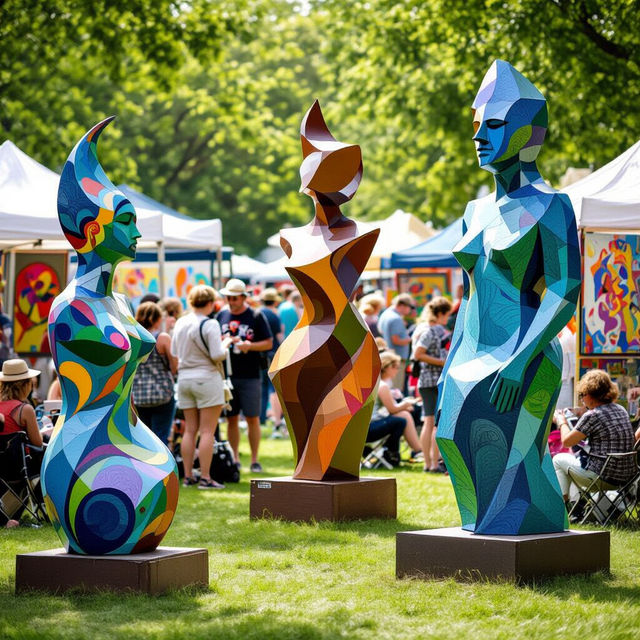
Plymouth Art In The Park
Discover the vibrant creativity of Plymouth Art In The Park. Browse stunning AI-generated art inspired by the event, and create your own unique pieces with NightCafe.

My Melody and Kuromi Drawings - AI Generated Art
Discover charming AI-generated drawings of My Melody and Kuromi. Perfect for fans looking for cute character art. Create your own unique My Melody and Kuromi drawings with our AI.

Homework Pictures - Made With AI
Explore a diverse collection of AI-generated homework pictures. Perfect for school projects, presentations, and visual aids. Get inspired and create your own unique images easily.
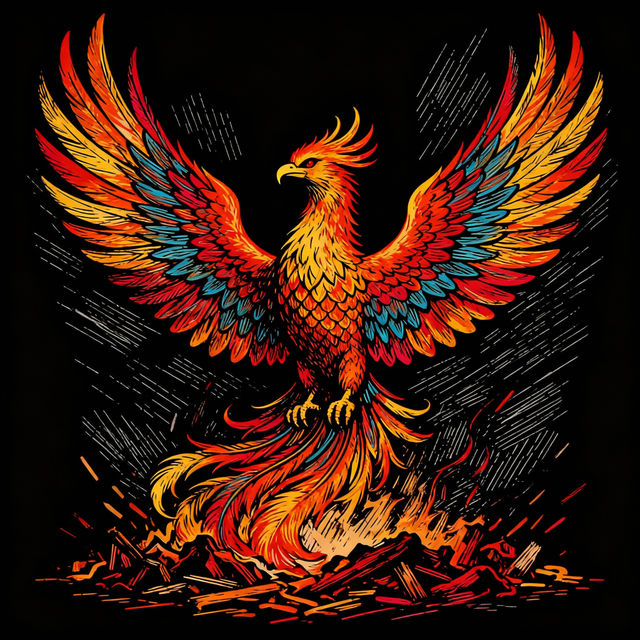
Scratch Art Images - Created with AI
Discover a mesmerizing collection of AI-generated scratch art images. Perfect for inspiration or creating your own unique designs on NightCafe.
Frequently Asked Questions
Frequently Asked Questions About Creating AI Nature Wallpapers
How can I generate a unique nature wallpaper that matches my vision?
To create a unique nature wallpaper, start by describing the specific natural scene you envision in your prompt. Include details about the environment (e.g., forest, mountains, ocean), time of day, weather, and desired mood (e.g., serene, dramatic, vibrant). Experiment with different keywords and styles to achieve the perfect AI-generated background for your desktop.
What are the best prompts for generating realistic nature backgrounds?
For realistic nature backgrounds, focus on descriptive terms that evoke sensory details. For example, try prompts like 'photorealistic misty redwood forest at dawn, sunbeams filtering through the canopy, dew drops on ferns' or 'vast desert landscape at sunset, vibrant orange and purple sky, silhouetted cacti, cinematic lighting'. Including photographic terms like 'wide-angle lens,' 'depth of field,' or 'natural lighting' can also enhance realism.
Can I use the AI-generated nature wallpapers for commercial purposes?
Yes, you are welcome to use the AI-generated nature wallpapers you create for personal and commercial purposes, including as desktop backgrounds, website assets, or in presentations. Please refer to our Terms of Service for specific usage guidelines and any attribution requirements.
What resolution can I expect for my generated nature wallpapers?
The resolution of your generated wallpapers will depend on the specific AI model and settings used during the creation process. We aim to provide high-quality outputs suitable for most desktop displays. You can often upscale images or select higher resolution options during generation to ensure crispness on larger screens. Check the specific generation settings for details on resolution capabilities.