

- Galleries
- Night Time Wallpaper Gallery
Night Time Wallpapers - Made With AI
Explore a breathtaking collection of AI-generated night time wallpapers. Perfect for setting a serene mood, these wallpapers capture the beauty of the night sky.

As seen in








Night Time Wallpaper Gallery
Discover a curated gallery of AI-generated night time wallpapers, featuring celestial scenes, starry skies, and moonlit landscapes to enhance your digital space.


Didn't find what you were looking for? Create your own below!
Create your own Night Time Wallpapers - Made With AI images
Discover the magic of Text to Image AI by creating your own unique images. Edit the prompt below to customize your creation.
No payment or credit card required.

Capture The Night's Beauty
Stunning AI-generated Night Sky Wallpapers
Discover a curated gallery of AI-generated night time wallpapers, each meticulously crafted to evoke the serene majesty of the cosmos. Transform your device with unique celestial scenes, from tranquil moonlit landscapes to vibrant, star-dusted nebulae, all designed to bring the quiet beauty of the night directly to your screen.
Craft Your Dream Night Time Wallpaper
Step 1
Describe Your Night Sky Scene
Begin by describing the night sky scene you envision. Be specific about elements like celestial bodies (moon, stars, planets), atmospheric phenomena (auroras, clouds), and the overall mood or color palette. For example, try "a serene moonlit forest with a clear starry sky" or "a vibrant nebula with swirling cosmic dust."
Step 2
Generate Your Wallpaper
Once your prompt is ready, click the "Generate" button. Our AI will interpret your description and create a unique night time wallpaper just for you. You can generate multiple variations to explore different artistic interpretations.
Step 3
Download & Share Your Creation
After your wallpaper is created, you can download it in high resolution to use on your device. Feel free to share your stunning creation with others or explore more options to find the perfect backdrop.

Your Vision, Realized
Generate Stunning Night Sky Art With AI
Unleash your creativity and generate stunning night sky art tailored to your exact specifications. Our advanced AI models empower you to craft unique wallpapers, whether you envision a minimalist starry expanse or a dramatic aurora-filled vista. Bring your perfect night scene to life with intuitive tools and endless possibilities.
More Galleries

Cute Thanksgiving Wallpaper Aesthetic
Discover a charming collection of cute Thanksgiving wallpapers with an aesthetic feel. Perfect for adding a festive touch to your devices. Create your own unique Thanksgiving art with AI.
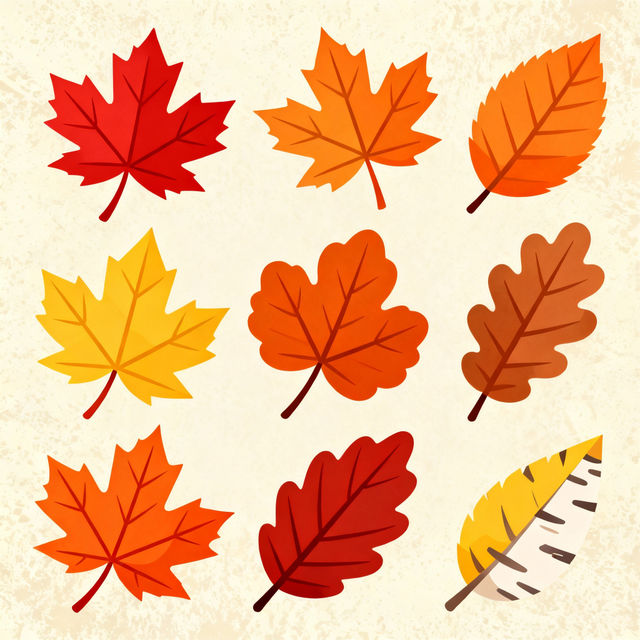
Fall Leaves Clip Art - Made With AI
Discover vibrant and unique fall leaves clip art generated by AI. Perfect for seasonal designs, digital scrapbooking, and more. Create your own autumn-themed graphics today!
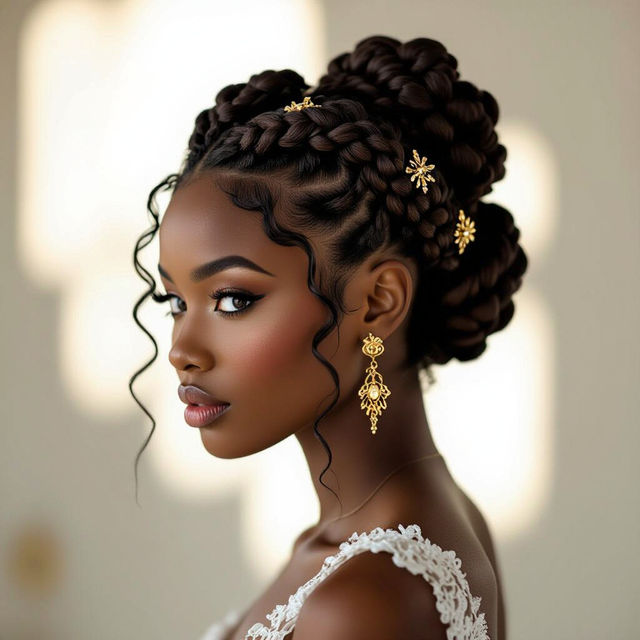
Black Hair Updo Styles Pictures
Discover beautiful black hair updo styles with our AI-generated pictures. Get inspired by creative updos and find the perfect look for any occasion. Create your own unique styles now!
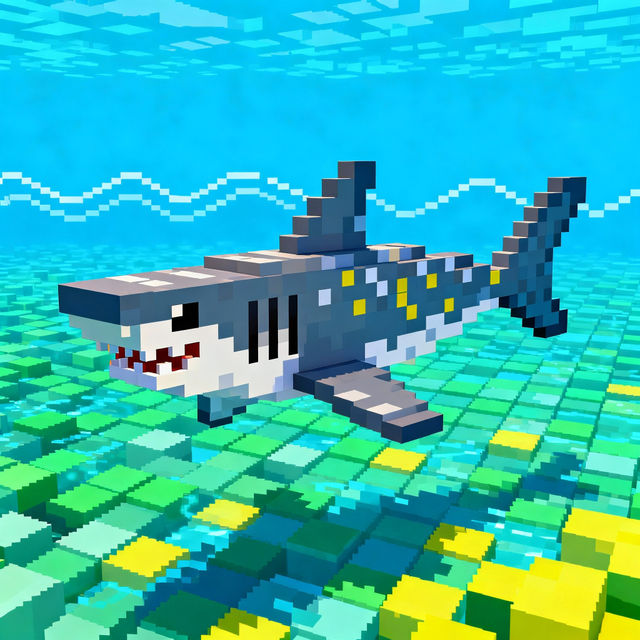
Shark Pixel Art
Explore a vibrant gallery of Shark Pixel Art. Discover unique 8-bit shark designs and learn how to create your own pixelated marine life with AI on NightCafe.
Frequently Asked Questions
Your Questions About Night Time Wallpapers, Answered
How can I generate a night time wallpaper that matches my aesthetic?
To create a personalized night time wallpaper, start by describing the elements you want to see. Consider the mood (e.g., serene, mysterious, vibrant), key features (e.g., moon, stars, specific constellations, nebulae, aurora), and the overall style (e.g., minimalist, photorealistic, abstract). You can also specify colors and artistic influences to guide the AI.
What AI models are best for creating night sky wallpapers?
NightCafe offers a variety of AI models, each with unique strengths. For detailed celestial scenes, models like Stable Diffusion or Imagen can produce stunningly realistic or painterly results. Experiment with different models to see which best captures the specific look and feel you're aiming for, whether it's the intricate details of a nebula or the soft glow of moonlight.
Can I use the generated night time wallpapers for my personal devices?
Absolutely! The night time wallpapers generated on NightCafe are perfect for personalizing your devices. You can download and use them for your phone, tablet, or computer backgrounds to bring the beauty of the night sky to your everyday life.
What if I'm not satisfied with the generated wallpaper? Can I refine it?
Yes, refinement is a key part of the AI art generation process. If your initial results aren't quite right, you can adjust your prompt, try different artistic styles, or use advanced settings like negative prompts to steer the AI away from unwanted elements. You can also regenerate images using the same prompt to explore variations.