

- Galleries
- Nightmare Before Christmas Drawing Gallery
Nightmare Before Christmas Drawings - AI Generated
Discover a gallery of AI-generated Nightmare Before Christmas drawings. Get inspired by the spooky and whimsical art, then create your own unique characters and scenes.

As seen in








Nightmare Before Christmas Drawing Gallery
A curated collection of AI-generated drawings inspired by The Nightmare Before Christmas, showcasing unique interpretations of beloved characters and scenes.


Didn't find what you were looking for? Create your own below!
Create your own Nightmare Before Christmas Drawings - AI Generated images
Discover the magic of Text to Image AI by creating your own unique images. Edit the prompt below to customize your creation.
No payment or credit card required.

Spooky & Whimsical Creations
Explore Unique Nightmare Before Christmas Art
Dive into a unique collection of AI-generated art inspired by the iconic style of 'A Nightmare Before Christmas'. Each piece captures the eerie charm and gothic fantasy that fans adore. Use these fascinating Nightmare Before Christmas drawings as a springboard for your own imagination, or simply marvel at the dark, delightful creativity brought to life by AI.
Create Your Own Nightmare Before Christmas Art
Step 1
Describe Your Spooky Vision
Begin by describing your desired 'Nightmare Before Christmas' inspired artwork in the prompt box. Be specific about characters, settings, mood, and artistic style to guide the AI in creating a unique piece that captures the gothic fantasy and eerie charm you envision.
Step 2
Generate Your Macabre Masterpiece
After refining your prompt, click the 'Generate' button. The AI will then process your input and create a one-of-a-kind drawing in the beloved 'Nightmare Before Christmas' aesthetic, bringing your macabre ideas to life.
Step 3
Download and Share Your Creation
Once your artwork is ready, you can download it in high resolution to use as you wish. Feel free to share your creation with the community or on your social media to showcase your AI-generated 'Nightmare Before Christmas' art!

Bring Your Spooky Vision To Life
Generate Nightmare Before Christmas Art With AI
Unleash your inner Tim Burton and generate your own unique Nightmare Before Christmas Art. Our advanced AI tools allow you to craft original characters, spooky scenes, and fantastical landscapes in the beloved aesthetic. Whether you're a seasoned artist or a curious beginner, easily Generate Nightmare Before Christmas Art with AI and bring your most imaginative, macabre visions to life.
More Galleries
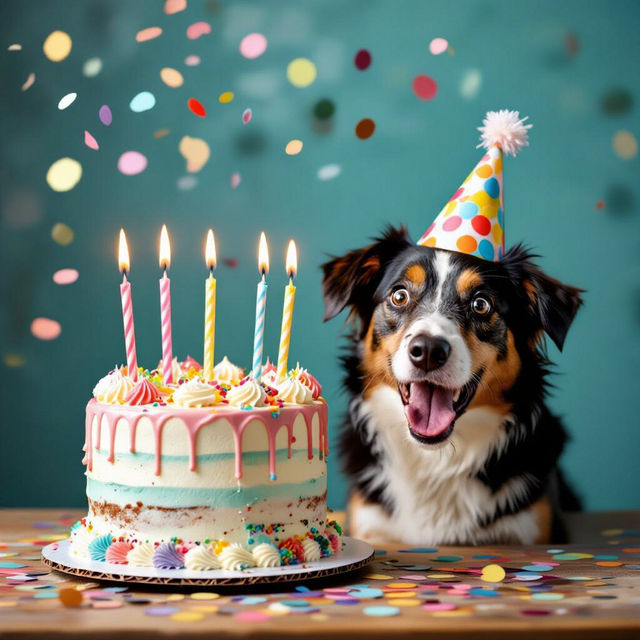
Funny Birthday Images - Made With AI
Explore a gallery of funny birthday images created by AI. Find inspiration for your next celebration or generate your own unique, humorous birthday visuals on NightCafe.
Blue Pictures - AI Generated
Discover a vast collection of AI-generated blue pictures. Perfect for inspiration or creating your own unique blue-themed art. Explore the shades of blue today!
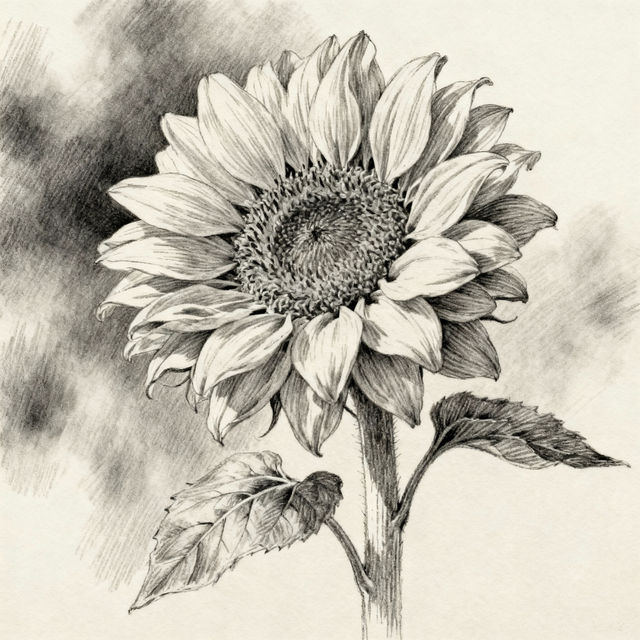
Sunflowers Drawing
Explore a vibrant gallery of AI-generated sunflower drawings. Get inspired by unique artistic interpretations and create your own stunning sunflower art with NightCafe.
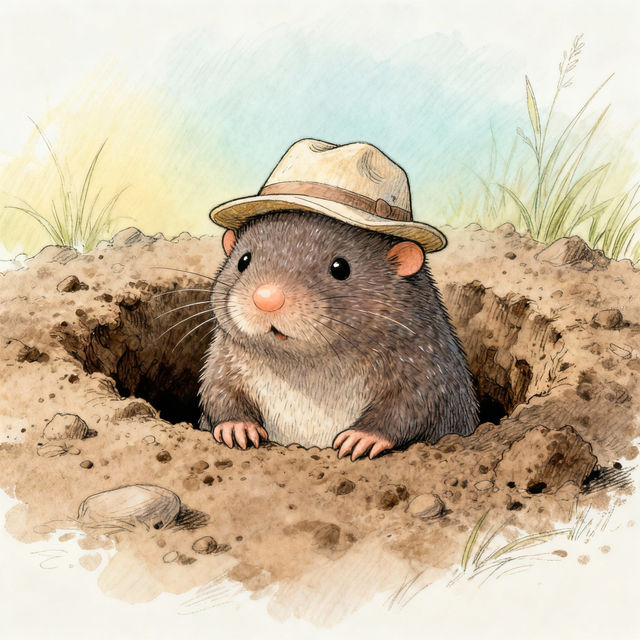
Mole Drawings - AI Generated
Discover a charming gallery of mole drawings created by AI. Perfect for inspiration, find unique and cute mole illustrations to spark your creativity.
Frequently Asked Questions
Your Questions About Creating Nightmare Before Christmas AI Art, Answered
How can I create art in the style of 'A Nightmare Before Christmas' using NightCafe?
To generate art in the style of 'A Nightmare Before Christmas', start by using descriptive prompts that mention key elements of the movie's aesthetic. Include terms like 'Tim Burton style,' 'gothic fantasy,' 'spooky,' 'whimsical,' 'dark carnival,' 'Halloween Town,' or specific character descriptions. Experiment with different AI models available on NightCafe, as some may capture the desired stylistic nuances better than others. You can also reference specific visual motifs like crooked houses, unique character designs, and a particular color palette.
What kind of prompts work best for generating Nightmare Before Christmas-inspired characters and scenes?
The best prompts for this style often combine specific character traits with atmospheric details. For characters, try prompts like 'A lonely pumpkin-headed boy in a tattered suit, Tim Burton style' or 'A mischievous ghost dog with glowing eyes, gothic fantasy art.' For scenes, consider 'A spooky, crooked house on a hill under a full moon, dark and whimsical atmosphere' or 'A chaotic, colorful celebration in Halloween Town, vibrant but eerie.' Always include stylistic keywords like 'Nightmare Before Christmas style' or 'Tim Burton-esque' to guide the AI.
Can I generate my own unique characters that feel like they belong in 'A Nightmare Before Christmas'?
Absolutely! Our AI art generators are designed to help you create entirely new characters that fit the beloved aesthetic. Focus your prompts on unique combinations of features, clothing, and personalities that echo the movie's themes. Think about iconic elements like exaggerated proportions, unique facial features, and distinctive attire. For instance, try 'A shy spider-like creature wearing a bowler hat, friendly but unsettling' or 'A sentient gingerbread man with candy cane limbs, mischievous grin.'
What if my generated art doesn't quite capture the 'Nightmare Before Christmas' feel I'm looking for?
AI art generation is an iterative process. If your first results aren't perfect, try refining your prompts. Add more specific keywords related to the art style, color palette (e.g., 'muted blues and purples,' 'vibrant oranges and blacks'), or mood. Experiment with different AI models, as each has unique strengths. Adjusting parameters like 'creativity' or 'style strength' can also help. Sometimes, generating multiple variations from the same prompt will yield a result closer to your vision.