

- Galleries
- AI Notepad Drawing Gallery
Notepad Drawings - AI Generated Art
Explore a gallery of unique notepad drawings created with AI. Get inspired and generate your own sketches, doodles, and artistic drawings on a digital notepad.

As seen in








AI Notepad Drawing Gallery
Discover a charming collection of AI-generated drawings, resembling quick sketches made in a notepad. Perfect for inspiration or unique digital art.


Didn't find what you were looking for? Create your own below!
Create your own Notepad Drawings - AI Generated Art images
Discover the magic of Text to Image AI by creating your own unique images. Edit the prompt below to customize your creation.
No payment or credit card required.

Sketchbook Reimagined Digitally
Create Your Own Notepad Drawings
Bring your ideas to life with our intuitive AI art generator. Transform simple thoughts into detailed Notepad Drawings, perfect for brainstorming, journaling, or creating unique digital art. Explore a world of sketching possibilities and let your creativity flow freely on your digital notepad.
Create Your Own AI Notepad Drawings
Step 1
Describe Your Notepad Drawing
To begin, describe the sketch or drawing you envision in the prompt box. Think about the style (e.g., pencil sketch, doodle, charcoal drawing), subject matter, and any specific details you'd like to see. The more descriptive you are, the better the AI can capture your idea on the digital notepad.
Step 2
Generate Your Drawing
After entering your prompt, click the "Generate" button. Our AI will process your description and create a unique notepad drawing based on your input. Watch your ideas take shape on the digital canvas!
Step 3
Download & Share Your Creation
Once your notepad drawing is ready, you can download it in high resolution or share it with the community. Get feedback, inspire others, and continue exploring the endless possibilities of AI-powered sketching.

Ideas Become Art Instantly
AI Sketchpad Art Generation And Inspiration
Dive into a universe of artistic potential with our AI Sketchpad. Discover a vast collection of AI Sketchpad Art Generation and Inspiration, from quick doodles to complex illustrations. Our advanced models help you visualize concepts and create stunning artwork effortlessly, making every session a source of fresh inspiration.
More Galleries
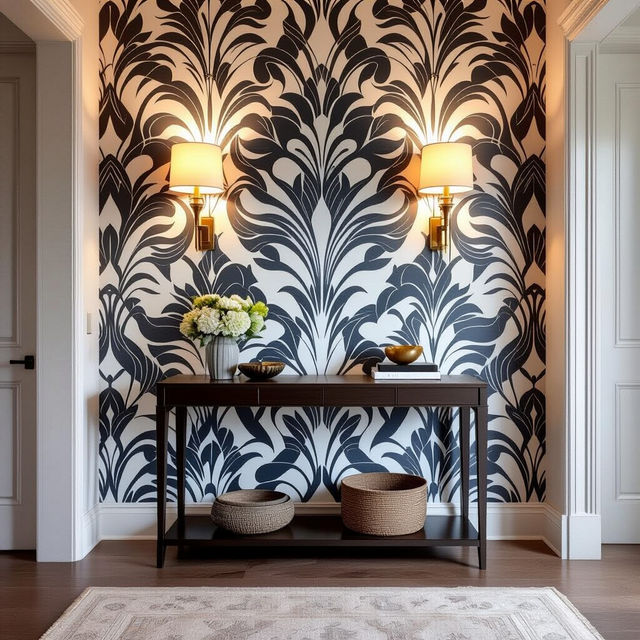
Wallpaper For Entryway
Discover stunning AI-generated wallpaper for your entryway. Find unique designs and inspiration to create a welcoming and stylish first impression for your home.
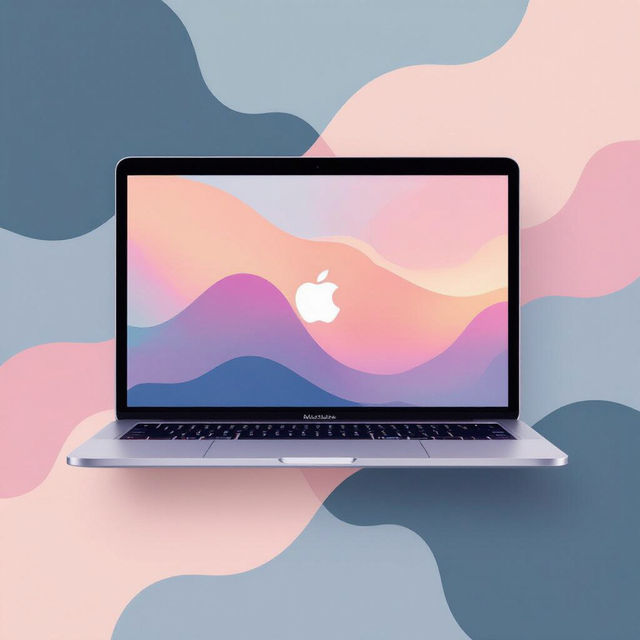
Aesthetic Macbook Wallpaper
Discover stunning aesthetic Macbook wallpapers. Browse unique AI-generated designs perfect for your laptop screen, or create your own custom aesthetic wallpaper today.
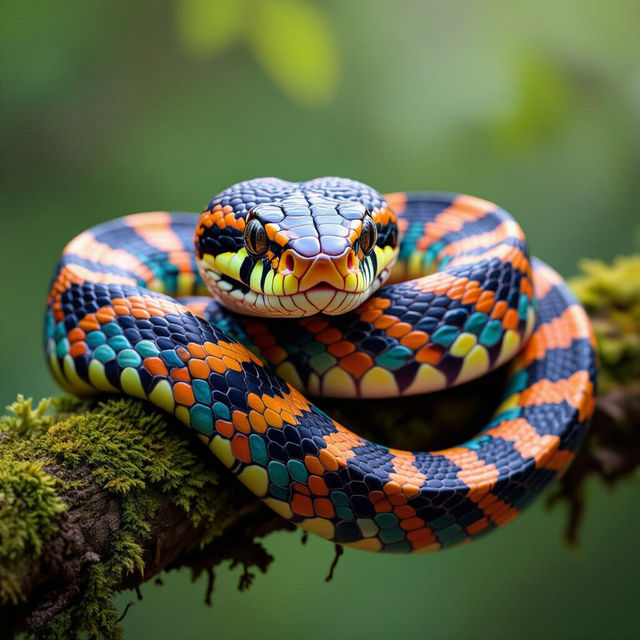
Pictures Of King Snakes
Discover a variety of AI-generated pictures of king snakes. Perfect for enthusiasts and artists seeking realistic or stylized serpent art. Create your own unique king snake images.
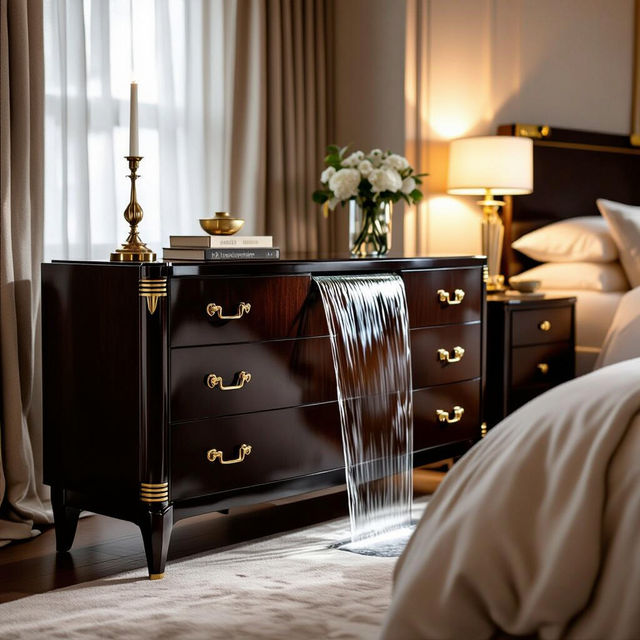
Art Deco Waterfall Dresser
Explore unique AI-generated Art Deco waterfall dresser designs. Find inspiration for vintage furniture styles and create your own custom pieces with NightCafe's AI art generator.
Frequently Asked Questions
Your Questions About AI Notepad Drawings Answered
What makes the 'Notepad Drawings' style unique?
The 'Notepad Drawings' style is designed to mimic the look and feel of sketches and doodles you might create on a physical notepad. Our AI captures the essence of hand-drawn lines, varying line weights, and the spontaneous nature of quick sketches, offering a charmingly imperfect and artistic aesthetic.
How can I generate my own AI Notepad Drawings?
To create your own AI Notepad Drawings, start by entering a descriptive text prompt. Think about what you'd like to see sketched – a character, an object, a scene, or even an abstract concept. You can then select the 'Notepad Drawing' style or a similar sketching model within our generator to guide the AI. Experiment with different prompts and parameters to achieve your desired doodle or sketch.
Can I use these AI Notepad Drawings for personal projects or commercial use?
You can use your generated AI Notepad Drawings for a variety of purposes, including personal projects, journaling, or even as elements in digital art. For commercial use, please refer to our Terms of Service for specific guidelines on image ownership and attribution.
What kind of prompts work best for generating realistic notepad sketches?
For realistic notepad sketches, be specific with your subject matter and describe it as if you were quickly jotting it down. Include details about the object's form, any shading you envision, and the overall composition. For example, 'A quick sketch of a steaming coffee mug on a notepad, with light shading' or 'A detailed doodle of a dragon breathing fire, drawn with a fine-tip pen'.