

- Galleries
- Relaxing Ocean Drawing Gallery
Ocean Drawing & Art
Discover the tranquility of the sea with our Relaxing Ocean Drawing & Art gallery. Dive into our collection of Ocean Drawing tutorials and scenes, designed to inspire and calm.

As seen in








Relaxing Ocean Drawing Gallery
A serene collection of AI-generated ocean drawings and artistic scenes. Perfect for artists of all levels looking for inspiration or seeking relaxing Ocean Drawing ideas.


Didn't find what you were looking for? Create your own below!
Create your own Ocean Drawing & Art images
Discover the magic of Text to Image AI by creating your own unique images. Edit the prompt below to customize your creation.
No payment or credit card required.

Tranquility In Every Stroke
Ocean Drawing & Art
Immerse yourself in our curated gallery of Ocean Drawing & Art, designed to evoke tranquility and inspire creativity. Whether you're a seasoned artist or a beginner, our Relaxing Ocean Drawing Tutorials And Scenes offer step-by-step guidance to capture the sea's serene beauty. Explore various techniques and styles to create your own stunning ocean masterpieces.
Create Relaxing Ocean Drawings with AI
Step 1
Describe Your Dream Ocean Scene
Start by inputting a detailed prompt describing the ocean scene you want to create. Include specifics about the type of ocean, time of day, desired mood, and any elements you'd like to feature, such as marine life or boats. The more detailed your prompt, the better the AI can capture your vision.
Step 2
Generate Your Ocean Art
Once you're happy with your description, click the 'Generate' button. Our AI will then transform your words into a stunning ocean drawing or artwork. This process may take a few moments as the AI interprets your instructions and brings your vision to life.
Step 3
Download and Share Your Masterpiece
After your ocean drawing is generated, you can download it in high resolution to use for personal projects, digital art, or prints. Feel free to share your creation with the NightCafe community and inspire others with the beauty of your AI-generated ocean scene!

Illustrate Your Ocean Dreams
Create Stunning Seascape Illustrations
Transform your artistic vision into breathtaking realities with our AI-powered tools. Learn to Create Stunning Seascape Illustrations that capture the raw power and serene beauty of the ocean. Experiment with different perspectives, lighting, and textures to produce unique and captivating artwork. Perfect for digital art, prints, or personal projects.
More Galleries
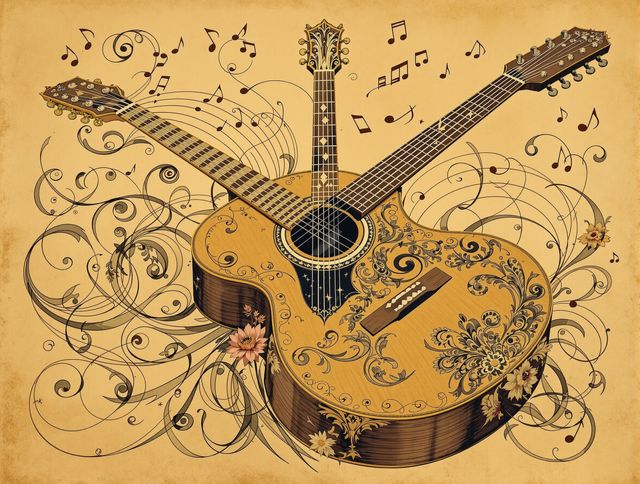
Guitar Drawing & Sketches
Explore the world of Guitar Drawing & Sketches with our AI-generated art. Dive into Detailed Guitar Drawing Tutorials And Music Art, perfect for musicians and artists alike.
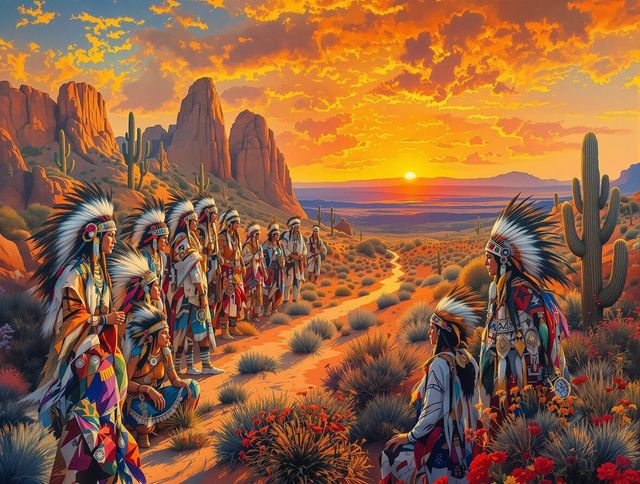
Native American Art
Explore the Rich Native American Art And Cultural History through AI-generated visuals. Discover the stories and traditions embedded in each piece of Native American Art.
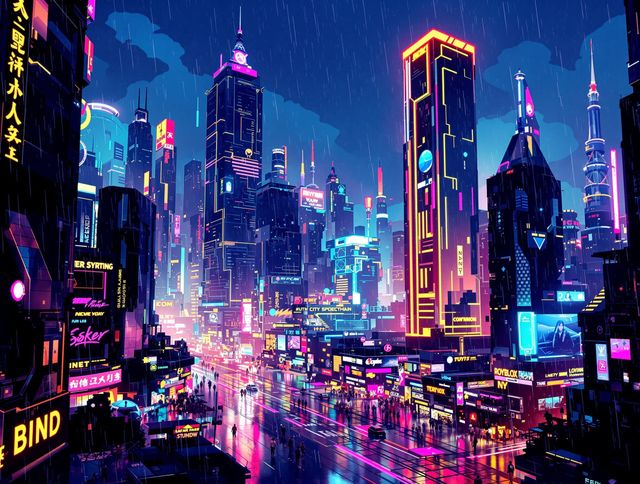
Transform Your Screen With Dynamic Animated Wallpaper Collections
Explore our Dynamic Animated Wallpaper Collections and transform your screen into a living canvas. Discover high-quality Animated Wallpaper to personalize your desktop or mobile device.
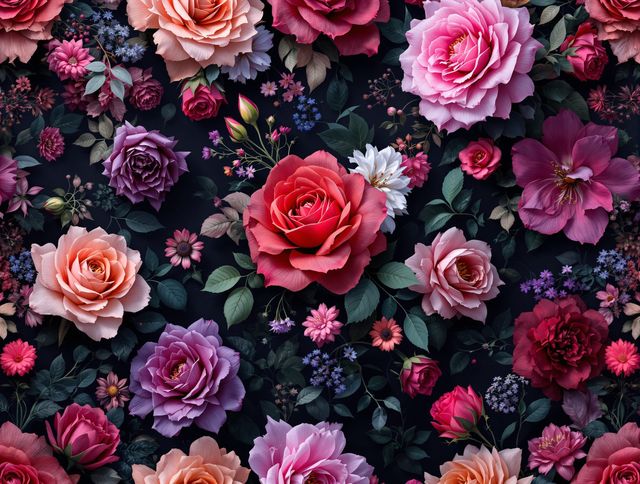
Wallpaper Flowers & Designs
Transform your screens with Beautiful Flower Wallpaper Designs For Devices. Discover stunning Wallpaper Flowers and designs to personalize your phone, tablet, or computer.
Frequently Asked Questions
Everything You Need to Know About Relaxing Ocean Drawings & Art
What kind of ocean art will I find in this gallery?
This gallery showcases a diverse range of AI-generated ocean drawings and art scenes designed to inspire relaxation and creativity. You'll find stunning seascapes, detailed ocean life illustrations, and calming coastal scenes perfect for sparking your artistic vision.
Can I create my own ocean drawings using NightCafe's AI tools?
Our AI tools allow you to create your own unique ocean drawings! Use text prompts to describe the scene you envision – specify the type of ocean, the weather, the time of day, and any specific marine life or objects you want to include. Experiment with different art styles and AI models within NightCafe to achieve your desired aesthetic.
Is this gallery suitable for beginner artists?
Absolutely! Our Relaxing Ocean Drawing Tutorials and Scenes gallery is perfect for artists of all levels. Whether you're a beginner looking for inspiration or an experienced artist seeking new ideas, you'll find plenty of stunning visuals and prompts to get you started. Explore different techniques, perspectives, and lighting options to create captivating artwork.
Can I use the AI-generated ocean drawings for commercial purposes?
Yes, you can use the AI-generated ocean drawings for personal projects, digital art, prints, or even as inspiration for larger commercial projects. However, make sure to check the specific usage rights associated with the AI model used to create the image.
What if I'm not happy with the AI-generated ocean drawing?
If you're not satisfied with the initial results, try refining your text prompt! Be more specific with your descriptions, experiment with different art styles, or adjust the AI model settings. You can also use the 'Evolve' feature to iterate on existing images and guide the AI towards your desired outcome.