

- Galleries
- Image Splitter Examples
Online Image Splitter
Effortlessly split your images into multiple parts with our intuitive Online Image Splitter. Perfect for creating grids, panoramas, or preparing assets for web design. Try it now!

As seen in








Image Splitter Examples
Explore creative ways to use an online image splitter. See examples of images divided for various design needs, from social media grids to unique art projects.


Didn't find what you were looking for? Create your own below!
Create your own Online Image Splitter images
Discover the magic of Text to Image AI by creating your own unique images. Edit the prompt below to customize your creation.
No payment or credit card required.

Instant Grid Creation
Split Images Online With Ease
Transform a single image into a stunning grid layout with our powerful Online Image Splitter. Whether you're designing for social media, creating a mosaic, or preparing a unique visual for your website, this tool makes splitting images a breeze. Achieve professional results effortlessly and captivate your audience.
How to Split Your Images Instantly
Step 1
Upload and Define Your Split
Start by uploading the image you wish to split. Then, specify how you want to divide it – choose the number of rows and columns, or select a grid layout. Our intuitive interface makes it easy to define your desired split.
Step 2
Split Your Image
Once you have configured the split settings, click the 'Split Image' button. The tool will instantly process your image according to your specifications, preparing the individual parts for download.
Step 3
Download and Use Your Split Images
After the splitting process is complete, you can easily download all the individual parts of your image. Save them to your device and use them for your web design, social media grids, or any other creative project.

Versatile Design Tool
Resize And Split Pictures For Your Projects
Our platform acts as more than just an Online Image Splitter; it's your go-to picture resizer and splitter. Adapt your visuals perfectly for any project, from web banners to mobile app assets. Easily resize and split pictures to fit specific dimensions, ensuring your designs are always optimized and impactful.
More Galleries

Cartoon Mermaid Drawings - Made With AI
Dive into a magical world of cartoon mermaid drawings! Browse enchanting AI-generated art, perfect for inspiration or creating your own whimsical underwater scenes.
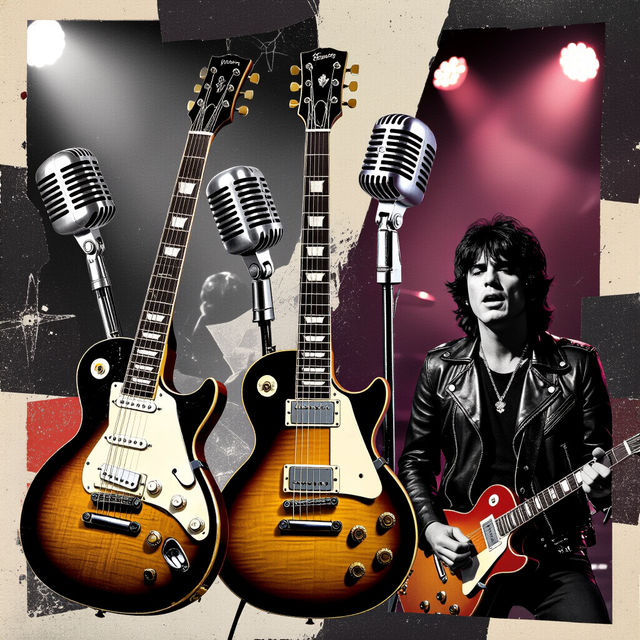
Rock N Roll Wallpapers
Explore a electrifying collection of Rock N Roll wallpapers. Get inspired by iconic imagery and create your own unique rock-themed backgrounds with our AI generator.
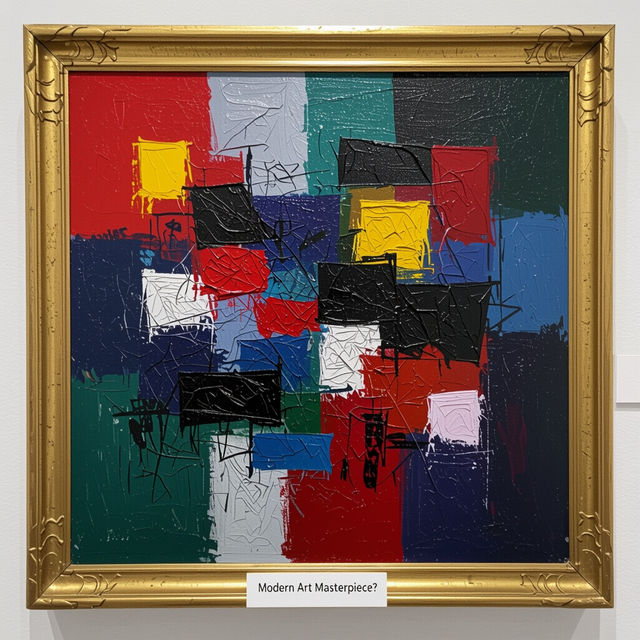
Worst Modern Art - Created With AI
Challenge your perception of art with our collection of 'worst' modern art. See how AI interprets controversial styles, then create your own unique pieces.
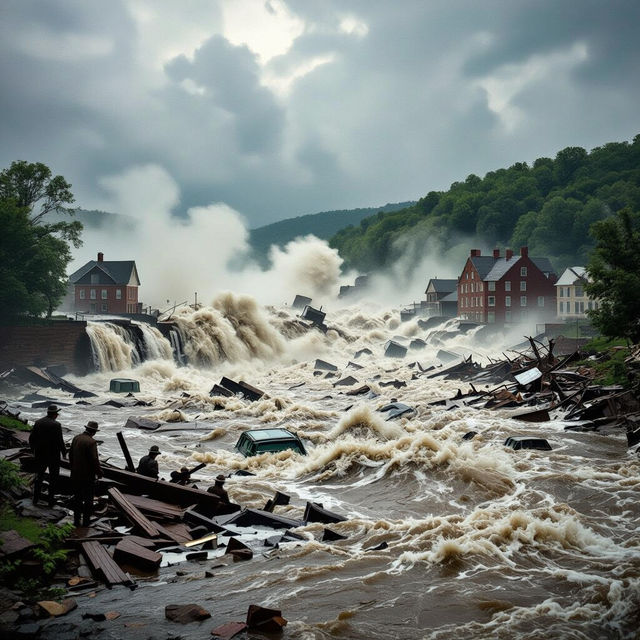
Johnstown Flood 1977 Pictures
Explore powerful AI-generated images depicting the Johnstown Flood of 1977. See historical moments reimagined and create your own visuals of this significant event.
Frequently Asked Questions
Frequently Asked Questions about the Online Image Splitter
What is the Online Image Splitter and how does it work?
The Online Image Splitter is a tool that allows you to divide a single image into multiple smaller parts. You can specify how many rows and columns you want to split your image into, and the tool will generate individual image files for each section. This is perfect for creating grid layouts, panoramas, or preparing images for web design.
What kind of images can I split with this tool?
You can upload and split most common image file types, including JPEG, PNG, and GIF. The tool is designed to handle a wide variety of images, from photographs to graphics.
Can I use the split images for commercial projects?
Yes, the images you split using our tool can be used for commercial projects. You are free to use them for web design, social media, advertising, and more. Please refer to our Terms of Service for full details on usage rights.
How do I ensure the split images maintain quality?
Our Online Image Splitter is designed to maintain the quality of your original image as much as possible during the splitting process. When saving your split images, you can often choose the output format and quality settings to best suit your needs, ensuring professional results.
What are the main use cases for splitting an image?
Splitting images is useful for several purposes. You can create impressive grid layouts for social media feeds, design seamless panoramas, prepare assets for web development where individual image pieces are needed, or create mosaic-style artwork. It also helps in resizing and optimizing images for specific web or app requirements.