

- Galleries
- AI Outfit Drawings Collection
Outfit Drawings - Made With AI
Discover a stunning collection of AI-generated outfit drawings. Get inspired by unique styles and create your own fashion designs with NightCafe's AI art generator.

As seen in








AI Outfit Drawings Collection
Browse a diverse gallery of AI-generated outfit drawings, featuring creative and unique fashion concepts for inspiration.


Didn't find what you were looking for? Create your own below!
Create your own Outfit Drawings - Made With AI images
Discover the magic of Text to Image AI by creating your own unique images. Edit the prompt below to customize your creation.
No payment or credit card required.

Endless Style Possibilities
Explore AI-generated Outfit Ideas
Dive into a vibrant gallery of AI-generated outfit drawings, perfect for sparking your next fashion creation. Our diverse collection showcases unique styles and innovative combinations, providing endless inspiration for designers and fashion enthusiasts alike. Discover captivating looks and translate your vision into reality with our powerful AI tools.
Create Your AI Fashion Inspiration
Step 1
Describe Your Dream Outfit
Begin by describing the outfit you envision in the prompt box. Be specific about the style, colors, fabrics, and any particular elements you'd like to see. For example, 'a futuristic cyberpunk jacket with neon accents' or 'a bohemian summer dress with floral embroidery'. The more detail you provide, the better the AI can capture your fashion idea.
Step 2
Generate Your Fashion Design
After entering your detailed prompt, click the "Generate" button. Watch as the AI interprets your description and brings your unique outfit concept to life, creating a one-of-a-kind fashion illustration.
Step 3
Download & Share Your Style
Once your outfit drawing is complete, you can download it in high resolution to use as inspiration or share it with the NightCafe community. Get feedback, discover new trends, and inspire others with your AI-assisted fashion creations!

Innovate Your Style
AI Fashion Design Ideas For Your Next Outfit
Unlock cutting-edge AI fashion design ideas for your next ensemble. Our platform empowers you to visualize unique outfits and explore avant-garde concepts. Whether you're a professional designer or simply seeking personal style inspiration, leverage the power of AI to conceptualize stunning fashion designs that push creative boundaries.
More Galleries
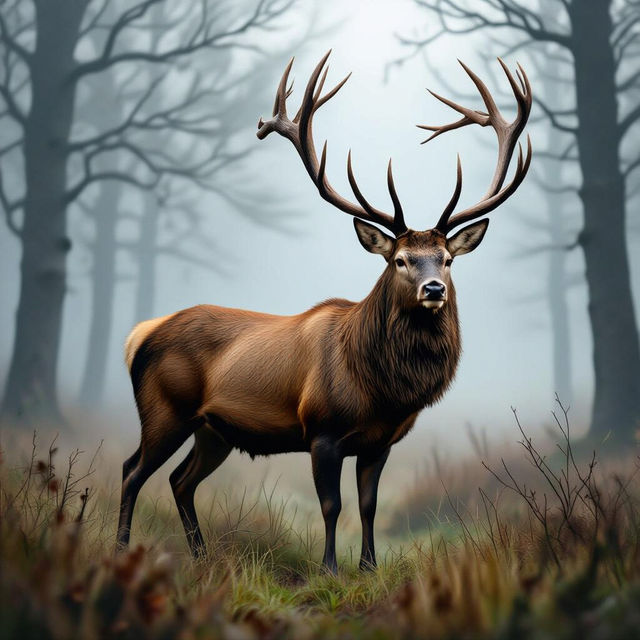
Deer Drawings - AI Generated Art
Discover a beautiful collection of deer drawings created with AI. Perfect for nature lovers and art enthusiasts seeking unique wildlife art. Create your own deer drawing today!
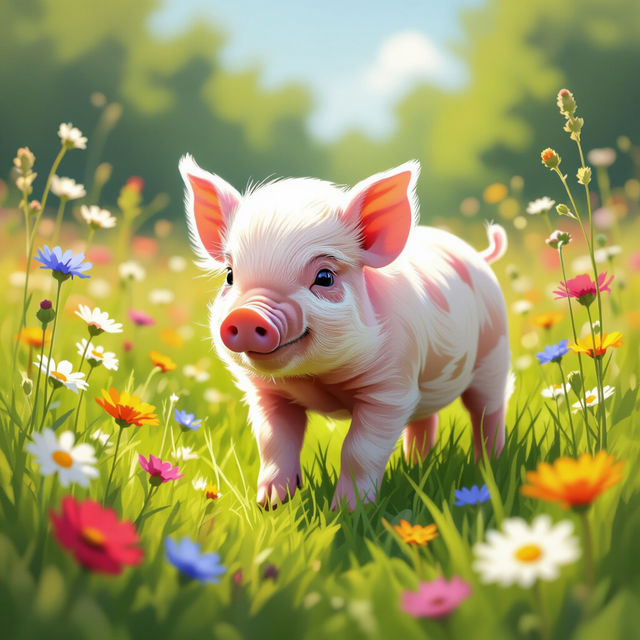
Pictures of Pigs - Adorable AI Art
Discover delightful pictures of pigs created with AI. Browse a gallery of charming swine and unleash your creativity to generate your own unique pig art.
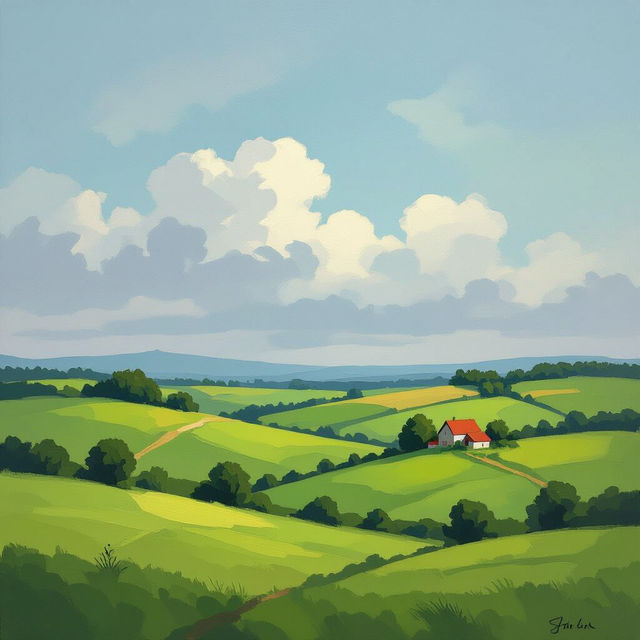
Country Pictures - Made With AI
Discover stunning country pictures created with AI. Browse a variety of pastoral scenes and landscapes, perfect for inspiration or decoration. Create your own unique country art today!
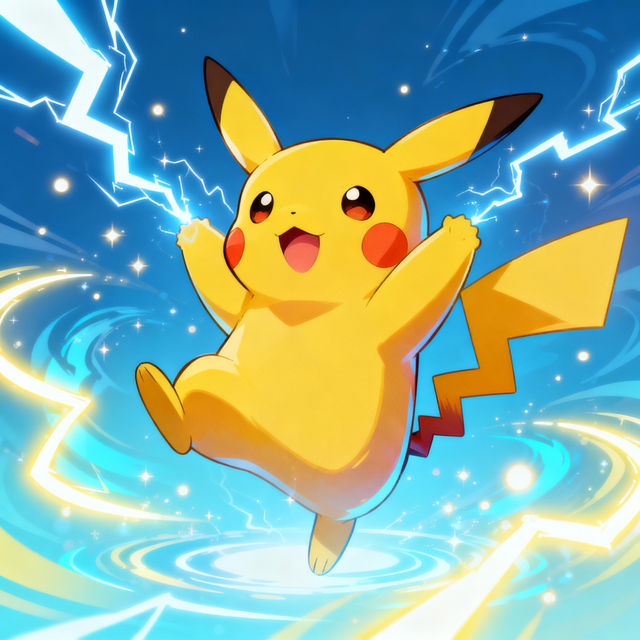
Pikachu Drawings - Made With AI
Discover a delightful gallery of Pikachu drawings created by AI. Get inspired by these charming Pokémon illustrations and generate your own unique Pikachu art with NightCafe.
Frequently Asked Questions
Frequently Asked Questions About AI Outfit Drawings
How can I use the AI Outfit Drawings gallery for fashion inspiration?
Explore the gallery to see a wide variety of AI-generated outfit designs. Use these as a springboard for your own fashion ideas, noting styles, color palettes, and silhouettes that catch your eye. You can then use these observations to craft prompts for our AI art generator to create your own unique designs.
Can I generate outfits for specific fashion styles or occasions?
Absolutely! When creating your own outfit drawings using NightCafe's AI art generator, you can specify the style (e.g., streetwear, haute couture, vintage, futuristic) and the occasion (e.g., casual day out, formal event, athletic performance) in your text prompts. The more detail you provide, the better the AI can match your vision.
What kind of details should I include in my prompts to get specific outfit designs?
To get specific outfit designs, include details about the type of garment (dress, suit, top, pants), fabrics, colors, patterns, accessories, the overall mood or aesthetic, and even the intended wearer. For example, a prompt like 'A flowing emerald green silk evening gown with intricate gold embroidery, worn by a confident woman at a gala' will yield more precise results than a generic request.
Are the outfit drawings in the gallery copyright-protected?
The outfit drawings generated by NightCafe's AI are created by our users. Please refer to our Terms of Service for detailed information regarding ownership and usage rights of AI-generated artwork. Generally, you have rights to the images you create, but it's always best to check the specifics.