

- Galleries
- Pablo Picasso Art Gallery
Generate Pablo Picasso Art with AI
Create your own Pablo Picasso-style artwork using AI. Explore the fusion of technology and art, and generate unique pieces that capture the essence of Picasso's revolutionary style. Browse our gallery or create your own.

As seen in








Pablo Picasso Art Gallery
A curated collection of AI-generated artworks inspired by Pablo Picasso. Explore diverse interpretations of his iconic style, from cubism to surrealism, all created using advanced artificial intelligence.


Didn't find what you were looking for? Create your own below!
Create your own Generate Pablo Picasso Art with AI images
Discover the magic of Text to Image AI by creating your own unique images. Edit the prompt below to customize your creation.
No payment or credit card required.

Unlock Artistic Possibilities
AI-generated Pablo Picasso Style Art
Dive into the world of AI-generated Pablo Picasso Art. Create unique artwork that captures the iconic style of Picasso, blending technology and artistic expression. Explore different facets of his artistic journey, from cubism to surrealism, and generate pieces that reflect your unique vision.
Create Picasso-Style Art with AI
Step 1
Describe Your Artistic Vision
Begin by crafting a detailed prompt that captures the essence of Picasso's style you want to emulate. Specify elements like Cubism, Surrealism, or his use of color and form. The more descriptive you are, the better the AI can capture your vision.
Step 2
Generate Your Picasso-Inspired Artwork
With your prompt ready, click the 'Generate' button to set the AI in motion. Watch as it interprets your instructions and creates a unique piece of art inspired by Pablo Picasso.
Step 3
Download and Share Your Masterpiece
Once your AI-generated artwork is complete, download it to showcase your creation. Share it with friends, on social media, or within the NightCafe community to inspire others and receive feedback on your unique masterpiece!

Transform Your Creativity
Experiment With Cubism Art Techniques
Unleash your inner artist and Experiment with Cubism Art Techniques using our AI tools. Deconstruct reality and reconstruct it in the fragmented, multi-dimensional style of cubism. Create unique compositions that challenge perception and push the boundaries of traditional art.
More Galleries
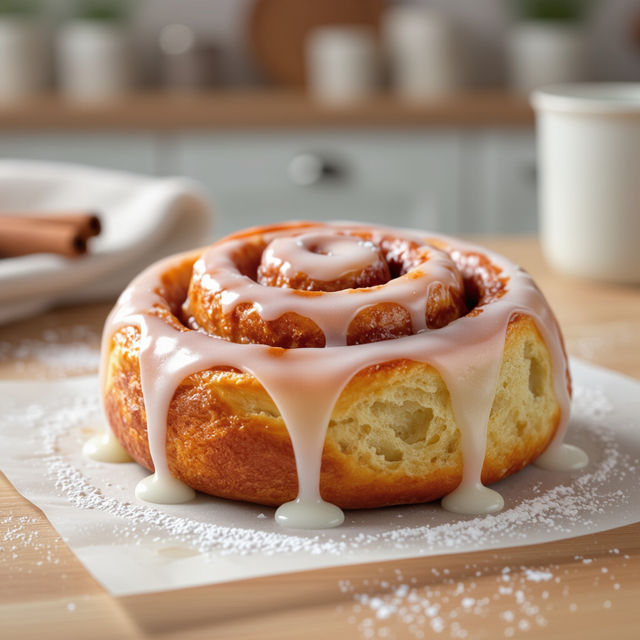
Delicious Cinnamon Roll Wallpaper
Indulge in the sweet and comforting aroma of our Cinnamon Roll Wallpaper collection. Perfect for adding a touch of warmth and deliciousness to your screens. Browse and download your favorite designs today!
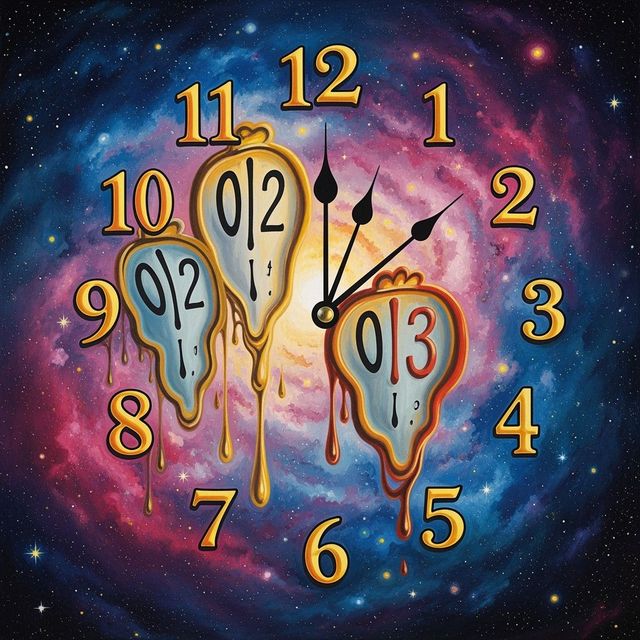
AI Clock Drawing Generator
Create unique clock drawings with our AI Clock Drawing Generator. Explore artistic interpretations of time and precision. Browse clock drawing examples or create your own.
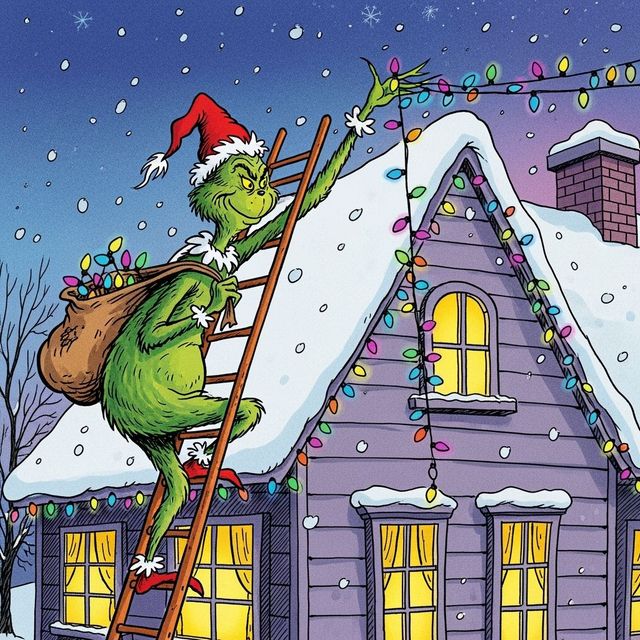
Generate a Grinch Drawing with AI
Unleash your creativity and generate a Grinch drawing with our AI-powered tool. Bring the mischievous charm of the Grinch to life in your own unique style. Start creating your Grinch artwork today!
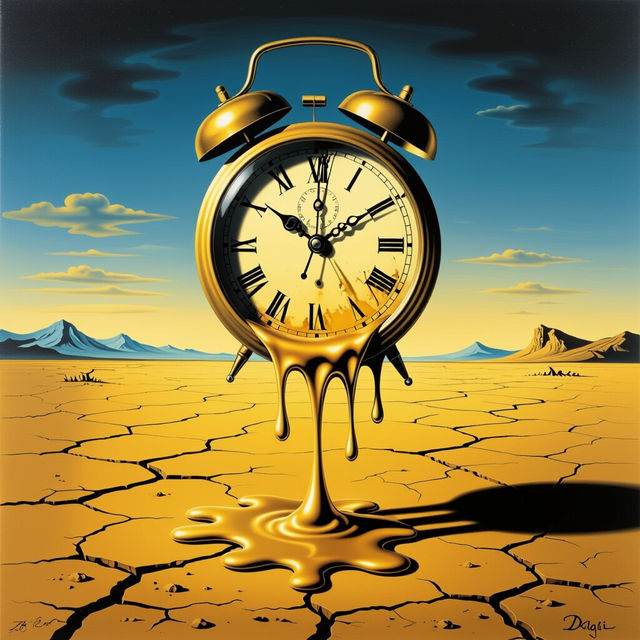
Create Salvador Dali Art with AI
Unleash your creativity with our Salvador Dali Art AI Generator. Transform your artistic visions into surreal masterpieces reminiscent of the iconic artist. Browse examples or create your own.
Frequently Asked Questions
Frequently Asked Questions About Generating Pablo Picasso-Style Art with AI
How can I generate AI art in the style of Pablo Picasso?
To generate art in the style of Pablo Picasso, use the NightCafe AI Art Generator and provide a prompt that describes the desired elements of Picasso's style, such as cubism, surrealism, specific periods (e.g., Blue Period), or recurring themes (e.g., portraits). Experiment with different AI models and style settings to achieve your desired result. Be sure to include keywords like 'cubism,' 'Picasso,' and 'abstract' in your prompts.
What are the best AI models to use for creating Picasso-style artwork?
While various AI models can be used, models known for their artistic interpretation and ability to handle abstract concepts, such as Stable Diffusion or Imagen, often yield good results for Picasso-style art. Experiment with different models and their settings to find the one that best captures the essence of Picasso's style for your specific vision.
Can I specify which period or style of Picasso's work the AI should emulate?
Yes, you can! Be specific in your prompt. For example, you could say, 'Generate a cubist portrait in the style of Picasso' or 'Create an artwork inspired by Picasso's Blue Period.' The more detail you provide, the better the AI can understand and execute your vision. Try specifying art movements such as 'surrealism' to influence the generated image.
What kind of prompts work best for generating high-quality Picasso-style AI art?
Effective prompts combine descriptive details of the subject matter with specific references to Picasso's style. For instance, instead of just saying 'a portrait,' try 'a cubist portrait of a woman, in the style of Pablo Picasso, vibrant colors, fragmented forms.' Including details about color palettes, composition, and specific elements associated with Picasso's work will help the AI generate more compelling and accurate results.
Are there any limitations to what I can create using the Pablo Picasso-style AI art generator?
While the AI is capable of generating a wide range of images in Picasso's style, the results are still dependent on the AI model's training data and your prompt. You might need to experiment with different prompts and settings to achieve your desired outcome. Be mindful of content policies and avoid prompts that could generate inappropriate or offensive material.