

- Galleries
- AI Path Drawing Creations
Path Drawing - AI Generated Art
Discover the art of path drawing with AI. Browse unique AI-generated path drawings and learn how to create your own intricate designs and explore creative possibilities.

As seen in








AI Path Drawing Creations
A curated collection of AI-generated path drawings, showcasing diverse styles and intricate details. Perfect for inspiration and exploring the possibilities of digital art.


Didn't find what you were looking for? Create your own below!
Create your own Path Drawing - AI Generated Art images
Discover the magic of Text to Image AI by creating your own unique images. Edit the prompt below to customize your creation.
No payment or credit card required.

Unleash Your Inner Artist
Explore Stunning AI Path Drawings
Dive into a world of intricate lines and mesmerizing patterns with our Path Drawing Gallery. Discover unique AI-generated path drawings, from delicate sketches to bold, abstract designs. Each piece showcases the endless creative potential of AI in crafting beautiful, flowing artwork. Let these creations inspire your own artistic journey and explore the diverse styles possible.
Create Your Own AI Path Art
Step 1
Describe Your Path Design
To begin, clearly describe the path or pattern you envision in the prompt box. Think about the style (e.g., flowing, geometric, organic), complexity, and any specific elements you want the AI to include in your path drawing. The more detailed your prompt, the better the AI can interpret your creative vision.
Step 2
Generate Your Path Art
After crafting your descriptive prompt, click the 'Generate' button. The AI will then process your input and create a unique path drawing based on your specifications. This step brings your textual idea into a visual form.
Step 3
Download & Share Your Artwork
Once your AI path art is generated, you can download it in your desired format to use in your projects. Feel free to share your creation with others or use it as inspiration for future designs!

Visualize Your Ideas Instantly
Generate AI Path Creations And Explore Visual Journeys
Transform your concepts into captivating visual journeys with our AI Path Creation tools. Effortlessly generate AI path creations that tell a story or map out complex ideas. Whether you're designing logos, illustrating concepts, or simply exploring creative expression, our gallery provides the inspiration and tools to bring your unique visual journeys to life.
More Galleries
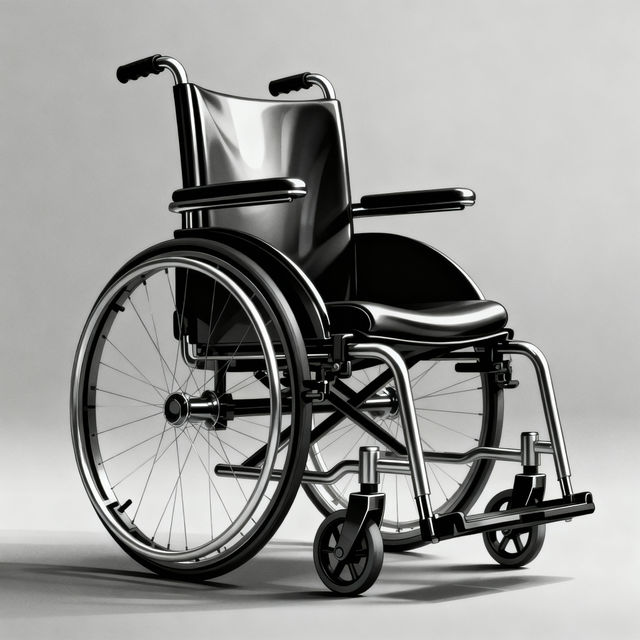
Wheelchair Drawings - AI Generated Art
Discover a diverse gallery of AI-generated wheelchair drawings. Find inspiration or create your own unique artwork featuring wheelchairs with NightCafe's AI art generator.
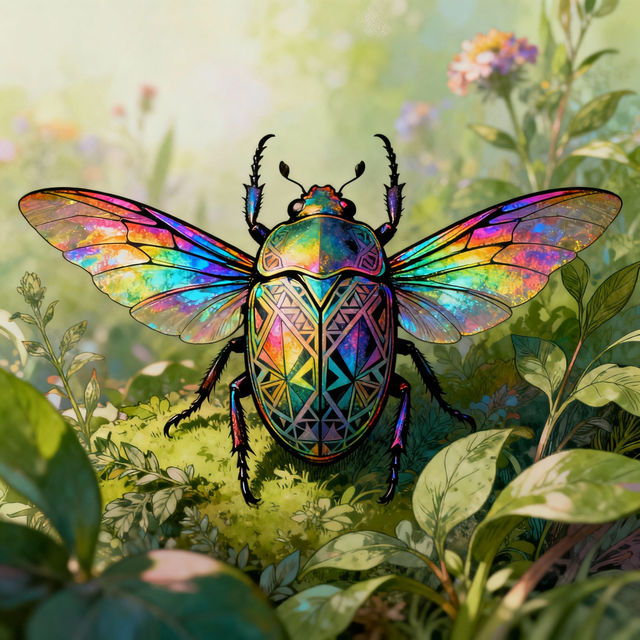
Bugs Drawing - AI Generated
Explore a vibrant gallery of AI-generated bugs drawings. Discover intricate insect art and get inspired to create your own unique bug illustrations with NightCafe.
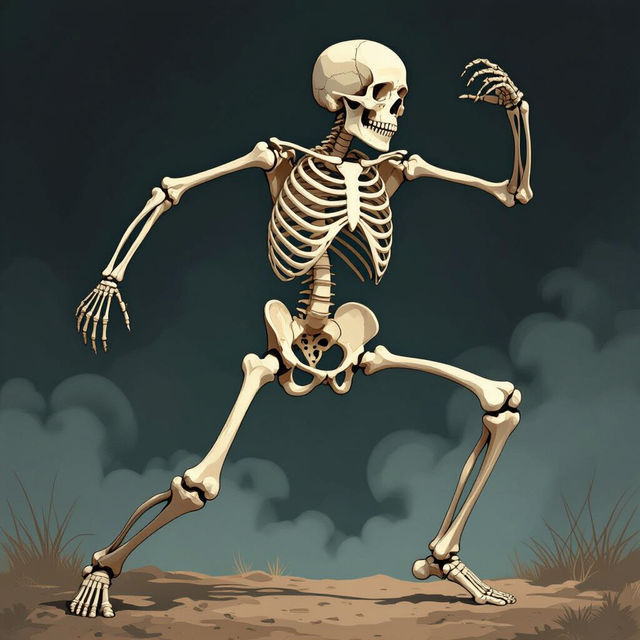
Drawing Skeleton Art - Made With AI
Discover unique drawing skeleton art. Get inspired by AI-generated skeletal designs and create your own hauntingly beautiful artwork on NightCafe.

Baby Stitch Drawings
Explore a charming collection of Baby Stitch drawings created with AI. Perfect for fans looking for cute and unique artwork of the beloved character.
Frequently Asked Questions
Your Questions About AI Path Art Answered
What exactly is AI path art and how is it generated in this gallery?
AI path art is a form of digital art created by algorithms that trace lines and curves to form intricate designs. In this gallery, we use advanced AI models that interpret prompts and parameters to generate unique path drawings. These can range from simple, elegant lines to complex, interwoven patterns, offering a fresh perspective on digital illustration and design.
How can I create my own AI path art similar to what's in the gallery?
Creating your own AI path art is straightforward! You'll typically start by providing a text prompt that describes the desired imagery or concept. Our AI tools then translate this prompt into a series of paths and lines. Experiment with different keywords, styles, and complexity levels in your prompts to explore the vast creative possibilities and achieve unique results.
What are some common uses for AI-generated path drawings?
AI-generated path drawings are incredibly versatile. They can be used for creating unique logos, intricate illustrations for articles or books, abstract backgrounds, graphic design elements, or even as a basis for physical crafts like laser cutting or embroidery. They're also excellent for visualizing complex data or mapping out conceptual journeys.
Can I customize the generated path art further after creation?
Absolutely! While the AI generates the initial path art, you can often export these designs in vector formats (like SVG) which can then be further edited in graphic design software. This allows you to refine lines, adjust colors, combine paths, and integrate them into larger projects for maximum creative control.