

- Galleries
- AI-Generated PC Backgrounds
PC Background Images - Made With AI
Discover and create amazing PC background images with AI. Browse our gallery for inspiration and then generate your own unique desktop backgrounds on NightCafe.

As seen in








AI-Generated PC Backgrounds
Explore a diverse collection of AI-created PC background images, from abstract art to stunning landscapes, perfect for personalizing your desktop.


Didn't find what you were looking for? Create your own below!
Create your own PC Background Images - Made With AI images
Discover the magic of Text to Image AI by creating your own unique images. Edit the prompt below to customize your creation.
No payment or credit card required.

Transform Your Desktop View
Stunning AI-generated Pc Backgrounds
Elevate your digital workspace with unique Pc Background Images, crafted by cutting-edge AI. Our gallery offers a vast collection of breathtaking scenes, abstract art, and futuristic landscapes, all designed to make your computer screen a personal masterpiece. Find inspiration or generate your own custom vision today.
Create Your Dream Desktop Background
Step 1
Describe Your Ideal Background
Start by describing the desktop background you envision in the prompt box. Be specific about the style, colors, subject matter (e.g., nature, abstract, futuristic), and mood you're aiming for. The more detail you provide, the better the AI can match your vision.
Step 2
Generate Your Unique Wallpaper
After crafting your prompt, click the 'Generate' button. Our AI will process your description and create a selection of unique desktop background images tailored to your specifications.
Step 3
Download and Personalize Your Desktop
Once your backgrounds are ready, explore the generated options. Download your favorite to use as your new PC background, or share it with the community to inspire others!

Personalize Your Workspace
Create Stunning Desktop Wallpaper AI Images
Don't settle for ordinary. Use our advanced AI tools to Create Stunning Desktop Wallpaper AI Images that truly reflect your style. Whether you desire serene natural vistas, dynamic abstract patterns, or something entirely unique, NightCafe empowers you to generate desktop wallpapers that are as individual as you are.
More Galleries
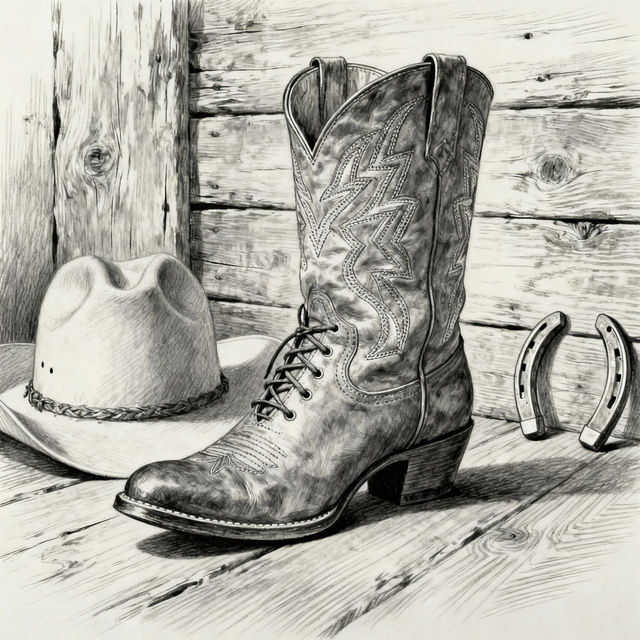
Drawing Cowboy Boot Art
Discover unique AI-generated cowboy boot drawings. Get inspired by various styles and create your own custom cowboy boot art with NightCafe's AI tools.
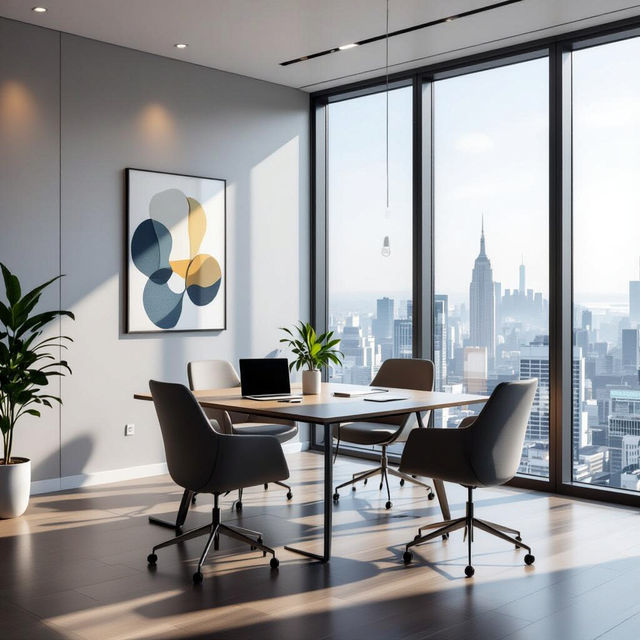
Free Teams Background Images - Made With AI
Discover a stunning collection of free Teams background images, perfect for enhancing your virtual meetings. Generate professional and creative backgrounds with AI to impress your colleagues and clients.
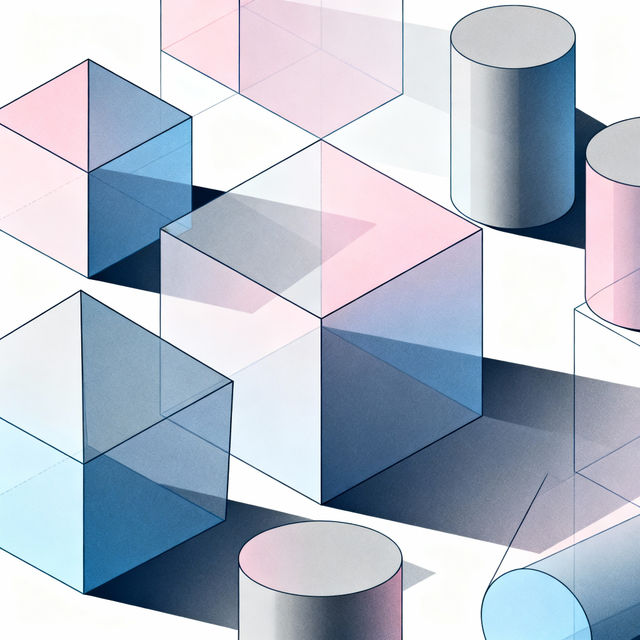
Volume Drawing Art
Discover the art of volume drawing with AI. Browse inspiring examples and create your own unique volume drawings with NightCafe's powerful tools. Unleash your creativity today.
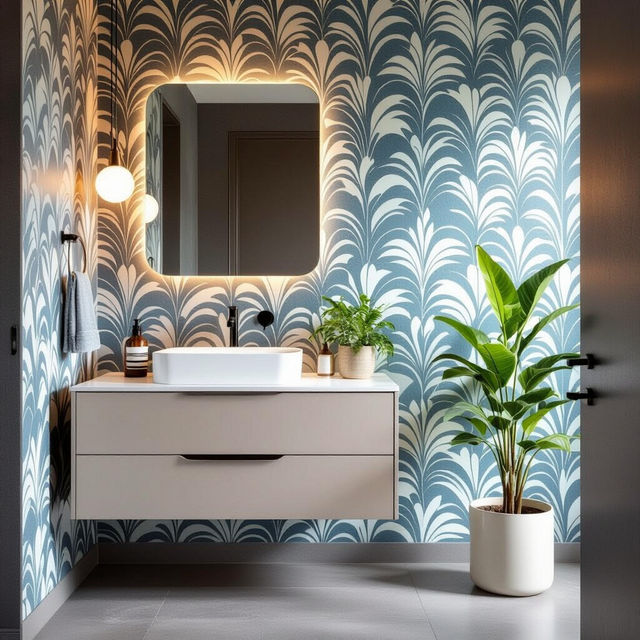
Vinyl Bathroom Wallpaper Designs
Discover the perfect vinyl bathroom wallpaper to transform your space. Browse our gallery for waterproof and stylish designs, and create your own unique look with AI.
Frequently Asked Questions
Your Questions About Creating PC Background Images, Answered
How can I generate a PC background image that matches my specific aesthetic?
To create a PC background that reflects your style, start by describing your desired theme, mood, and subject matter in the prompt. For example, you could ask for 'a serene, minimalist forest landscape with soft morning light' or 'a vibrant, abstract explosion of color in a cyberpunk style.' Experiment with keywords related to colors, artistic styles (e.g., watercolor, photorealistic, anime), and composition to guide the AI.
What are the best practices for creating a desktop wallpaper that looks good on different screen resolutions?
When creating your desktop wallpaper, consider the aspect ratio of common screen resolutions. While NightCafe generates high-resolution images, you can often achieve better results by specifying a landscape orientation or using prompts that imply a wide format, such as 'panoramic view' or 'cinematic landscape.' You can also use the image-to-image features to upscale or refine existing creations to fit your display perfectly.
Can I use the AI-generated PC background images for commercial purposes?
Yes, you can use the PC background images you create with NightCafe for commercial purposes. However, please ensure you review our Terms of Service for specific guidelines regarding attribution and usage rights. Our goal is to empower your creativity, both personally and professionally.
What if I'm not happy with the first generated PC background image? How can I refine it?
If your initial generation isn't quite right, don't worry! You can refine your creation in several ways. Try modifying your prompt with more specific details, experimenting with different artistic styles, or using the image-to-image feature with your existing creation as a base. You can also explore different AI models available on NightCafe, as each has unique strengths that might yield better results for your desired desktop wallpaper.