

- Galleries
- Peaceful AI Image Gallery
Peaceful Images - Made With AI
Discover a collection of tranquil and peaceful images created by AI. Find calm and inspiration, then generate your own serene artwork on NightCafe.

As seen in








Peaceful AI Image Gallery
Explore a curated selection of AI-generated peaceful images, designed to bring tranquility and calm to your day. Perfect for relaxation and inspiration.


Didn't find what you were looking for? Create your own below!
Create your own Peaceful Images - Made With AI images
Discover the magic of Text to Image AI by creating your own unique images. Edit the prompt below to customize your creation.
No payment or credit card required.

Discover Tranquil Masterpieces
Find Serenity In AI-generated Art
Immerse yourself in a world of calm with our AI-generated art. Each piece is crafted to evoke peace and tranquility, offering a visual escape from the everyday. Explore breathtaking landscapes and calming abstracts, or use these as inspiration to create your own Peaceful Image that resonates with your inner calm.
Create Your Own Peaceful Images
Step 1
Describe Your Peaceful Scene
Begin by describing the serene scene you envision in the prompt box. Think about elements that bring you peace, such as quiet landscapes, soft colors, or calming abstract patterns. The more detail you provide, the better the AI can capture your desired mood.
Step 2
Generate Serene Artwork
After crafting your prompt, click the 'Generate' button. The AI will then process your description and create a unique, tranquil image designed to inspire calm and relaxation.
Step 3
Download or Share Your Masterpiece
Once your peaceful image is ready, you can download it to use as you wish or share it with the community. Inspire others with your serene creation!

Create Your Calm Oasis
Generate Serene Artwork With AI
Transform your vision of peace into reality with our intuitive AI tools. Whether you seek a tranquil forest, a quiet beach, or a minimalist abstract, our platform empowers you to Generate Serene Artwork with AI. Experience the joy of creating your own peaceful masterpieces, tailored to your unique sense of calm.
More Galleries
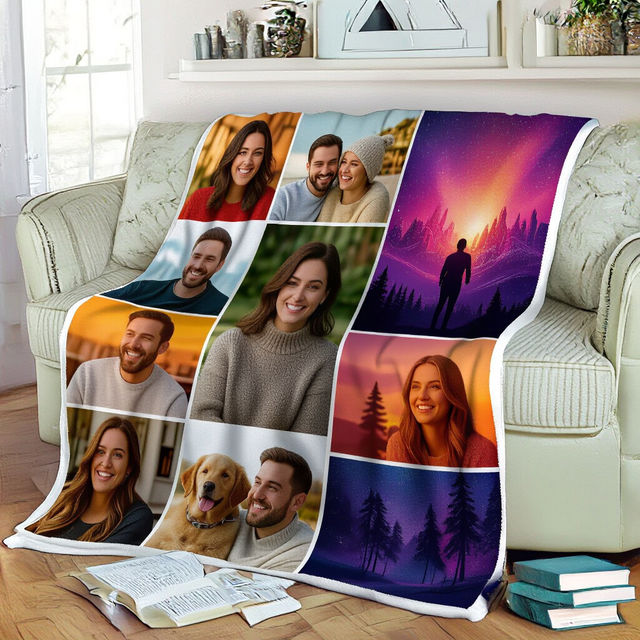
Picture Collage Blankets - Made With AI
Design a unique picture collage blanket with AI! Upload your photos or use AI-generated art to create a personalized, cozy blanket that tells your story. Perfect for gifts or home decor.
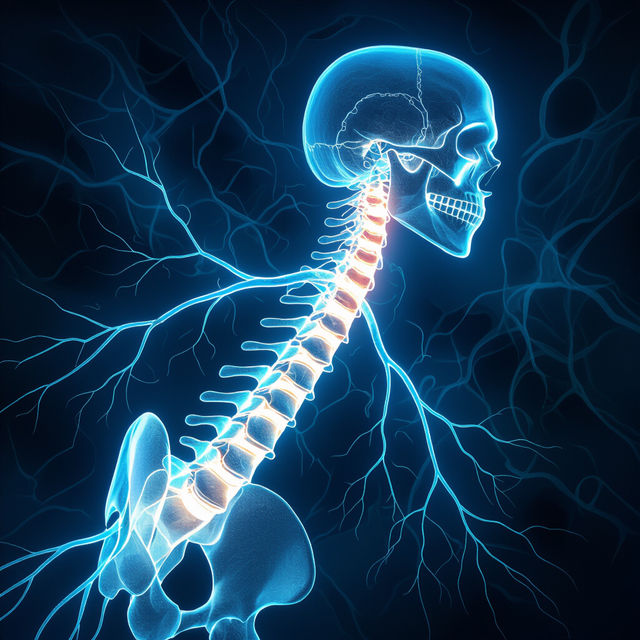
Picture of Spine and Nerves
Explore a unique gallery of AI-generated images featuring the intricate beauty of the spine and nerves. Perfect for medical, artistic, or educational inspiration.
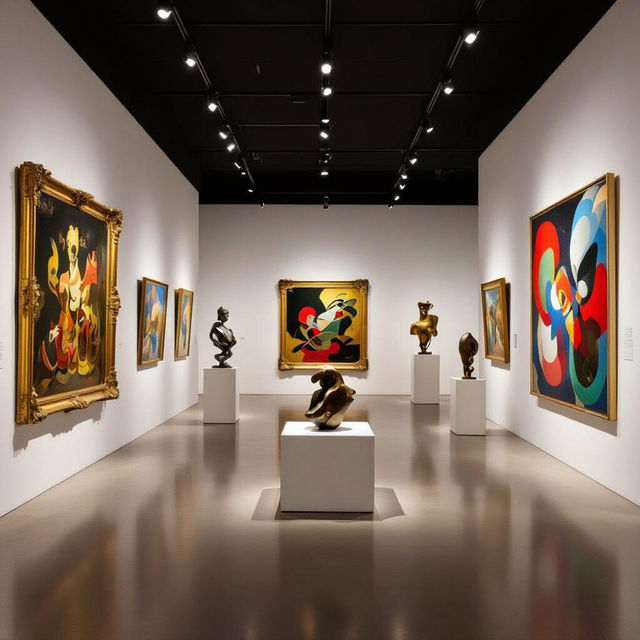
Brunnier Art Museum - AI Art
Discover stunning AI-generated art inspired by the Brunnier Art Museum. Browse unique pieces and create your own artistic interpretations with NightCafe.
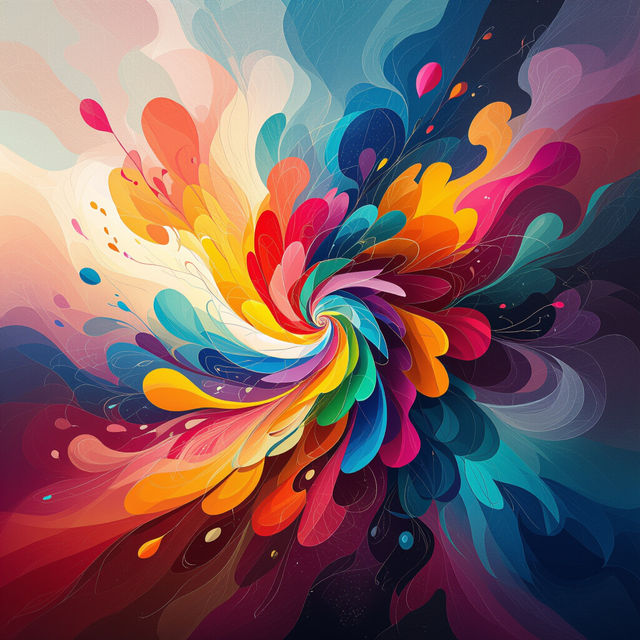
Interpretive Art
Discover a world of interpretive art created by AI. Browse unique pieces and learn how to generate your own abstract and expressive artworks on NightCafe.
Frequently Asked Questions
Your Questions About Creating Peaceful AI Art, Answered
How can I generate my own peaceful images on NightCafe?
To create your own serene artwork, start by using descriptive keywords related to peace and tranquility in your prompt. Think about elements like 'calm lake,' 'serene forest,' 'minimalist abstract,' or 'soft lighting.' You can also explore the various AI models available on NightCafe, as different models excel at different styles and moods. Experiment with settings like 'chaos' or 'stylize' to fine-tune the level of detail and artistic interpretation.
What kind of prompts work best for creating serene and tranquil art?
For serene and tranquil art, focus your prompts on elements that evoke calmness. Use words like 'peaceful,' 'calm,' 'serene,' 'tranquil,' 'quiet,' 'soft,' 'gentle,' 'minimalist,' and 'harmonious.' Describe natural scenes like 'misty mountains,' 'a quiet beach at dawn,' 'a gentle stream,' or 'a sun-dappled meadow.' You can also explore abstract concepts like 'inner peace' or 'meditative patterns.' Adding details about lighting, such as 'golden hour light' or 'soft ambient glow,' can also enhance the peaceful atmosphere.
Can I use the peaceful images I create for personal or commercial use?
Yes, you are generally free to use the images you create on NightCafe for personal enjoyment. For commercial use, please refer to our Terms of Service, which outlines the specific guidelines and any attribution requirements.
What if the AI-generated image isn't quite as peaceful as I envisioned?
AI art generation involves experimentation. If your initial results aren't serene enough, try refining your prompt with more specific calming keywords or adjusting the negative prompt to exclude elements that might disrupt the peace (e.g., 'noisy,' 'chaotic,' 'harsh'). You can also try different AI models, as some are better suited for creating softer, more atmospheric images. Adjusting settings like 'stylize' or 'chaos' can also help achieve a more subdued aesthetic.