

- Galleries
- AI Pencil Art Showcase
Explore Stunning Pencil Art Created with AI
Browse our collection of AI-generated pencil art. Find inspiration for your next sketch or create your own unique pencil drawings with NightCafe's powerful tools.

As seen in








AI Pencil Art Showcase
A curated gallery featuring a diverse range of pencil art, from realistic portraits to imaginative sketches, all created using AI.


Didn't find what you were looking for? Create your own below!
Create your own Explore Stunning Pencil Art Created with AI images
Discover the magic of Text to Image AI by creating your own unique images. Edit the prompt below to customize your creation.
No payment or credit card required.

Sketch Your Imagination
Discover Unique Pencil Drawings
Dive into a world of intricate pencil art, where every stroke is digitally crafted. Our gallery showcases a diverse range of AI-generated pencil drawings, perfect for finding unique inspiration for your next sketch or simply appreciating the beauty of algorithmic artistry. Explore the subtle textures and detailed lines that make each piece a one-of-a-kind creation.
Create Your Own AI Pencil Drawings
Step 1
Describe Your Drawing
Start by entering a descriptive prompt in the text box. Think about the subject, style, and mood you envision for your pencil drawing. For example, try "a serene landscape in the style of charcoal sketch" or "a futuristic cityscape with fine pencil lines."
Step 2
Generate Your Artwork
After crafting your prompt, click the "Create" button. The AI will process your request and generate a unique pencil drawing based on your description. You can experiment with different prompts to see a variety of results.
Step 3
Download and Share
Once your AI-generated drawing is ready, you can download it in high resolution to use as you please. Feel free to share your creation with friends or on social media, and inspire others with your unique artwork!

Bring Ideas To Life
Explore AI Pencil Sketches And Create Your Own
Explore AI pencil sketches that push the boundaries of traditional art. Whether you're a seasoned artist or a beginner, our platform empowers you to create your own stunning pencil drawings. Experiment with different styles and subjects, and discover how AI can augment your creative process, turning simple concepts into captivating visual narratives.
More Galleries
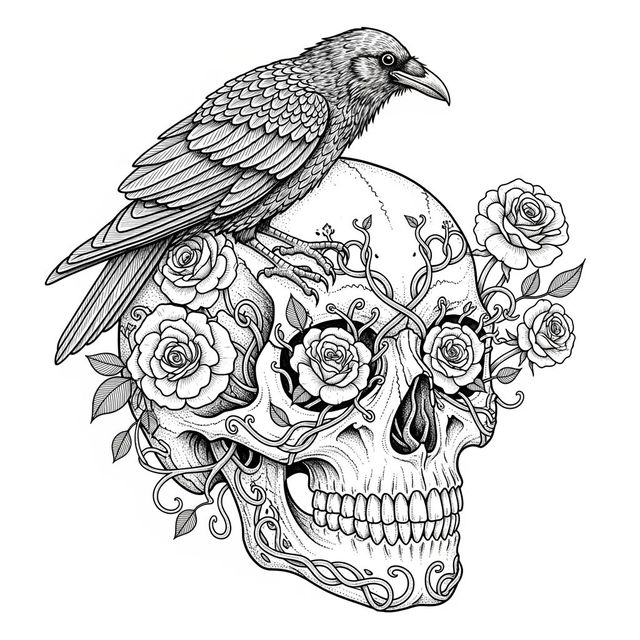
Explore Stunning Skull Drawings Created with AI
Discover a captivating gallery of AI-generated skull drawings. Find inspiration for your next project or create your own unique skull art with NightCafe's powerful AI tools.

AI Motorcycle Drawing Gallery
Explore a diverse gallery of AI-generated motorcycle drawings. Get inspired by unique styles and create your own custom motorcycle art with NightCafe's easy-to-use AI tools.
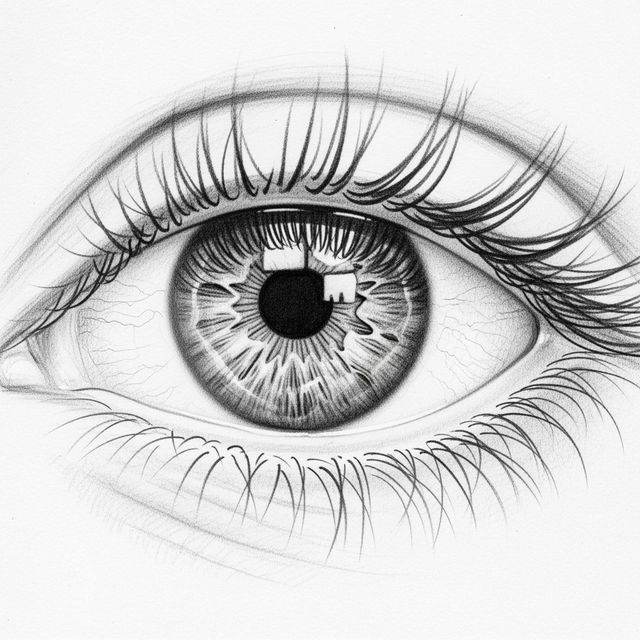
Browse AI-Generated Eye Sketches
Explore a diverse gallery of AI-generated eye sketches, perfect for artists seeking inspiration or a unique visual element. Create your own eye sketch with NightCafe.
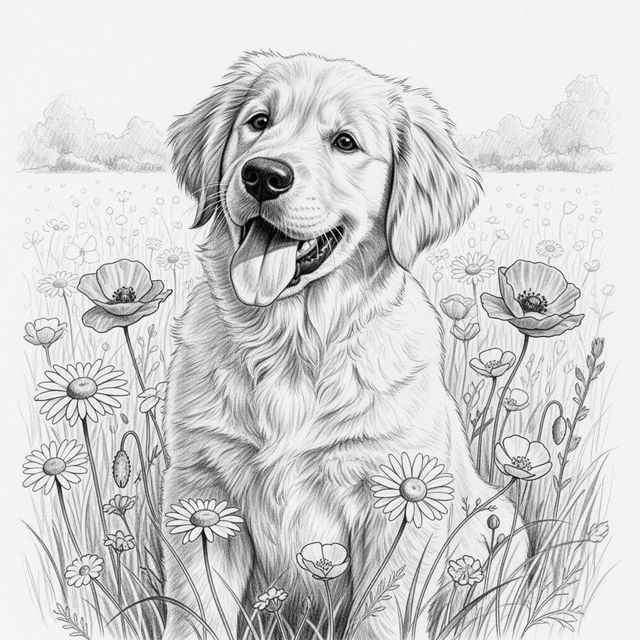
Explore AI-Generated Golden Retriever Drawings
Discover a gallery of charming Golden Retriever drawings, all created with AI. Get inspired by these beautiful canine portraits and easily generate your own unique Golden Retriever art.
Frequently Asked Questions
Your Questions About AI-Generated Drawings, Answered
How can I create my own AI-generated pencil drawings?
You can create your own AI-generated pencil drawings using NightCafe's powerful AI art generation tools. Simply visit our 'Create' page, choose your preferred AI model (many are capable of producing pencil-style art), and craft a detailed text prompt describing the image you envision. You can specify elements like 'pencil sketch,' 'charcoal drawing,' 'fine lines,' and 'cross-hatching' to guide the AI.
What makes these AI-generated drawings unique?
Each drawing is unique because it's generated by advanced AI algorithms that interpret your prompts in novel ways. Even with similar prompts, the AI can produce subtly different results due to inherent randomness in the generation process. This means every piece of art is a one-of-a-kind digital creation, offering a fresh perspective on traditional pencil art.
Can I use the AI-generated drawings from this gallery for my own projects?
The drawings in this gallery are intended to inspire your own creations. You can use the techniques and prompts you see here as a starting point for generating your own unique pencil art with NightCafe. For specific usage rights regarding images you generate yourself, please refer to our Terms of Service.
What kind of prompts work best for creating realistic pencil sketches?
To create realistic pencil sketches, your prompts should be descriptive and include terms related to the medium and technique. Try phrases like 'photorealistic pencil drawing,' 'detailed graphite sketch,' 'shaded with cross-hatching,' 'soft smudging,' or 'fine line art.' Mentioning the subject matter with as much detail as possible (e.g., 'a portrait of an old man with wrinkles, rendered in realistic pencil') will also yield better results.