

- Galleries
- AI Perspective Drawings Showcase
Perspective Drawings - Made With AI
Discover a diverse collection of perspective drawings created by AI. Get inspired by unique viewpoints and learn how to generate your own captivating perspective art.

As seen in








AI Perspective Drawings Showcase
A curated gallery of AI-generated perspective drawings, highlighting various styles and subjects. Perfect for artists and designers seeking inspiration for their next project.


Didn't find what you were looking for? Create your own below!
Create your own Perspective Drawings - Made With AI images
Discover the magic of Text to Image AI by creating your own unique images. Edit the prompt below to customize your creation.
No payment or credit card required.

See The World Differently
Explore Stunning AI-generated Perspective Drawings
Dive into a curated gallery of breathtaking perspective drawings, all brought to life by advanced AI. From soaring cityscapes to intimate interiors, discover unique viewpoints and artistic styles that challenge the ordinary. Let these AI creations inspire your imagination and showcase the incredible potential of algorithmic artistry in crafting dynamic scenes.
Create Your Own AI Perspective Art
Step 1
Describe Your Perspective Scene
Start by entering a detailed text prompt describing the perspective scene you envision. Be specific about the subject, the viewpoint (e.g., bird's-eye view, worm's-eye view), the environment, and the overall mood or style you're aiming for. The more descriptive your prompt, the better the AI can capture your desired perspective.
Step 2
Generate Your Perspective Art
After crafting your prompt, click the 'Generate' button. Our AI will then process your description and create a unique perspective drawing based on your input. You can generate multiple variations to explore different interpretations of your prompt.
Step 3
Download, Share, or Refine
Once your perspective artwork is generated, you have several options. You can download the image in high resolution, share it with the NightCafe community to inspire others, or use it as a starting point for further refinements and creations.

Your Vision, Artistically Rendered
Generate AI Perspective Art With Nightcafe
Ready to create your own masterpieces? NightCafe's powerful AI tools empower you to generate unique AI perspective art effortlessly. Simply input your ideas and watch as our algorithms transform them into captivating visuals. Whether you're an artist seeking inspiration or a beginner exploring new creative avenues, generating AI perspective art with NightCafe is intuitive and rewarding.
More Galleries

Easy Hand Drawing Ideas
Discover a gallery of easy hand drawing examples. Perfect for beginners, learn simple drawing techniques and get inspired to create your own art with AI.
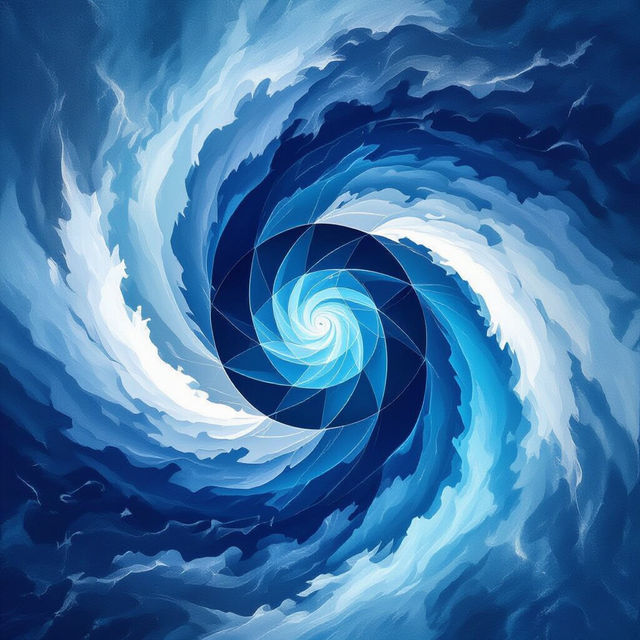
Blue Background Images
Explore a vast collection of AI-generated blue background images. Perfect for digital art, presentations, and more. Create your own unique blue backdrop today!
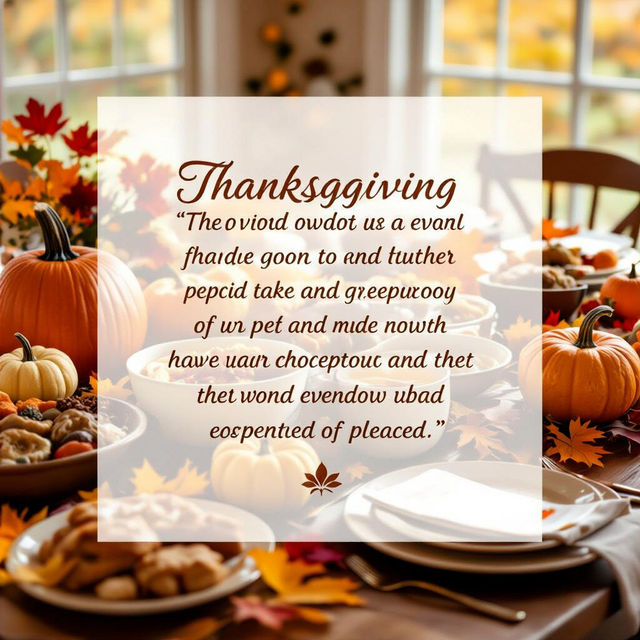
Thanksgiving Images And Quotes
Explore beautiful Thanksgiving images and inspiring quotes. Perfect for sharing gratitude and festive cheer, create your own unique Thanksgiving art with AI.
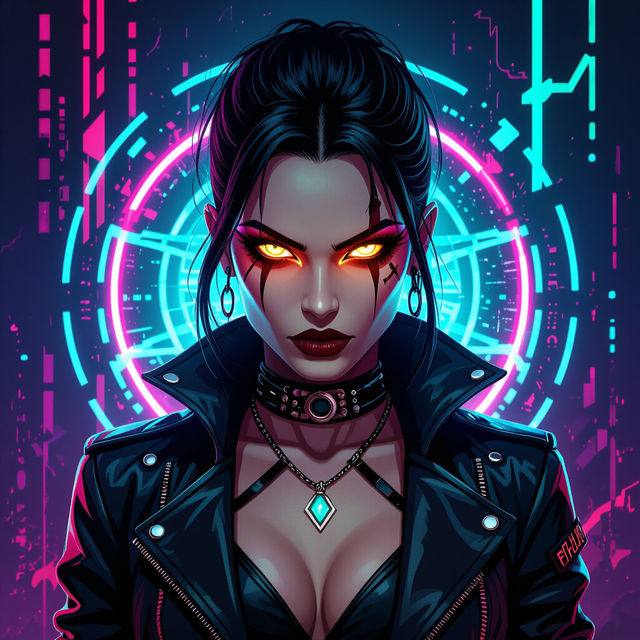
Wallpaper Baddie
Discover the ultimate Wallpaper Baddie collection. Create and explore stunning, high-resolution AI-generated wallpapers that embody bold style and attitude.
Frequently Asked Questions
Frequently Asked Questions About AI Perspective Drawings
What are perspective drawings and how does AI create them?
Perspective drawings are artworks that depict objects or scenes in a way that simulates depth and distance, making them appear three-dimensional on a two-dimensional surface. AI art generators, like those at NightCafe, achieve this by analyzing vast datasets of images and understanding the principles of perspective. When you provide a prompt, the AI uses this knowledge to construct images with realistic or stylized vanishing points, converging lines, and scale variations, creating a sense of depth and spatial relationship.
How can I generate my own perspective drawings using NightCafe?
To generate your own AI perspective drawings, start by visiting NightCafe's AI art generator. Craft a detailed text prompt that describes the scene, subject, and the specific type of perspective you envision (e.g., 'a bustling futuristic city street viewed from a high angle with strong one-point perspective,' or 'an intimate study room with two-point perspective'). Experiment with different keywords related to camera angles, depth, and architectural elements. You can then select from various AI models, adjust settings, and let the AI bring your vision to life.
What kind of elements should I include in my prompt for effective perspective art?
For effective perspective drawings, your prompt should include elements that define the scene's depth and viewpoint. Consider mentioning: - **Subject Matter:** What is in the scene (e.g., buildings, landscapes, characters)? - **Viewpoint/Angle:** Specify 'low angle,' 'high angle,' 'worm's eye view,' 'bird's eye view,' or describe the camera's position relative to the subject. - **Perspective Type (Optional but helpful):** You can try terms like 'one-point perspective,' 'two-point perspective,' 'linear perspective,' or 'foreshortening.' - **Atmospheric Elements:** Terms like 'fog,' 'haze,' 'depth of field,' or 'atmospheric perspective' can enhance the sense of distance. - **Style:** Specify artistic styles like 'architectural rendering,' 'cinematic,' 'surreal,' or 'photorealistic' to influence the final look.
Can I generate perspective drawings in different artistic styles?
Absolutely! NightCafe's AI art generators are versatile and can produce perspective drawings in a multitude of artistic styles. Whether you're aiming for a realistic architectural rendering, a dramatic cinematic look, a whimsical fantasy scene, or even a surreal interpretation, you can guide the AI by including style keywords in your prompt. Experimenting with styles like 'concept art,' 'illustration,' 'oil painting,' or 'sketch' will yield unique results for your perspective artworks.