

- Galleries
- AI Phone Lock Screen Wallpapers
Phone Lock Screen Wallpaper - Made With AI
Discover amazing phone lock screen wallpapers created with AI. Find the perfect background to personalize your device and express your style with unique, AI-generated art.

As seen in








AI Phone Lock Screen Wallpapers
Explore a diverse collection of AI-generated wallpapers perfect for your phone's lock screen. Get inspired by unique designs and find the perfect backdrop.


Didn't find what you were looking for? Create your own below!
Create your own Phone Lock Screen Wallpaper - Made With AI images
Discover the magic of Text to Image AI by creating your own unique images. Edit the prompt below to customize your creation.
No payment or credit card required.

Personalize Your Device
Stunning AI-generated Wallpapers For Your Phone
Elevate your phone's look with breathtaking, AI-generated wallpapers. Our gallery offers a vast collection of unique designs, perfect for any style. Transform your device into a personal statement with custom Phone Lock Screen Wallpaper that truly stands out, bringing art and inspiration directly to your fingertips every time you unlock your screen.
Create Your Unique Phone Lock Screen Wallpaper
Step 1
Describe Your Dream Wallpaper
Begin by describing your ideal phone lock screen wallpaper in the prompt box. Think about the colors, themes, and overall aesthetic you envision. Do you want something abstract, nature-inspired, futuristic, or minimalist? The more detail you provide, the better the AI can capture your vision.
Step 2
Generate Your Wallpaper
Once your prompt is ready, simply click the 'Generate' button. Our AI will process your description and create a stunning, unique wallpaper tailored to your specifications. Be patient, as the AI works its magic to bring your ideas to life.
Step 3
Download & Personalize Your Device
After the wallpaper is generated, you can download it in high resolution to use on your phone. Feel free to share your creation with friends or the community, and explore more options to find the perfect background that expresses your personal style.

Express Your Style
Generate Unique AI Phone Backgrounds
Tired of generic backgrounds? Generate Unique AI Phone Backgrounds that reflect your personality and interests. Our advanced AI models allow you to create custom art, ensuring your phone's aesthetic is as individual as you are. Discover endless possibilities and make your device truly yours with one-of-a-kind AI Phone Backgrounds.
More Galleries
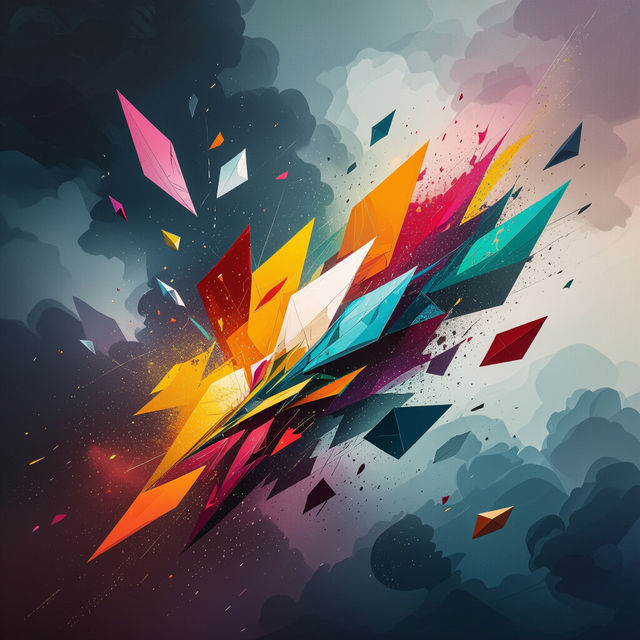
Falling Art
Discover mesmerizing falling art pieces generated by AI. Browse a unique collection and get inspired to create your own dynamic and captivating digital art.
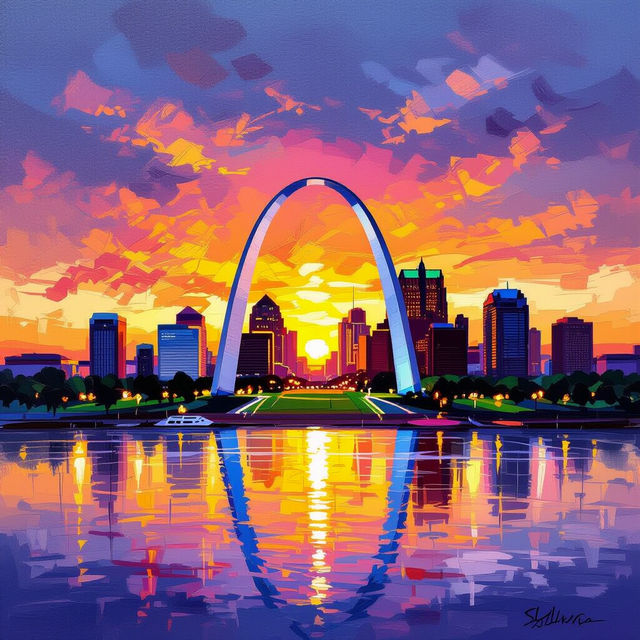
St. Louis Art
Discover unique St. Louis art created with AI. Browse a diverse gallery of cityscapes, landmarks, and artistic interpretations of St. Louis, or generate your own.
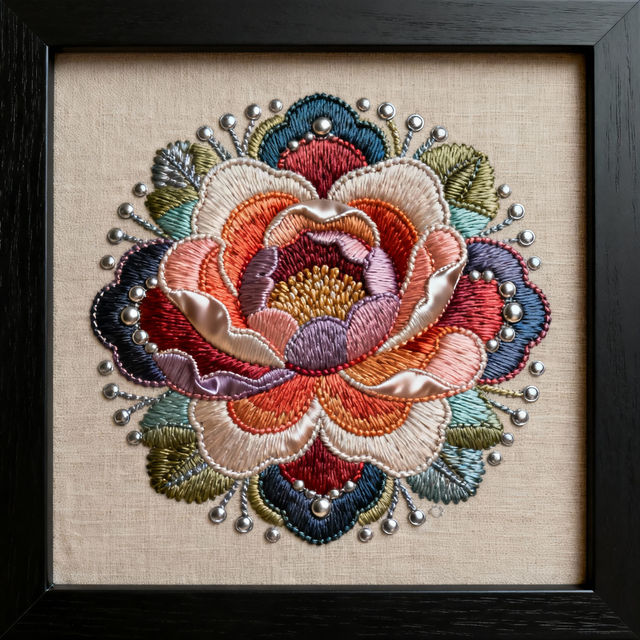
Embroidered Wall Art
Explore a unique collection of AI-generated embroidered wall art. Get inspired by intricate designs and create your own stunning textile art pieces with NightCafe.
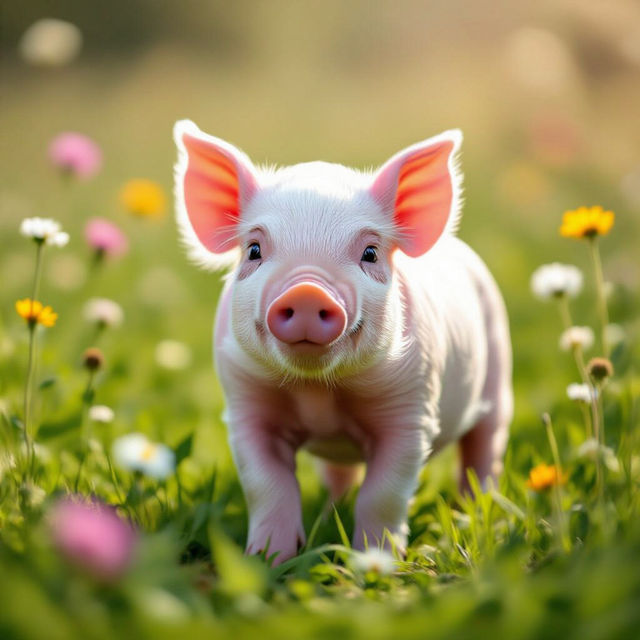
Pictures Of Pot Belly Pigs
Explore charming pictures of pot belly pigs created by AI. Find inspiration for your own unique pig art and discover the delightful world of these miniature farm animals.
Frequently Asked Questions
Everything You Need to Know About Creating AI Phone Lock Screen Wallpapers
How can I create a unique phone lock screen wallpaper with AI?
To create a unique phone lock screen wallpaper, start by describing the theme, mood, and visual elements you desire. Think about colors, artistic styles (e.g., abstract, minimalist, futuristic), and any specific objects or scenes you want to include. The more descriptive your prompt, the better the AI can capture your vision for a personalized background.
What makes these AI-generated wallpapers ideal for phone lock screens?
These AI-generated wallpapers are ideal because they offer unparalleled uniqueness and personalization. Unlike generic backgrounds, each creation is one-of-a-kind, allowing you to express your individual style. They are designed to be visually striking and can be tailored to fit various phone screen dimensions, ensuring your device looks both artistic and personal.
Can I use the AI art generated for my phone wallpaper for other purposes?
Yes, the AI art you generate can often be used for other purposes. However, you should always refer to NightCafe's Terms of Service for specific guidelines on usage rights, especially concerning commercial use. Generally, personal use for your phone wallpaper is encouraged, allowing you to showcase your unique AI creations.
What if I'm not satisfied with the first wallpaper I generate?
If your first generated wallpaper isn't quite right, don't worry! You can refine your prompt with more specific details or try a different artistic style. NightCafe offers various AI models and customization options, so experimenting with different inputs and settings can help you achieve the perfect look for your phone.