

- Galleries
- Trendy Phone Wallpaper Gallery
Phone Wallpaper & Backgrounds
Discover fresh Phone Wallpaper & Backgrounds! Explore Trendy Phone Wallpaper Collections to refresh your device's look. Find unique designs to match your style effortlessly.

As seen in








Trendy Phone Wallpaper Gallery
A vibrant collection of trendy AI-generated phone wallpapers, showcasing diverse styles and designs to personalize any device. Find the perfect background to express yourself!


Didn't find what you were looking for? Create your own below!
Create your own Phone Wallpaper & Backgrounds images
Discover the magic of Text to Image AI by creating your own unique images. Edit the prompt below to customize your creation.
No payment or credit card required.

Refresh Your Device
Phone Wallpaper & Backgrounds
Transform your phone's aesthetic with our diverse Phone Wallpaper & Backgrounds. Browse through Trendy Phone Wallpaper Collections, from minimalist patterns to vibrant landscapes, ensuring your device always reflects your current mood and style. Discover the perfect backdrop to make your screen truly yours.
Create Stunning Phone Wallpapers with AI
Step 1
Describe Your Dream Wallpaper
Start by typing a detailed description of the wallpaper you envision into the prompt box. Include details about colors, themes, and any specific elements you'd like to see. The more specific you are, the better the AI can bring your vision to life!
Step 2
Generate Your Unique Wallpaper
Once you're happy with your prompt, click the 'Generate' button. Our AI will then work its magic, transforming your words into a unique and trendy phone wallpaper in just a few moments.
Step 3
Download and Share Your Style
Found a wallpaper you love? Download it directly to your phone and set it as your new background! Don't forget to share your amazing creations with the NightCafe community to inspire others.

Personalize Your Screen
Create Unique Mobile Backgrounds
Unleash your creativity and Create Unique Mobile Backgrounds tailored to your exact preferences. Our AI empowers you to design personalized wallpapers that stand out, reflecting your individual style and passions. Say goodbye to generic backgrounds and hello to a truly unique mobile experience.
More Galleries

Cute Girl Drawing
Discover the art of Cute Girl Drawing! Our Charming Cute Girl Drawing Tutorials guide you through creating adorable characters, perfect for artists of all skill levels.
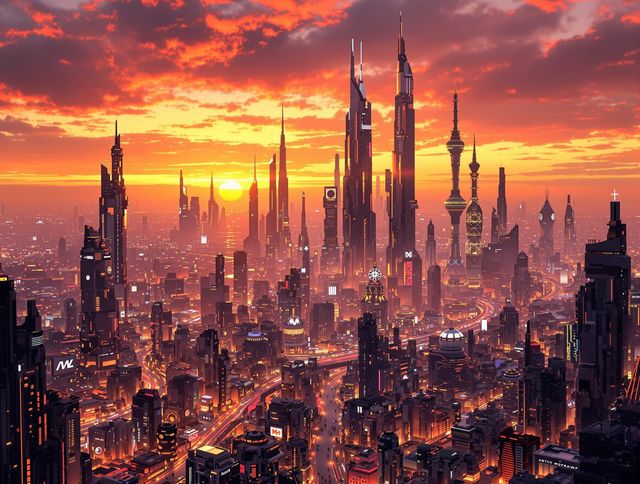
Dual Monitor Wallpaper
Transform your workspace with stunning dual monitor wallpaper designs. Explore a curated collection to elevate your desktop aesthetic. Discover the perfect dual monitor wallpaper today!
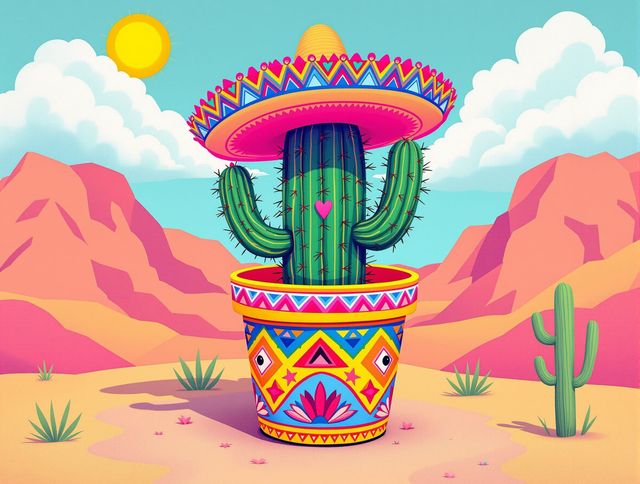
Cactus Drawing & Art
Explore Fun And Easy Cactus Drawing Tutorials! Unleash your creativity with our AI-generated Cactus Drawing & Art, perfect for all skill levels. Start your Cactus Drawing journey today!
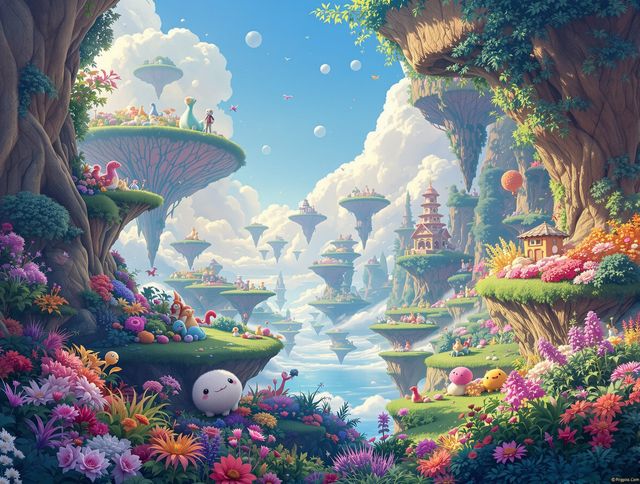
Cool Drawing Ideas
Unleash your artistic potential with our Cool Drawing Ideas generator! Explore Creative And Cool Drawing Ideas and turn your imagination into stunning visual masterpieces effortlessly.
Frequently Asked Questions
Everything You Need to Know About AI-Generated Phone Wallpapers
How do I write effective prompts for generating phone wallpapers?
Creating the perfect phone wallpaper starts with a great prompt! Think about the aesthetic you want: minimalist, vibrant, abstract, nature-themed, etc. Be specific with keywords like colors, objects, and artistic styles (e.g., 'cyberpunk cityscape at sunset,' 'watercolor floral pattern,' 'abstract geometric design in pastel colors'). Experiment with different models to find the one that best interprets your vision.
What customization options are available for generating phone wallpapers?
NightCafe's AI allows for a high degree of customization. You can adjust the prompt, choose different AI models (like Stable Diffusion or Imagen), and tweak settings like resolution and aspect ratio to perfectly fit your phone screen. Experiment with different styles and iterations to achieve your desired look.
Can I download and use the AI-generated wallpapers on my phone?
Yes! Once you've generated a wallpaper you love, you're free to download it and use it on your phone. NightCafe provides options for downloading images in various resolutions to ensure optimal quality on your device.
Which AI models are best for creating phone wallpapers?
While NightCafe offers many AI models, some are better suited for generating phone wallpapers than others. Models known for photorealism and detail, like Stable Diffusion and Imagen, often produce excellent results. Experiment with different models to see which ones best match your desired style.
What should I do if I'm not happy with the generated phone wallpaper?
If your generated wallpaper doesn't look quite right, try refining your prompt. Be more specific with keywords, adjust the style settings, or try a different AI model. Sometimes, small changes in the prompt can make a big difference in the final result. You can also use the 'Evolve' feature to create variations of an existing image.