

- Galleries
- AI Picture Enlarger Gallery
Picture Enlarger
AI Image Upscaling
Need to enlarge your pictures without losing quality? Our AI picture enlarger tool enhances resolution and detail, making your images sharper and clearer. Try it now!

As seen in








AI Picture Enlarger Gallery
Explore stunning examples of images enlarged and enhanced by AI. See how our picture enlarger tool brings clarity and detail to your photos.


Didn't find what you were looking for? Create your own below!
Create your own Picture Enlarger: AI Image Upscaling images
Discover the magic of Text to Image AI by creating your own unique images. Edit the prompt below to customize your creation.
No payment or credit card required.

Crystal Clear Quality
Enhance Your Images With AI Picture Enlargement
Transform your visuals with our advanced AI Picture Enlarger. Effortlessly boost image resolution and bring out incredible detail, ensuring every pixel is as sharp and clear as intended. Perfect for bringing old photos back to life or preparing images for large-format printing.
Upscale Your Images with AI
Step 1
Upload Your Image
Upload the image you wish to enlarge into the tool. You can also paste a URL if your image is online. Ensure the image is in a supported format like JPG, PNG, or BMP.
Step 2
Choose Upscale Settings
Select your desired enlargement factor (e.g., 2x, 4x, 8x). The AI will then process your image to increase its resolution and detail, ensuring a high-quality upscale without pixelation.
Step 3
Download Your Enhanced Image
Once the enlargement is complete, preview the enhanced image. You can then download the high-resolution version or share it directly. Enjoy your clearer, sharper visuals!

Unlock Hidden Detail
Enhance Image Resolution With AI Upscaler
Our cutting-edge AI Image Upscaler is designed to enhance image resolution without compromising clarity. Whether you're working with digital art, photography, or scanned images, our tool intelligently sharpens and refines your visuals, revealing a new level of detail and vibrancy.
More Galleries
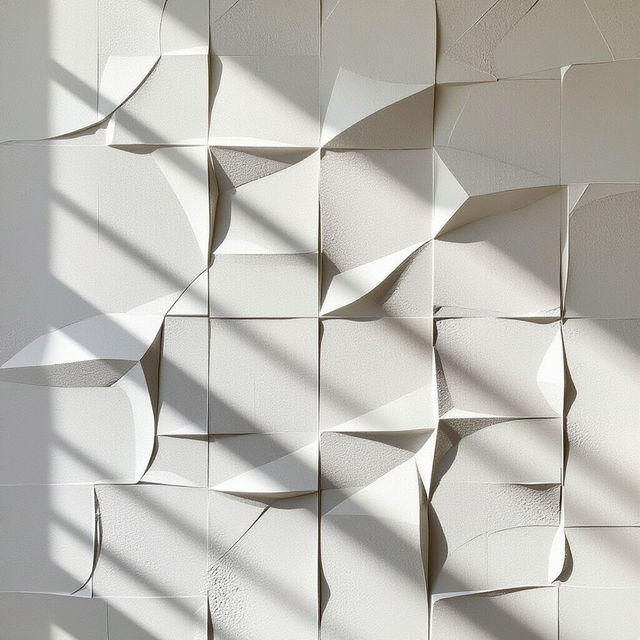
White Textured Wall Art
Discover stunning white textured wall art pieces. Perfect for modern interiors, these AI-generated artworks add subtle elegance. Create your own unique textured art today.
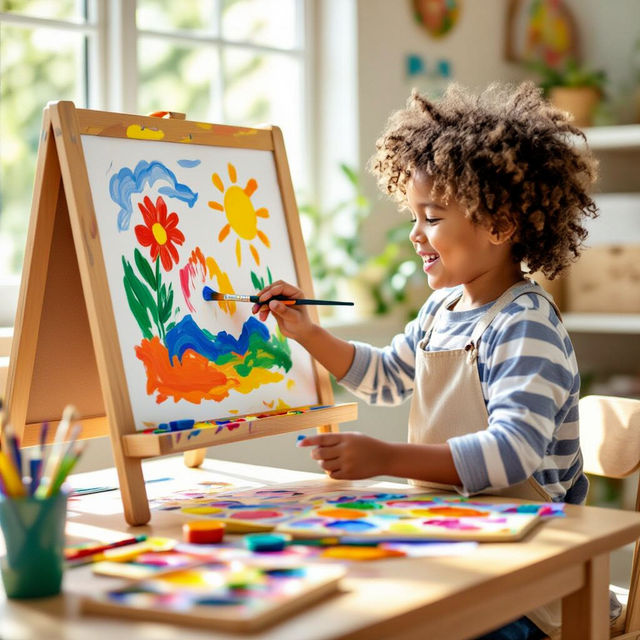
Melissa And Doug Art Easel Creations
Explore a vibrant gallery of art created with a Melissa And Doug art easel. Find inspiration and see how kids' imaginations flourish on this classic creative tool.
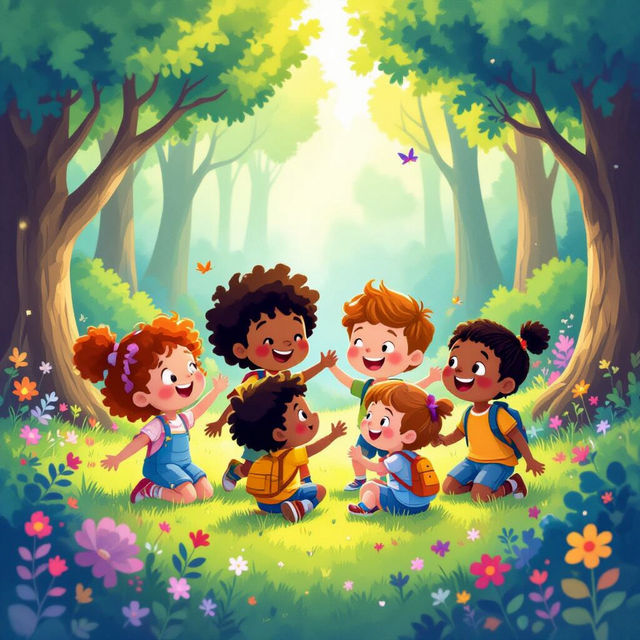
Cute Kid Wallpapers
Discover a delightful collection of cute kid wallpapers generated by AI. Perfect for personalizing devices, these wallpapers bring joy and charm to any screen.
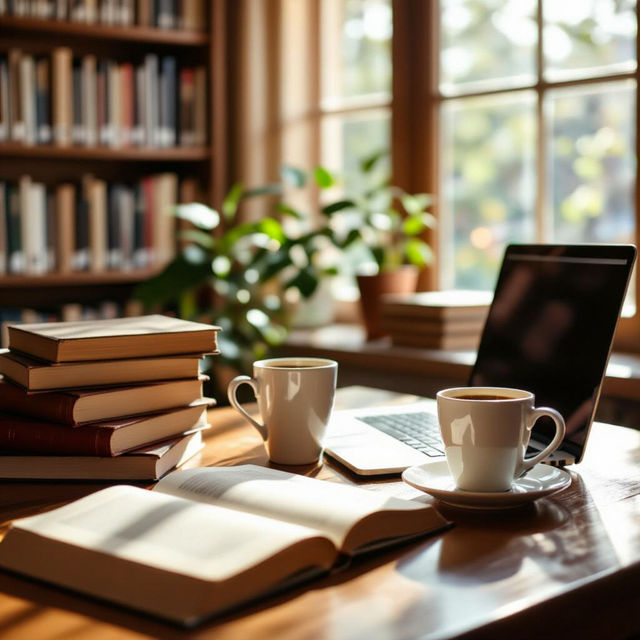
Study Images - Made With AI
Explore a diverse collection of AI-generated study images, perfect for inspiration or educational purposes. Use NightCafe to create your own unique study-themed visuals.
Frequently Asked Questions
Everything You Need to Know About Our AI Picture Enlarger
How does the AI Picture Enlarger work to improve image quality?
Our AI Picture Enlarger uses advanced algorithms to intelligently analyze your image. It reconstructs missing details and enhances resolution, effectively sharpening and clarifying the picture without introducing pixelation or blur, making your images look significantly better.
What types of images can I use with the AI Picture Enlarger?
You can use a wide variety of images, including digital art, photographs, scanned images, and even older, lower-resolution pictures. The AI is designed to work effectively across different types of visual content to improve their resolution and detail.
Will enlarging my image with AI result in a loss of detail or clarity?
No, the primary function of our AI Picture Enlarger is to *enhance* detail and clarity. Unlike traditional resizing methods that can lead to blurriness or pixelation, our AI intelligently adds detail and sharpens the image, preserving or even improving its overall quality.
What are the best use cases for the AI Picture Enlarger?
The AI Picture Enlarger is perfect for a range of uses, including preparing images for large-format printing, reviving old or low-resolution photos, improving the quality of digital art for portfolios, and ensuring that images look crisp and clear across different display sizes.