

- Galleries
- Transparent Picture Frame Gallery
Transparent Picture Frames - AI Generated
Explore stunning AI-generated transparent picture frames. Get inspiration for your next creative project and design unique, transparent frames to showcase your art.

As seen in








Transparent Picture Frame Gallery
A curated collection of AI-generated transparent picture frames, perfect for artists and designers seeking unique display solutions and creative inspiration.


Didn't find what you were looking for? Create your own below!
Create your own Transparent Picture Frames - AI Generated images
Discover the magic of Text to Image AI by creating your own unique images. Edit the prompt below to customize your creation.
No payment or credit card required.

Visualize Your Art Instantly
AI Art For Transparent Picture Frames
Discover how AI can transform your ideas into breathtaking transparent picture frames. Our gallery showcases unique designs, offering endless inspiration for your next creative project. Effortlessly generate custom frames that highlight your artwork with stunning clarity and modern aesthetics. Perfect for artists and designers seeking innovative display solutions.
Create Your Unique Transparent Picture Frames
Step 1
Describe Your Frame Design
Begin by describing the transparent picture frame you envision. Include details about the style (e.g., minimalist, ornate, geometric), the material's texture, any specific decorative elements, and the intended use (e.g., for photos, artwork, digital displays). The more specific your prompt, the closer the AI can get to your desired design.
Step 2
Generate Your Frame Designs
Once you have crafted your prompt, click the 'Generate' button. The AI will process your description and create a selection of unique transparent picture frame designs. Review the generated options to see which best matches your vision.
Step 3
Download & Share Your Creation
After reviewing the generated frames, select your favorite design. You can then download the high-resolution image of your custom transparent picture frame to use in your projects or share it with others to inspire their creativity.

Elevate Your Presentation
AI Frame Generation For Unique Displays
Unlock the potential of AI Frame Generation to create truly unique displays. Our advanced models craft intricate and elegant transparent frames, perfect for showcasing photography, digital art, or cherished memories. Let AI Frame Generation for Unique Displays inspire you to design frames that are as captivating as the images they hold, adding a touch of sophistication to any space.
More Galleries

Trust Images - Generated with AI
Discover a curated collection of AI-generated images designed to convey trust and reliability. Perfect for businesses and projects needing credible visuals. Create your own trust images.
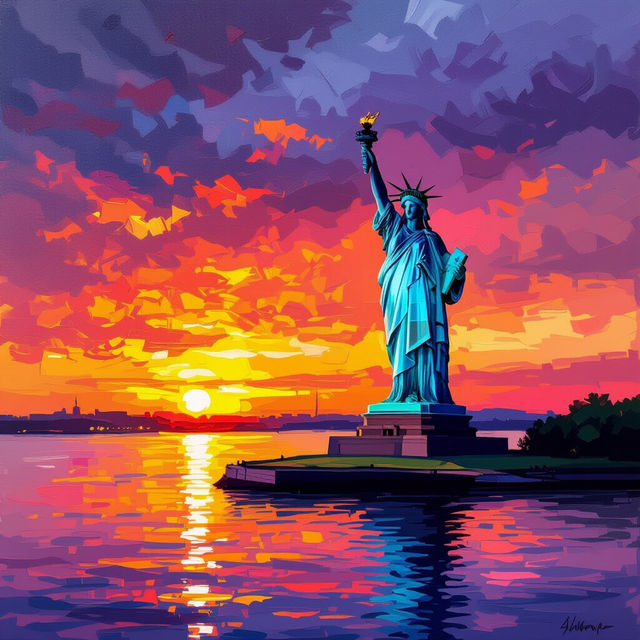
Pictures Of The Statue Of Liberty
Explore stunning AI-generated pictures of the Statue of Liberty. Get inspired by unique artistic interpretations and create your own iconic landmarks with NightCafe.
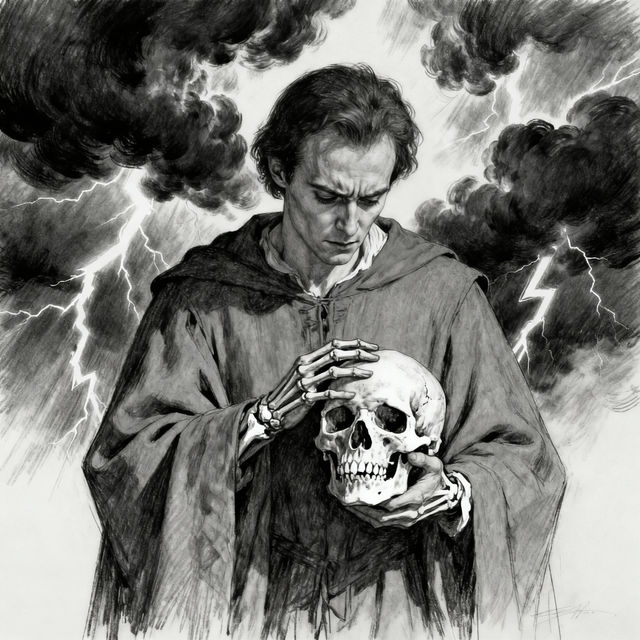
Hamlet Drawings - AI Generated
Discover unique AI-generated drawings inspired by Hamlet. Browse iconic scenes and characters, then create your own Hamlet drawings with NightCafe.

Sonic Adventure 2 Wallpapers
Explore a vibrant gallery of Sonic Adventure 2 wallpapers. Get inspired by iconic characters and scenes, then create your own unique Sonic wallpapers with AI.
Frequently Asked Questions
Frequently Asked Questions About Transparent Picture Frames
What makes these AI-generated picture frames 'transparent'?
The 'transparent' aspect refers to the design aesthetic and the intended use of these frames. While the generated image itself isn't a literal transparent file, the AI is prompted to create designs that *evoke* transparency. Think of frames with intricate cutouts, minimalist borders, or designs that suggest a clear or glass-like material, making them ideal for showcasing artwork without overwhelming it.
How can I use these AI-generated transparent frame designs?
These designs are perfect for inspiration! You can use them as a basis for your own digital art, graphic design projects, or even as conceptual designs for physical framing. They are excellent for digital displays, website elements, or as unique ways to present artwork online where the 'transparency' adds depth and focus to the image within.
Can I generate a transparent frame for a specific size or aspect ratio?
Yes, when you use NightCafe's AI generation tools, you can often specify desired aspect ratios or dimensions. For frame designs, consider describing the intended use (e.g., 'a square frame for a photo,' 'a wide frame for a landscape print') in your prompt to guide the AI towards suitable compositions.
What kind of prompts work best for creating transparent frame designs?
To achieve a transparent frame aesthetic, use keywords like 'minimalist frame,' 'outline frame,' 'cutout design,' 'hollow frame,' 'border design,' 'clear glass effect,' 'acrylic frame,' or 'geometric frame.' Also, specify the subject matter you want the frame to surround or complement, such as 'transparent frame for a floral photo' or 'ornate outline frame for a portrait'.