

- Galleries
- AI Picture to Drawing Gallery
Picture Into Drawing
Easily turn your pictures into drawings with AI. Explore a gallery of stunning transformations and learn how to create your own unique artwork on NightCafe.

As seen in








AI Picture to Drawing Gallery
Discover a diverse collection of images transformed into various drawing styles using AI. Perfect for inspiration or seeing your photos in a new artistic light.


Didn't find what you were looking for? Create your own below!
Create your own Picture Into Drawing images
Discover the magic of Text to Image AI by creating your own unique images. Edit the prompt below to customize your creation.
No payment or credit card required.

Effortless Artistic Style
Transform Your Photos Into Drawings With AI
Witness the magic of AI as your cherished photographs are reimagined into captivating drawings. Our advanced models excel at the Picture Into Drawing transformation, offering a seamless way to explore new artistic interpretations of your memories. Discover a world where your photos gain a hand-drawn aesthetic with just a few clicks.
Turn Your Photos into Drawings with AI
Step 1
Upload Photo & Describe Your Drawing Style
Start by uploading the photo you wish to transform. In the prompt box, describe the drawing style you envision (e.g., "pencil sketch," "charcoal drawing," "colored pencil art") and any specific details you'd like to emphasize or alter. The more descriptive you are, the better the AI can capture your artistic intent.
Step 2
Generate Your Drawing
Once your photo is uploaded and your prompt is ready, click the "Generate" button. Our AI will analyze your image and prompt to create a unique drawing-based interpretation.
Step 3
Download or Share Your Artwork
After the drawing is created, you can download it in various formats or share it with the NightCafe community. Experiment with different prompts and styles to see the full range of transformations possible!

From Reality To Art
Transform Your Photo To Sketch With AI Art
Elevate your visuals by turning any photo into a stunning sketch. This gallery showcases the power of AI to meticulously recreate your images in a sketchbook style. Whether for personal projects or professional portfolios, the Transform Your Photo To Sketch With AI Art feature provides a unique artistic flair, making every image a potential masterpiece.
More Galleries
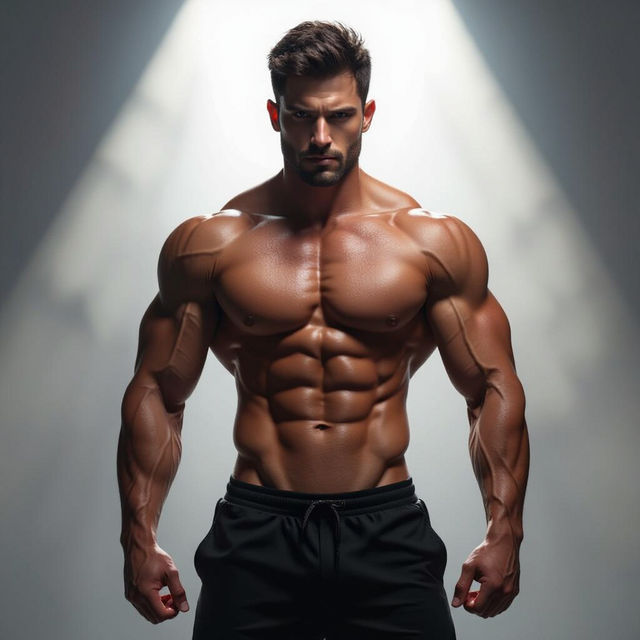
Picture Of Muscles - AI Generated
Discover a gallery of stunning AI-generated images showcasing powerful muscles. Get inspired by realistic and stylized depictions, then create your own muscle art with NightCafe.
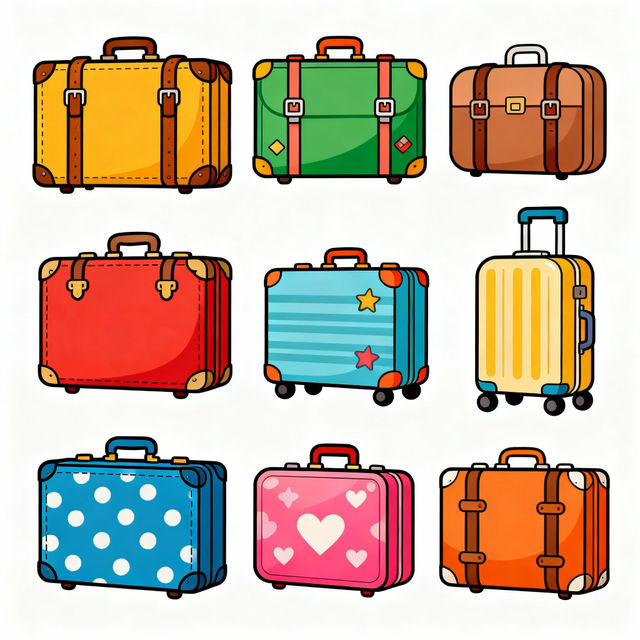
Suitcase Clip Art
Explore a vibrant collection of AI-generated suitcase clip art. Perfect for travel-themed projects, find unique designs and create your own suitcase illustrations with NightCafe.
Heart iPhone Wallpapers
Discover a vibrant collection of heart iPhone wallpapers, perfect for expressing love and affection. Generate your unique heart wallpaper with AI.
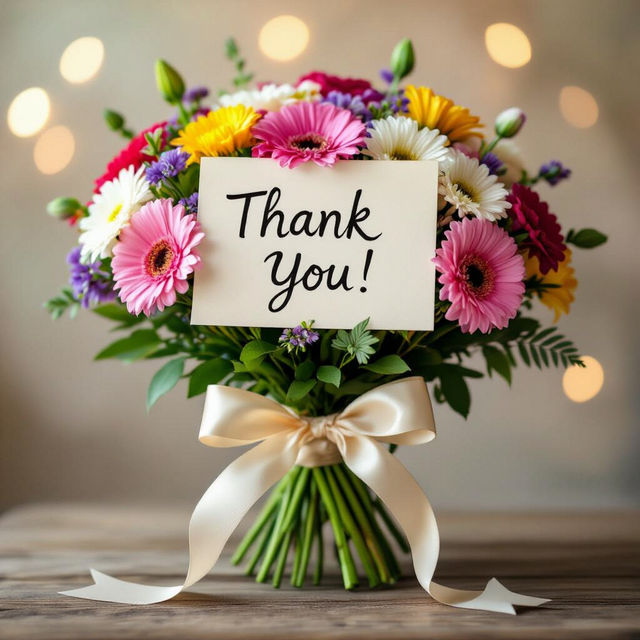
Pictures Of Thank You
Explore a beautiful collection of AI-generated 'Pictures of Thank You'. Find the perfect image to express your gratitude or create your own unique thank you art with NightCafe.
Frequently Asked Questions
Frequently Asked Questions About Turning Pictures Into Drawings
How does the Picture Into Drawing AI Art Generator work?
Our AI models analyze your uploaded image and apply various artistic styles to transform it into a drawing, sketch, or painting. You can upload your photo and select from different artistic styles and AI models to achieve the desired hand-drawn aesthetic. The process is designed to be intuitive, allowing you to see your cherished memories reimagined with a unique artistic flair.
What types of drawings can I create from my photos?
You can transform your photos into a wide variety of drawing styles, including sketches, pencil drawings, charcoal art, and more. Our AI excels at recreating images with a meticulous sketchbook style, giving them a hand-drawn appearance. Explore the different presets and models to discover the perfect artistic interpretation for your image.
Can I use my AI-generated drawings for commercial purposes?
Yes, you can use the AI-generated drawings created with our Picture Into Drawing tool for commercial purposes. This includes using them for personal projects, professional portfolios, branding, or advertising. Please refer to our Terms of Service for specific details regarding image usage and attribution.
What is the best way to prepare my photo for transformation?
For the best results, use clear, well-lit photographs. Images with distinct subjects and good contrast tend to transform more effectively. While our AI is powerful, extremely blurry or low-resolution images may yield less detailed results. Experimenting with different photos will help you understand what works best for the various artistic styles.