

- Galleries
- AI Generated Skeleton Pictures
Skeleton Pictures - Made With AI
Discover a unique collection of skeleton pictures, from artistic renderings to eerie scenes. Generate your own captivating skeletal imagery with NightCafe's AI.

As seen in








AI Generated Skeleton Pictures
A curated gallery of AI-created skeleton images, showcasing diverse artistic styles and interpretations. Perfect for inspiration or unique visual projects.


Didn't find what you were looking for? Create your own below!
Create your own Skeleton Pictures - Made With AI images
Discover the magic of Text to Image AI by creating your own unique images. Edit the prompt below to customize your creation.
No payment or credit card required.

Artistic Visions Of Mortality
Explore Striking Skeleton Art And Images
Dive into a captivating collection of skeleton pictures, where art meets the macabre. From detailed anatomical studies to abstract interpretations, our gallery showcases the skeletal form in diverse and striking ways. Find inspiration or a unique picture of a skeleton that speaks to your artistic sensibilities.
Create Your Own Skeleton Art
Step 1
Describe Your Skeleton Scene
Start by describing the skeleton image you envision in the prompt box. Be specific about the style (e.g., realistic, cartoonish, abstract), the setting, any actions the skeleton is performing, and the overall mood or atmosphere you want to convey. The more detail you provide, the better the AI can interpret your idea.
Step 2
Generate Your Skeletal Imagery
After crafting your prompt, click the 'Generate' button. Our AI will process your description and create a unique skeleton image based on your specifications. You can experiment with different prompts to see a variety of results.
Step 3
Download or Share Your Art
Once your skeleton artwork is generated, you have the option to download it in high resolution for your personal use. You can also share your creation with the NightCafe community to inspire others or receive feedback.

Create Unique Skeletal Imagery
Generate AI Skeleton Art For Your Projects
Unleash your creativity and generate your own AI skeleton art. Whether for Halloween decorations, artistic projects, or simply exploring darker themes, our advanced AI models can bring your vision to life. Easily generate unique skeletal imagery tailored to your specific needs and style.
More Galleries
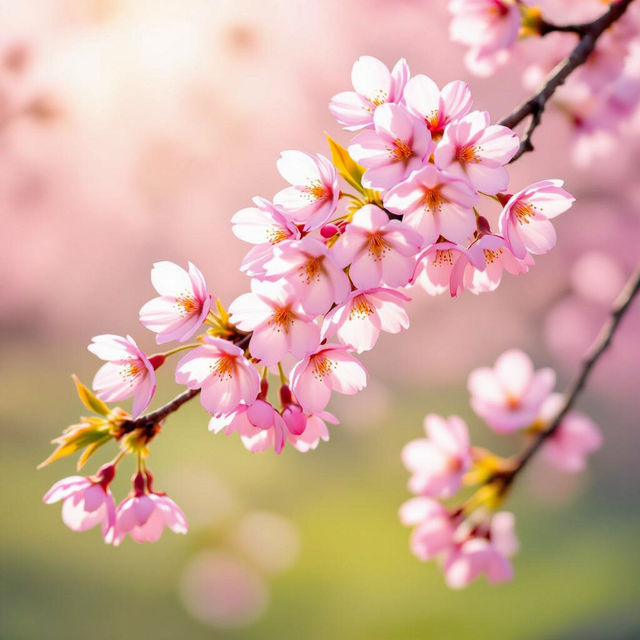
Aesthetic Spring iPhone Wallpaper
Discover beautiful Aesthetic Spring iPhone Wallpaper options. Find the perfect vibrant, floral, and nature-inspired designs to refresh your phone's look today.

Eiffel Tower Wallpapers
Explore a breathtaking collection of Eiffel Tower wallpapers. Find the perfect Parisian scene to adorn your screen, or create your own unique Eiffel Tower wallpaper with AI.
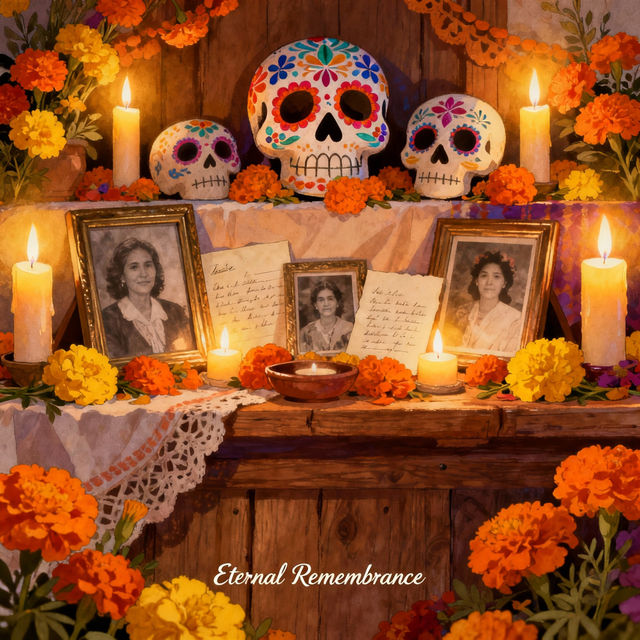
Ofrenda Drawings - Created with AI
Explore a vibrant gallery of AI-generated Ofrenda drawings. Find inspiration for your Day of the Dead altar and create your own unique Ofrenda art with NightCafe.
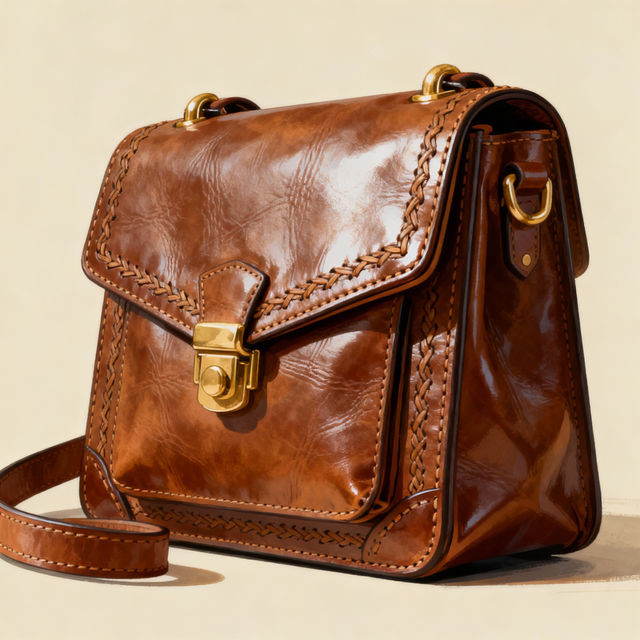
Purse Drawing - AI Generated Art
Discover a unique collection of purse drawings created by AI. Find inspiration for your next fashion design or simply admire the artistic possibilities of AI-generated imagery.
Frequently Asked Questions
Your Questions About AI Skeleton Art, Answered
How can I generate my own unique skeleton pictures?
To create your own skeleton art, start by entering a descriptive prompt into our AI art generator. Be specific about the style (e.g., anatomical, abstract, gothic, cartoonish), the pose of the skeleton, the background, and any specific details you envision. Experiment with different keywords to achieve the exact look you desire. You can also explore various AI models available on NightCafe to see which best suits your artistic vision for skeletal imagery.
What kind of styles can I achieve with AI skeleton art?
Our AI models are capable of generating skeleton art in a vast array of styles. You can create realistic anatomical renderings, abstract and artistic interpretations, eerie and gothic scenes, whimsical cartoon skeletons, and much more. Think about the mood and purpose of your art – are you aiming for something scientifically accurate, spooky, or even humorous? Your prompt will guide the AI.
Can I use the generated skeleton pictures for commercial projects?
Yes, the AI-generated skeleton pictures you create can typically be used for commercial purposes, such as in your artistic projects, designs, or even for marketing materials. However, it's important to always refer to NightCafe's Terms of Service for the most up-to-date and specific guidelines regarding commercial use and attribution requirements for AI-generated content.
What if I'm not getting the results I want for my skeleton art?
If your generated skeleton pictures aren't quite right, try refining your prompt. Add more detail, try synonyms for your keywords, or specify the artistic style more clearly. You can also experiment with different aspect ratios, color palettes, or even try a different AI model. Sometimes, a small change in the prompt can lead to a significantly different and improved result. Don't hesitate to iterate!