

- Galleries
- Transparent Background Images
Pictures With No Background
Generate stunning pictures with no background using AI. Perfect for graphic design, web use, or creative projects. Explore transparent image options and create your own unique visuals.

As seen in








Transparent Background Images
Explore a diverse gallery of AI-generated images designed for seamless integration, featuring transparent backgrounds for ultimate creative flexibility.


Didn't find what you were looking for? Create your own below!
Create your own Pictures With No Background images
Discover the magic of Text to Image AI by creating your own unique images. Edit the prompt below to customize your creation.
No payment or credit card required.

Seamlessly Remove Backgrounds
AI Generated Images With Transparent Backgrounds
Effortlessly create stunning pictures with no background using our advanced AI. Perfect for graphic design, web use, or any creative project requiring clean, isolated visuals. Our tools make generating transparent images a breeze, allowing you to integrate your creations seamlessly into any design.
Create Your Transparent Images
Step 1
Describe Your Image
Start by describing the image you want to create in the prompt box. Be specific about the subject, style, and any details you want to include. For example, 'a fluffy white cat sitting on a windowsill, realistic style' or 'a vintage hot air balloon floating in a sunset sky, watercolor painting'. The more detail you provide, the better the AI can understand your vision for a transparent image.
Step 2
Generate Transparent Image
Once you've entered your prompt, click the "Generate" button. Our AI will process your request and create a unique image, automatically removing the background to give you a transparent visual.
Step 3
Download or Share
After your transparent image is generated, you can download it directly to your device. You can also share your creation with the community or use it immediately in your graphic design, web projects, or any other creative endeavor.

Designers' Secret Weapon
Create Transparent Images With AI Art
Unlock the power of our Transparent Image Generator to bring your artistic visions to life. Easily create transparent images with AI art, ideal for digital collages, product mockups, and dynamic web elements. Let your creativity flow without the constraints of unwanted backgrounds.
More Galleries
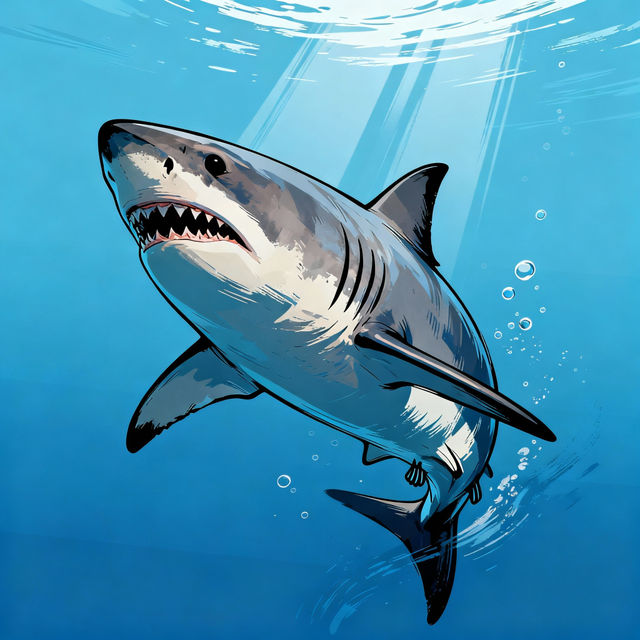
Drawing A Shark
Explore a gallery of incredible AI-generated shark drawings. Get inspired by different styles and techniques for drawing sharks, then create your own unique shark art with NightCafe.

Robber Drawings - AI Generated
Explore a gallery of unique AI-generated robber drawings. Get inspiration and create your own captivating robber character art with NightCafe's AI tools.
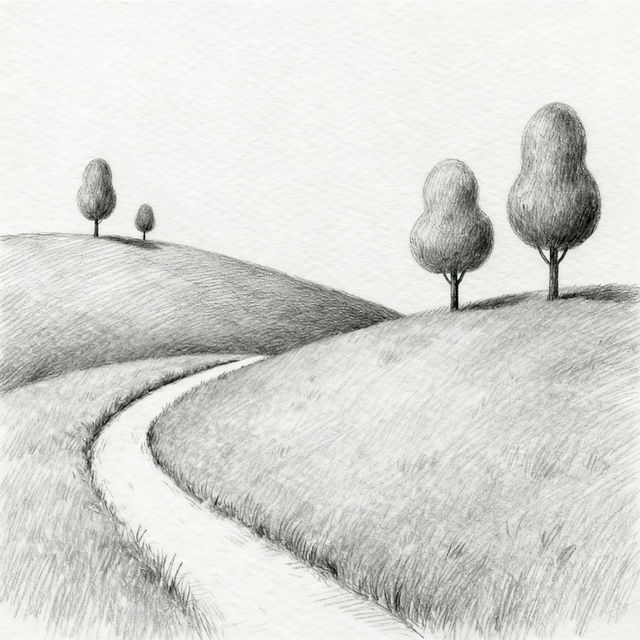
Creative Beginner Pencil Sketches
Discover a gallery of creative beginner pencil sketches. Get inspired by simple yet beautiful drawings, perfect for aspiring artists looking to start their sketching journey.

Dark Flat Tire At Night Pictures
Explore a collection of dark flat tire pictures captured at night. See how AI can generate eerie and atmospheric images of unexpected breakdowns in the dark.
Frequently Asked Questions
Frequently Asked Questions About Creating Transparent Images
How does the AI create images with no background?
Our AI models are trained on vast datasets that allow them to understand and isolate subjects from their backgrounds. When you generate an image, the AI identifies the primary subject and renders it with a transparent background, making it perfect for seamless integration into other designs.
What file formats can I download my transparent images in?
You can download your transparent images in formats that support transparency, such as PNG. This ensures that the background remains transparent when you use the image in your projects.
Can I use these transparent images for commercial projects?
Yes, you can use the transparent images generated with our AI for commercial projects. You are free to use them for graphic design, web use, product mockups, and any other creative or business-related purpose. Please refer to our Terms of Service for full details on usage rights.
What kind of subjects work best for creating transparent images?
The AI is highly effective at isolating a wide variety of subjects, including people, animals, objects, and even abstract shapes. For best results, ensure your subject is clearly defined and distinct from the background in your prompt. Experimenting with different prompts can help you discover the full potential.