

- Galleries
- Easy Pikachu Drawings
Pikachu Drawing Easy
Explore easy Pikachu drawings created by AI. Get inspired to draw your own adorable Pikachu, perfect for Pokémon fans of all ages. Start your drawing journey today!

As seen in








Easy Pikachu Drawings
Discover a charming collection of simple Pikachu drawings generated by AI. Perfect for beginners looking for easy-to-follow inspiration for their next Pokémon art.


Didn't find what you were looking for? Create your own below!
Create your own Pikachu Drawing Easy images
Discover the magic of Text to Image AI by creating your own unique images. Edit the prompt below to customize your creation.
No payment or credit card required.

Simplified Pikachu Tutorials
Learn To Draw Pikachu With AI
Dive into the world of Pokémon art with our easy-to-follow AI-generated Pikachu drawings. These step-by-step visuals break down the process, making it simple for anyone to capture Pikachu's iconic charm. Perfect for aspiring artists and dedicated fans, our Pikachu Drawing Easy gallery offers a fun and accessible way to begin your artistic adventure.
Create Your Own Adorable Pikachu!
Step 1
Describe Your Pikachu
Start by describing the Pikachu you want to create in the prompt box. Think about its pose, expression, and any accessories or background elements you'd like. For example, try "A cute Pikachu holding a lightning bolt, smiling, in a forest setting."
Step 2
Generate Your Pikachu Drawing
Once your prompt is ready, click the "Generate" button. Our AI will then work its magic to create a unique drawing of your Pikachu based on your description.
Step 3
Download & Share Your Art
After your Pikachu drawing is complete, you can download it to keep or share it with friends and family. Show off your amazing creation!

Unleash Your Creativity
Generate Pikachu Art With AI
Transform your ideas into unique Pikachu creations with our advanced AI art generator. Whether you envision Pikachu in a new adventure or a fantastical setting, our tools help you Generate Pikachu Art with AI effortlessly. Explore a vibrant gallery filled with diverse Pikachu Art Generator styles, and start creating your own electrifying masterpieces today!
More Galleries
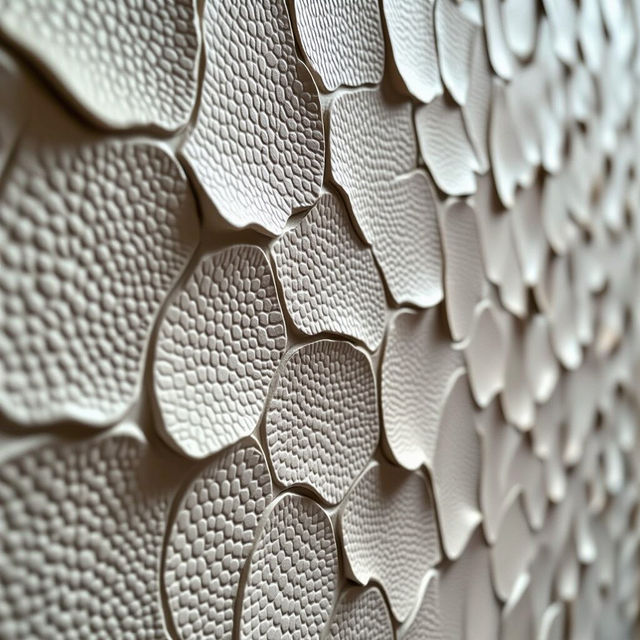
Textured Peel and Stick Wallpaper
Explore a stunning gallery of textured peel and stick wallpaper. Perfect for DIY projects, these AI-generated designs add unique style and dimension to any room. Create your own!
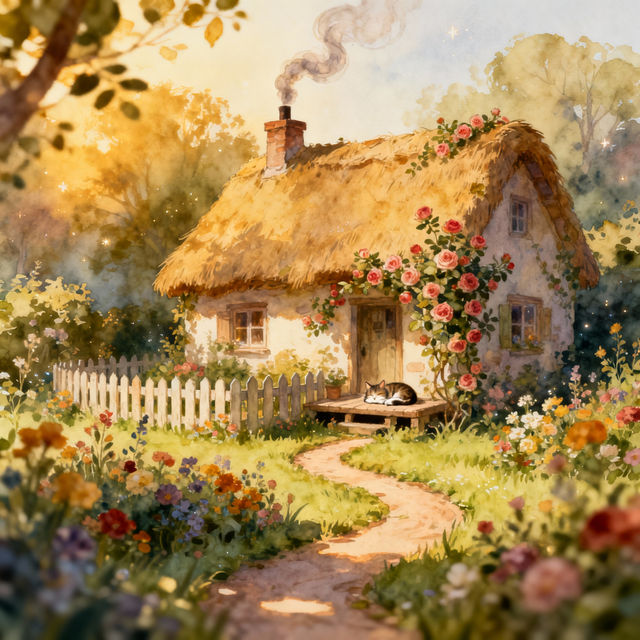
Drawing Of House
Explore a gallery of unique house drawings created by AI. Get inspired by various architectural styles and artistic interpretations, then create your own house drawing.
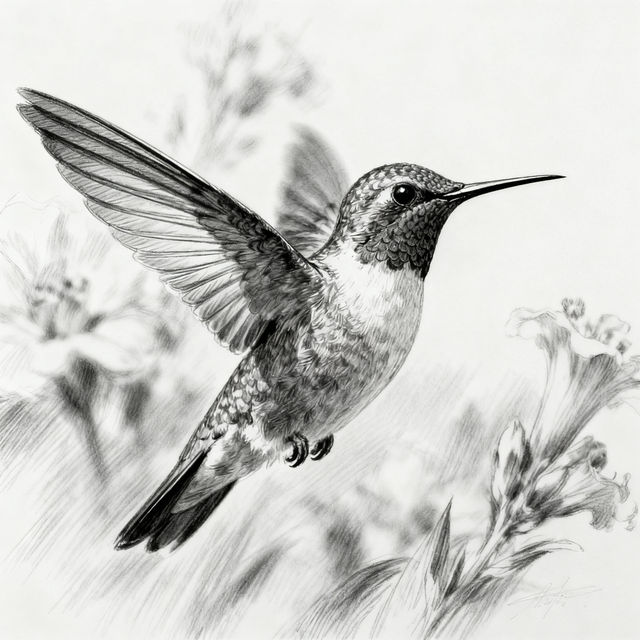
Drawing Of A Bird
Discover a beautiful collection of AI-generated drawings of birds. Get inspired by various species and styles, then create your own unique bird artwork with NightCafe.
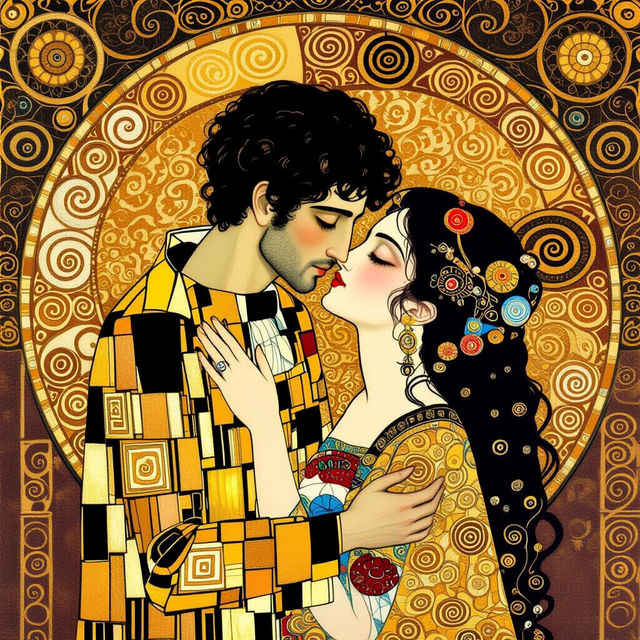
Gustav Klimt Art - AI Generated
Discover the opulent world of Gustav Klimt with AI-generated art. Browse intricate patterns and golden hues, then create your own Klimt-style masterpieces on NightCafe.
Frequently Asked Questions
Your Questions About Creating Easy Pikachu Art, Answered
How can I create my own easy Pikachu drawing using NightCafe?
To create your own easy Pikachu drawing, start by using descriptive prompts in our AI art generator. You can specify 'easy Pikachu drawing,' 'simple Pikachu sketch,' or 'Pikachu tutorial style' to guide the AI. Experiment with different keywords related to simplicity and drawing styles to achieve the look you desire. Our gallery provides inspiration, but the AI tools allow you to generate unique variations.
What makes these Pikachu drawings 'easy'?
The 'easy' aspect refers to the simplified and clear visual style of the AI-generated Pikachu drawings. They are designed to be approachable and less complex than highly detailed or photorealistic art, making them ideal for beginners, fans looking for quick inspiration, or those who appreciate a clean, iconic representation of Pikachu. The AI can generate these with prompts emphasizing simplicity and clarity.
Can I use the AI to generate Pikachu art in different styles or poses?
Absolutely! While this gallery showcases 'easy' styles, our AI art generator is capable of creating Pikachu in a vast array of styles, poses, and scenarios. You can prompt for 'Pikachu running,' 'Pikachu with a lightning bolt,' 'chibi Pikachu,' 'Pikachu watercolor style,' or even 'Pikachu in a fantasy setting.' Experiment with detailed prompts to unlock endless creative possibilities beyond simple drawings.
Are there any tips for getting the best results when generating Pikachu art?
For the best results, be specific with your prompts. Instead of just 'Pikachu,' try 'A cute, simple Pikachu drawing, smiling, with a yellow background, in a cartoon style.' Adding details about emotion, action, style, and background elements helps the AI understand your vision. Don't be afraid to iterate and refine your prompts based on the initial outputs you receive. Using negative prompts can also help exclude unwanted elements.